

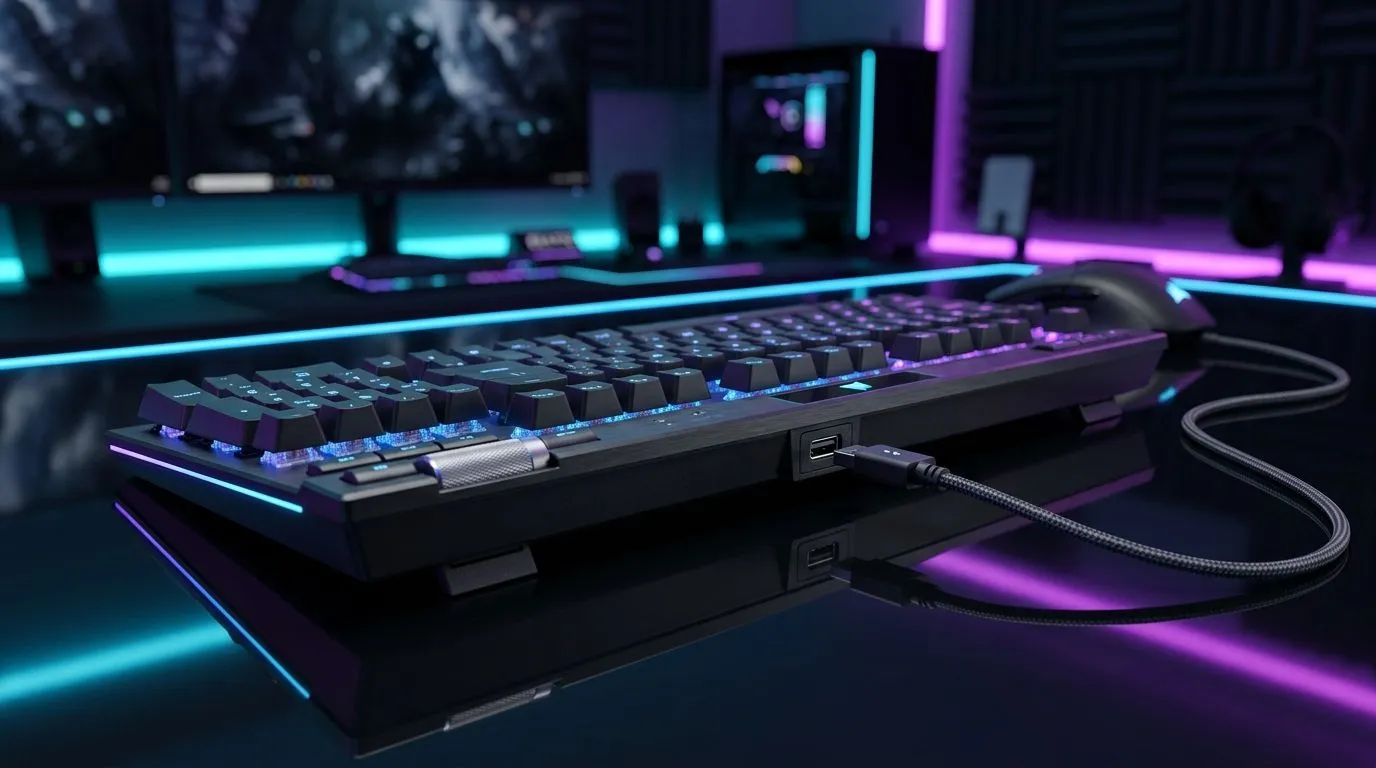
USB Pass-Through Port on a Gaming Keyboard: Worth It?
So you’re in the market for a new keyboard… and you notice that USB “pass-through” port on the side. Cool, right? For South African gamers who stream, record, or just constantly plug in headsets and thumb drives, it sounds handy. But does it actually help, or is it just a nice-looking extra? Let’s break it down in plain terms, then help you decide what’s worth paying for in a real Evetech build. 🔧
USB Pass-Through Port on a Gaming Keyboard: What it really does
A USB pass-through port on a gaming keyboard is a physical USB connector mounted on the keyboard, connected internally to one of the keyboard’s USB data lines. In practice, it lets you plug something into the keyboard without reaching behind your PC. ⚡
Common examples:
- Plugging in a mouse dongle or controller receiver
- Powering accessories that don’t require much current
- Convenient access to a headset dongle (when your cable management is… chaotic)
However, it’s important to know the trade-offs. A pass-through port usually shares the same upstream connection as the keyboard. That means:
- If you plug in a power-hungry device (external HDDs, fast charging bricks), performance or stability can suffer.
- Some ports may be “USB data only” rather than true “charging,” depending on the keyboard’s design.
If you’re building a setup around wired accessories, you might not even need pass-through. Your desk is usually “one cable away” anyway… especially with a good keyboard placement.
USB Pass-Through Port on a Gaming Keyboard: When it’s genuinely useful
Pass-through is most worth it if you:
- Have a PC in a tight spot (under a desk, behind a monitor)
- Use a frequently connected device at your keyboard position
- Want cleaner cable routing during LAN days, practice sessions, and quick testing
Micro-story from the Build Lab… If you’ve ever had a chaotic “plug this dongle into the front panel” moment before a match, you’ll get why pass-through feels tempting.
But here’s the honest buyer mindset: it should be a convenience bonus, not the core reason to buy.
What to check before you pay extra
Look for:
- Whether the keyboard supports both data and charging (if listed by the manufacturer)
- How many USB devices you already run via your PC ports
- Whether the keyboard’s cable length suits your desk layout
If you’re mainly gaming and using one headset, you might be better served spending that budget on a keyboard that matches your switch feel.
Setup Pro Tip ✨
On a busy South African desk, avoid “mystery charging” from a keyboard port. Treat pass-through as convenience for small dongles, not as your main power source. If you need reliable charging for controllers or earbuds, use a wall charger or powered hub that’s designed for it.
USB Pass-Through Port on a Gaming Keyboard: Wired vs wireless priorities
If you’re choosing between wired and wireless, prioritize stability and latency first, then convenience. Pass-through usefulness will vary based on your workflow.
- Wired keyboard builds: you can keep your desk simpler, and you may already have easy access to front ports.
- Wireless keyboard builds: pass-through can be handy for dongles, but don’t ignore battery life and charging reliability.
To help you shop confidently, explore Evetech’s keyboard options:
- Check out best gaming keyboard deals for models that fit your style and budget: https://www.evetech.co.za/best-gaming-keyboard-deals/x/055.aspx
- Looking for a wired setup? Browse the cheapest gaming keyboard (wired) options here: https://www.evetech.co.za/components/buy-cheapest-gaming-keyboard-in-south-africa-52.aspx?attributes-connectivity=Wired
- Prefer a wireless path? Start here: https://www.evetech.co.za/components/buy-cheapest-gaming-keyboard-in-south-africa-52.aspx?attributes-connectivity=Wireless
And if you want to tidy your desk with one purchase, keyboard and mouse bundles can make cable management easier from the start:
- View a keyboard + mouse combo deal here: https://www.evetech.co.za/buy-keyboard-mouse-combo/x/1583.aspx
Finally, if you just want the widest starting point for comparisons:
- Compare the cheapest gaming keyboards in South Africa here: https://www.evetech.co.za/components/buy-cheapest-gaming-keyboard-in-south-africa-52.aspx
USB Pass-Through Port on a Gaming Keyboard: Quick buying conclusion
So… is a USB pass-through port worth it? For most gamers, it’s a nice-to-have if you regularly plug in small accessories at your desk. It’s not automatically “better,” and it shouldn’t replace fundamentals like comfort, key feel, and responsiveness. If your build already has easy access to ports, you can happily skip the premium for pass-through.
USB Pass-Through Port on a Gaming Keyboard: Worth It? Choose smart, then buy with confidence
Spend the extra money where it actually impacts your gameplay. If you like the convenience, go for it. If not, invest in what you’ll feel every day.
Ready to Find Your Perfect Match? The Mac vs Windows debate is complex, but for maximum power, choice, and value in South Africa, Windows is hard to beat. Explore our massive range of laptop specials and find the perfect machine to conquer your world.











