

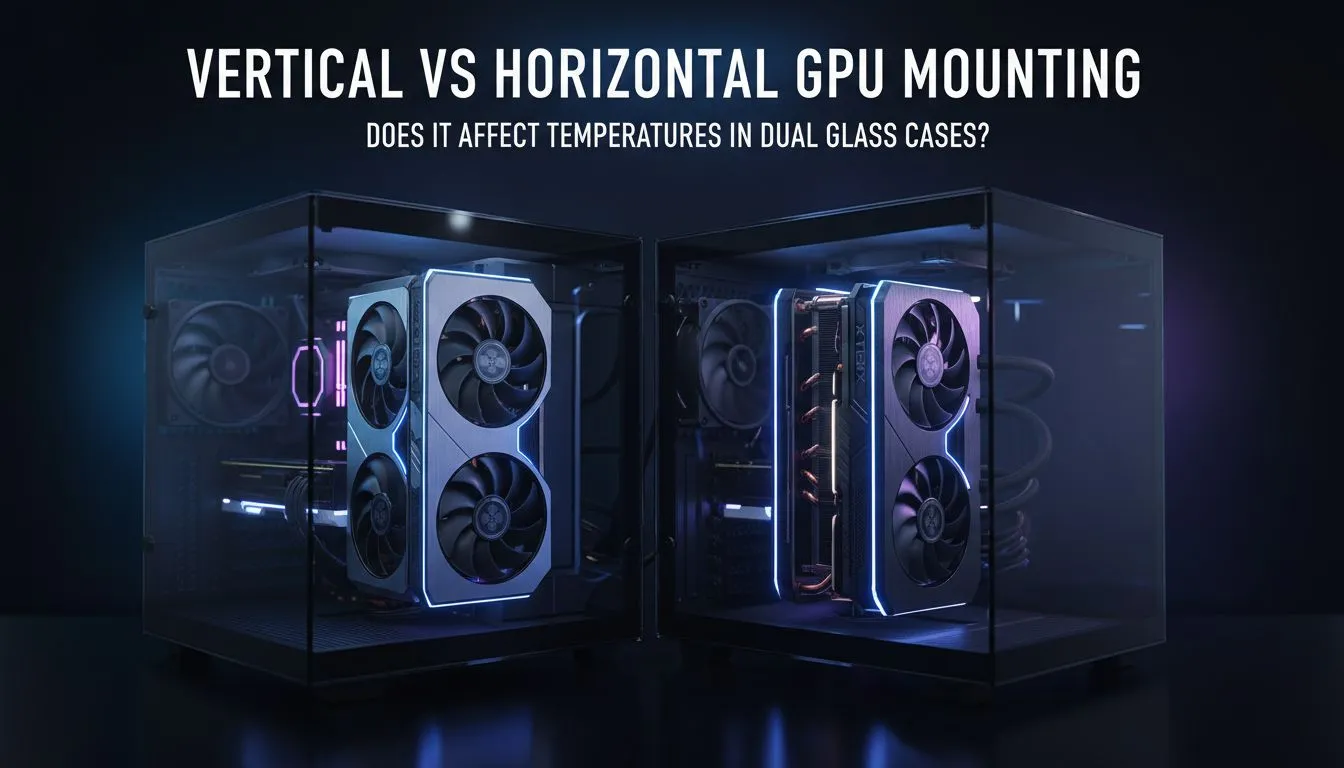
The Great Debate: Vertical vs Horizontal GPU Mounting
So, you’ve just bagged a beastly new graphics card... it looks incredible, but should you show it off? The debate over vertical vs horizontal GPU mounting is a hot topic for South African builders. Does flipping your card actually affect your temperatures? Let’s dive into the thermal reality of modern PC building before you commit to that riser cable and risk thermal throttling.
Understanding Horizontal GPU Mounting
Horizontal mounting is the industry standard for a reason. It allows heat to rise naturally away from the PCB and backplate. Most computer cases are designed specifically with this airflow path in mind. By sitting parallel to the motherboard, the GPU fans can pull in cool air from the bottom or front of the chassis without obstruction.
In a typical South African summer, ambient temperatures can reach 30°C or more. In these conditions, horizontal mounting usually offers the lowest core temperatures. It ensures your fans aren't fighting physics during a heavy session of Warzone or rendering a complex 4K video.
The Aesthetic Appeal of Vertical Mounting
Vertical mounting looks stunning... there is no denying it. It puts those expensive RGB fans and sleek shrouds front and centre for everyone to see. However, the thermal impact depends entirely on your case design.
Some premium options, like Fractal Design PC cases, provide dedicated vertical slots with plenty of breathing room. If the card sits too close to the side panel glass, the fans cannot intake enough air. This creates a vacuum effect. Your GPU temperatures could spike by 10°C or more, leading to lower clock speeds and loud fan noise.
The Two-Slot Rule ⚡
If you choose a vertical mount, ensure there is at least a two-slot gap between the GPU fans and the side glass. This allows enough cool air to reach the heatsink. Without this gap, your card will likely thermal throttle under load, especially during long gaming sessions in warmer climates.
Choosing the Right Case for Your Layout
Airflow is the real hero in this discussion. If you are building on a budget, you can still find great options that support your preferred layout. You might want to check out these Gamdias gaming cases under R1500 which offer high-airflow mesh designs.
A mesh front panel helps compensate for the slightly restricted intake of a vertical mount. If you want a more premium look with versatile mounting brackets, the full range of Gamdias gaming cases provides excellent modularity for South African gamers.
Does it actually affect performance?
If your GPU stays under 80°C, the performance difference between vertical vs horizontal GPU mounting is negligible. However, once you cross that thermal threshold, Nvidia and AMD cards will automatically downclock to protect themselves.
Always prioritise airflow over aesthetics if you live in a particularly hot province like Gauteng or KwaZulu-Natal. A beautiful rig that stutters is never worth the trade-off. 🔧
Ready to Find Your Perfect Match? The vertical vs horizontal GPU mounting debate comes down to your specific hardware and case choice. For the best airflow and thermal performance in South Africa, we have you covered. Explore our massive range of computer cases and build a rig that stays cool under pressure.











