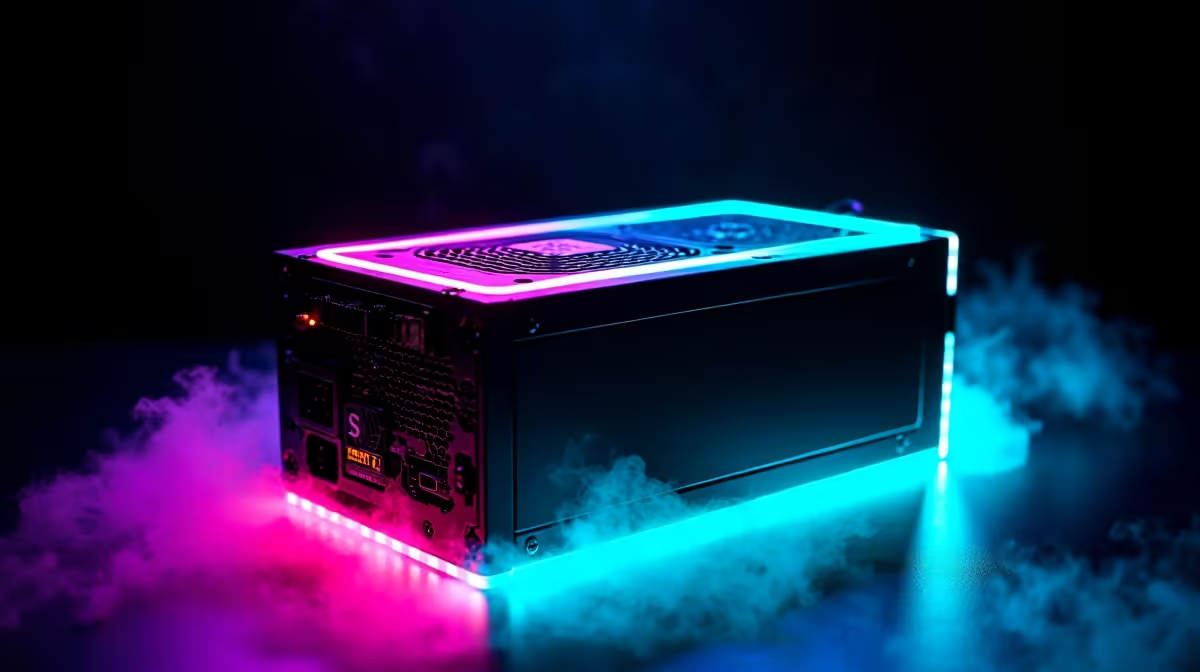
Building a new gaming rig in Mzansi? Lekker! But before you splash out on that beastly graphics card, let's talk about the unsung hero of your build: the Power Supply Unit (PSU). Choosing the right PSU wattage is more than just a numbers game; it's the foundation of your PC's stability. Get it wrong, and you're looking at frustrating crashes or even damaged parts. So, what PSU wattage do you need for your gaming PC? Let's break it down.
Why Your PSU Wattage Matters More Than You Think
Think of your PSU as the heart of your PC. It takes the AC power from your wall and converts it into the clean, stable DC power your precious components need to thrive. Skimping on this critical part is a recipe for disaster.
An underpowered PSU will struggle under load—like during an intense Warzone match—leading to system instability, random shutdowns, and performance throttling. In the worst-case scenario, a failing, low-quality PSU can take other components with it. On the flip side, going for a massive 1600W PSU for a mid-range build is just wasting your hard-earned Rands on power you'll never use.
Calculating the Right PSU Wattage for Your Build
So, how do you find that "just right" number? The process of determining the correct PSU wattage starts with your two thirstiest components.
The Big Two: CPU and GPU
Your Central Processing Unit (CPU) and Graphics Processing Unit (GPU) are the biggest power consumers in any gaming PC. A high-end GPU like an NVIDIA GeForce RTX 4080 can pull over 300 watts on its own, while a top-tier CPU can add another 150-250 watts under full load. These two components will dictate the baseline for your power needs.
Don't Forget the Rest
While the CPU and GPU are the main event, everything else adds up. Your motherboard, RAM sticks, cooling fans, RGB lighting, and storage drives (SSDs and HDDs) all draw power. It's not a huge amount individually, but collectively it can be another 50-100W you need to account for.
The Golden Rule: Headroom is Key 🚀
Once you've estimated your total power draw, don't just buy a PSU that matches it. The golden rule is to add 20-30% "headroom." This extra capacity ensures your PSU isn't constantly running at 100% capacity, which improves efficiency, reduces heat and noise, and gives it a longer lifespan. It also gives you breathing room for future upgrades. Even in our range of budget gaming PCs, we ensure there's enough headroom for stable performance.
Understanding 80 Plus Efficiency ⚡
An '80 Plus' rating isn't about power output; it's about efficiency. A Bronze PSU might waste 18% of power from the wall as heat, while a Gold PSU wastes only 10%. This means a Gold-rated PSU runs cooler, quieter, and can save you a bit on your electricity bill over time. For most South African gamers, a Gold-rated PSU hits the sweet spot for price and performance.
A Quick Wattage Guide for SA Gamers
While every build is unique, here are some solid starting points for figuring out what PSU wattage you need, based on common gaming PC tiers in South Africa.
- Entry-Level Gaming (1080p): For builds centered around a GPU like the RTX 3050 or RTX 4060, a quality 550W to 650W PSU is usually perfect. This gives you plenty of power for smooth Full HD gaming without overspending. You'll find many powerful systems under R20,000 that fall into this category.
- Mid-Range Powerhouse (1440p): Stepping up to a GPU like the RTX 4070 or Radeon RX 7800 XT? You're in the sweet spot for high-refresh-rate 1440p gaming. We recommend a reliable 750W to 850W Gold-rated PSU. This ensures stability and provides headroom for overclocking, and it's the core of some of the best gaming PC deals in South Africa.
- High-End Beast (4K Gaming) ✨: If you're building a monster rig with an RTX 4080 SUPER or the mighty RTX 4090, don't even think about cutting corners. A 1000W to 1200W Platinum-rated PSU is the smart choice. These top-tier components have significant power spikes (transient loads), and a robust PSU is non-negotiable for these high-end gaming rigs.
More Than Just Watts: Modularity and Standards 🔧
Choosing the right PSU wattage is step one. Also, consider modularity. A fully modular PSU lets you connect only the cables you need, making for a much cleaner build with better airflow.
Also, keep an eye on new standards like ATX 3.0. These PSUs are designed to better handle the massive, brief power spikes of modern GPUs and often include the 12VHPWR (or 12V-2x6) connector needed for NVIDIA's latest cards, saving you from using clumsy adapters.
Ready to Power Up Your Game?
Choosing the right PSU wattage is key to a stable, high-performance rig. If you'd rather skip the guesswork and get straight to gaming, let our experts handle the technical stuff. Explore our latest pre-built PC deals and find a perfectly balanced machine, ready to conquer any challenge.