

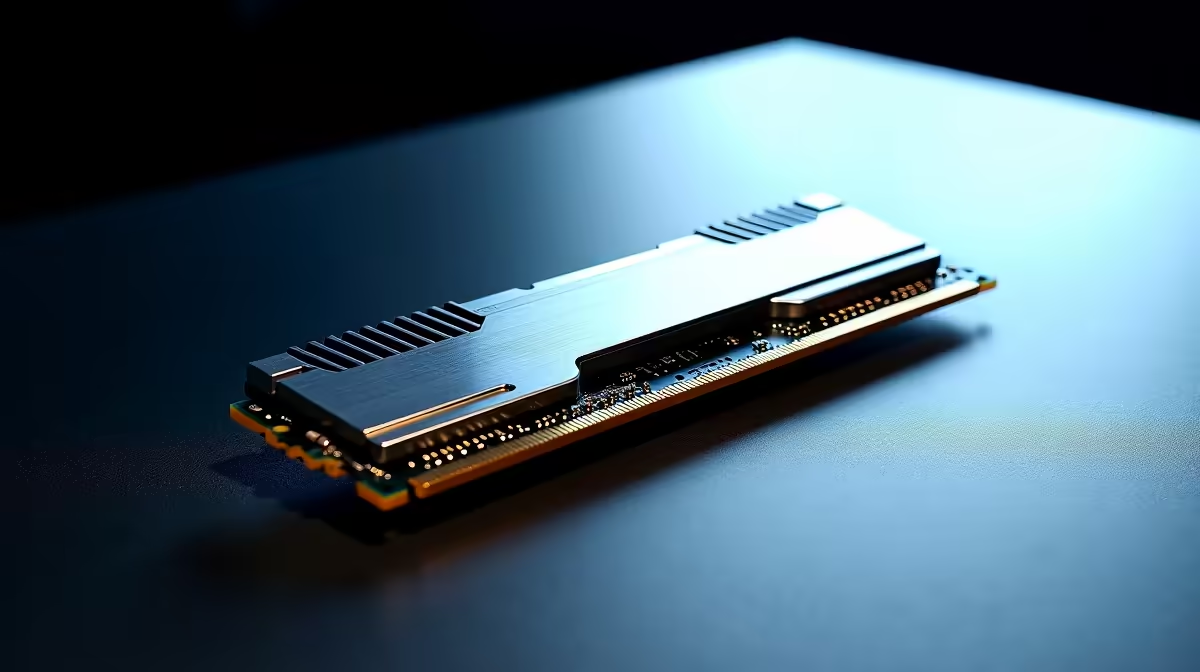
You just dropped thousands of ZAR on a top-tier PC build. You boot into Windows, check Task Manager, and your heart sinks. Your blazing-fast 6000MHz memory is crawling at 4800MHz. It is a massive letdown for any South African gamer. If you are wondering why your DDR5 RAM is not running at full speed and how to fix it, you are in the right place. Let us sort it out.
Why Your DDR5 RAM Is Not Running at Full Speed
Out of the box, DDR5 memory defaults to a baseline standard set by JEDEC. This ensures maximum stability across all systems... even when facing the unpredictable power dips we know too well in South Africa.
To reach those advertised speeds on the box, you need to tell your PC to overclock the memory automatically. This is done using XMP for Intel processors or EXPO for AMD Ryzen CPUs. Before panicking, simply open Windows Task Manager. Click on the Performance tab and check your memory speed. If it reads 4800MHz or 5200MHz instead of 6000MHz+, you need to make a quick adjustment.
How Do I Fix It? Enabling XMP or EXPO
Fixing this is easier than you think 🔧. Restart your PC and press the Delete or F2 key to enter the BIOS. Look for a setting called Extreme Memory Profile (XMP) or Extended Profiles for Overclocking (EXPO). Toggle this setting to 'Profile 1' and save your changes.
Your hardware plays a massive role here. If your system is outdated, you might want to browse the latest motherboards to ensure full high-speed DDR5 compatibility.
BIOS Update Pro Tip ⚡
Always ensure your motherboard BIOS is fully updated before enabling high-speed XMP or EXPO profiles. Manufacturers frequently release updates to improve DDR5 stability, especially for speeds pushing past 6000MHz.
Troubleshooting Stubborn Memory Kits
Sometimes enabling the profile is not enough. If your PC crashes or fails to boot, your CPU memory controller might be struggling to keep up. Try selecting a slightly lower frequency profile in your BIOS... like dropping from 6400MHz to 6000MHz.
You also need to ensure your sticks are installed in the optimal slots. For most modern boards, these are slots two and four. If your current sticks are faulty, it might be time to invest in reliable memory kits designed for high performance.
Avoiding the Hassle with Pre-Built Excellence
Tuning hardware can be stressful, especially when you just want to play your favourite games ✨. If you prefer a seamless plug-and-play experience, buying a fully tested system is the smart move.
Our elite technicians optimise every single setting before shipping... including your RAM speeds. You can skip the frustrating BIOS tinkering entirely when you grab one of our best gaming PC deals.
Maximise Your ZAR on PC Upgrades
Getting the absolute best performance should not empty your wallet 🚀. Whether you need faster memory or a board that supports extreme overclocks, keeping an eye on local tech deals is vital. Check out our daily specials to stretch your budget further and get the frames you deserve.
Ready to Unlock Maximum Performance? Don't let slow memory hold back your frame rates. Whether you need high-speed DDR5 kits, a robust new motherboard, or a completely new rig, Evetech has the best hardware deals in South Africa. Upgrade your PC components today and experience true next-gen speeds.











