

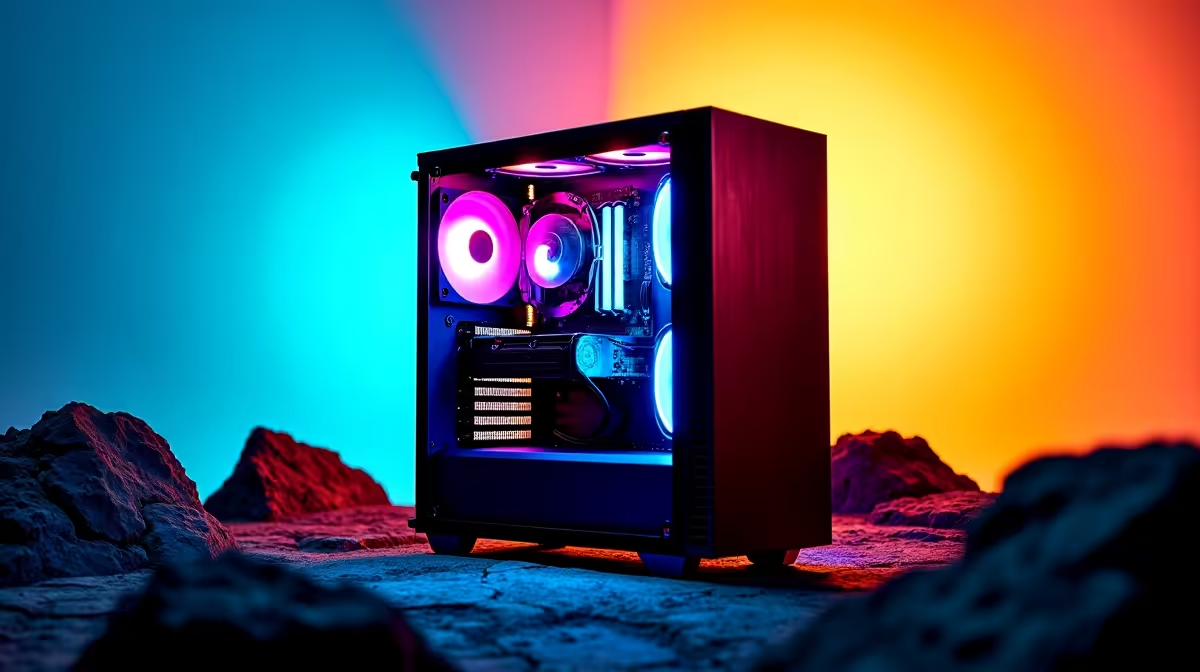
Summer in Mzansi is brutal. You load up Cyberpunk 2077, trusting your new smart motherboard to handle the thermals. Suddenly... your fans sound like a jet engine. If you are wondering why is your gaming PC running hot even with AI cooling enabled, you are not alone. Smart software cannot always beat physical heat. Let us explore what is really happening inside your chassis.
The Reality of AI Cooling in South African Summers ☀️
AI cooling is brilliant. Leading motherboard brands use clever algorithms to optimise fan curves based on live CPU temperatures. But software has physical limits. If your room feels like a Durban sauna, blowing hot air over a radiator will not magically cool your processor. You need a solid hardware foundation first.
When browsing the best gaming PC deals, always prioritise cases with mesh front panels. Good airflow beats smart software every single time. A solid glass front panel might look incredible, but it severely chokes your intake fans.
Hardware Bottlenecks vs Software Smarts
AI cooling calculates the optimal fan speed to balance noise and thermals. However, if your thermal paste has dried up, heat cannot transfer from the CPU to the cooler. The AI will ramp the fans to their maximum speed, but the processor will still throttle.
This physical limitation applies to portable rigs too. If you prefer mobility and are checking out notebooks for sale in South Africa, remember that laptops pack high-end parts into tiny spaces. AI cooling helps manage power, but elevating the back of the laptop for better air intake is crucial.
Airflow Pro Tip 🔧
Always ensure you have more intake fans than exhaust fans. This creates positive pressure inside your case, pushing hot air out of the crevices and keeping Mzansi dust from settling on your precious components.
Common Culprits Behind High Temperatures ⚡
So, why is your gaming PC running hot even with AI cooling enabled? Start by checking your physical setup. Is your rig shoved into a carpeted corner? Dust acts as an insulating blanket over your heatsinks. You must clean your dust filters monthly.
Another frequent issue is an underpowered cooler. Pairing a flagship processor with a budget air cooler is a recipe for thermal throttling. The AI will try its absolute best, but physics will ultimately win. Sometimes you just need a hardware upgrade. You can often find premium AIO liquid coolers on our weekly specials page for under R2,000.
Give Your Rig Room to Breathe 🚀
Your graphics card also generates massive heat. Modern GPUs dump hot air directly into the main case chamber. If your exhaust fans cannot remove that air fast enough, your CPU cooler ends up recycling hot air. This creates a vicious cycle that AI cooling simply cannot fix.
Ensure your chassis has a clear exhaust path. Keep your cables tidy... use zip ties to prevent them from blocking the airflow. Smart cooling is a fantastic tool, but it is not a cure-all. Combine AI software with excellent build practices for the best gaming performance.
Ready to Beat the Heat? Stop letting thermal throttling ruin your frame rates. Whether you need a high-airflow chassis, a premium liquid cooler, or a completely new rig built for South African summers, Evetech has you covered. Explore our massive range of PC components and keep your gaming setup ice cold.











