

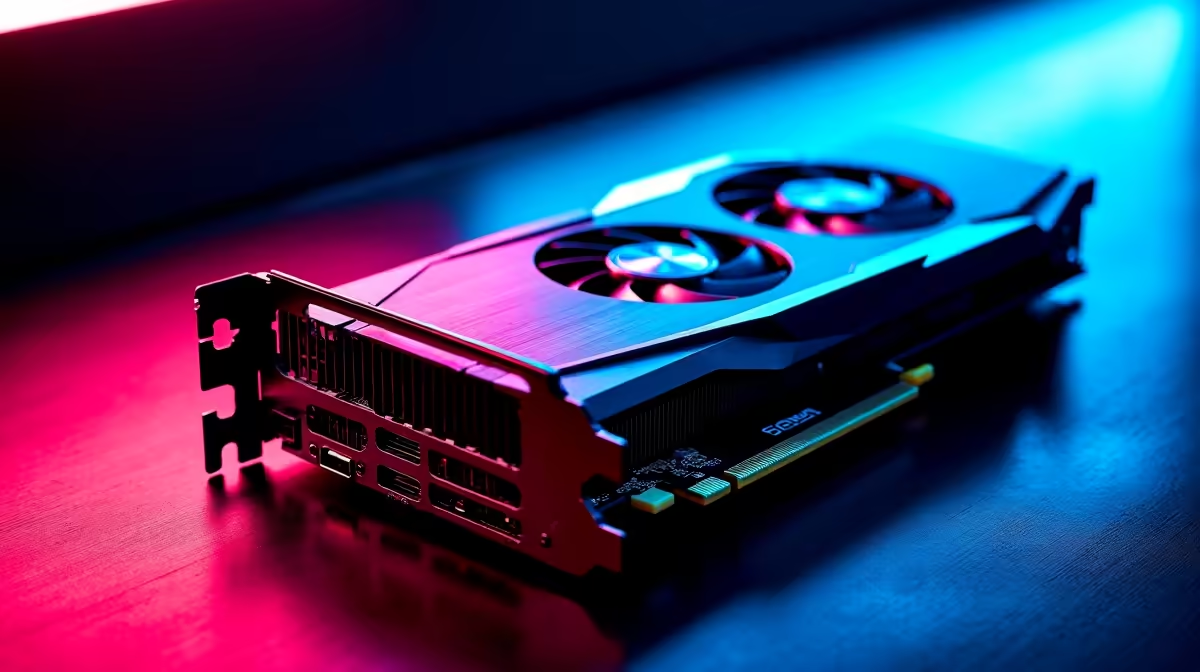
Building a compact gaming rig in South Africa is incredibly rewarding. You get a sleek console-sized PC that fits perfectly on your desk. But when our summer heatwaves hit, that tiny chassis can quickly become an oven. If you are wondering why your GPU overheating in compact builds is ruining your performance, the answer is usually restricted airflow.
The Physics of Small Form Factor Thermals 🚀
Cramming high-end hardware into a Mini-ITX case looks fantastic. It also creates a thermal nightmare. Standard graphics cards struggle to breathe when squeezed against power supplies. The fans spin louder, yet temperatures keep climbing.
Eventually, thermal throttling kicks in to save your silicon. This means your expensive hardware slows down right when you need it most. To avoid this, you need purpose-built cooling solutions when you buy graphics cards for small systems.
How 2.5-Slot Cooling Improves Thermal Control 🔧
So, what is the fix? This is where thicker heatsinks come to the rescue. Understanding how 2.5-slot cooling improves thermal control is crucial for any compact PC builder. A 2.5-slot cooler uses a massive aluminium fin array and larger fans.
It takes up more motherboard space but offers significantly more surface area. This means fans can spin slower and quieter while pushing more air. Whether you run a modern beast or want to buy Nvidia GeForce GTX graphics cards for a budget rig, it matters.
That extra half-slot of cooling makes a massive difference in stability. Keep an eye out for the best graphics card deals featuring these robust cooler designs.
Clearance Check Pro Tip ⚡
Before buying a 2.5-slot GPU for your Mini-ITX case, always check the exact millimetre clearance on your chassis spec sheet. A card that is too thick might press against the glass side panel, completely choking the fans and making temperatures worse!
Maximising Airflow for South African Summers ☀️
Upgrading to a thicker cooler is just the first step. You also need to ensure your case exhausts hot air efficiently. Even the best heatsink fails if it recycles hot air inside a tiny metal box. Pairing a well-cooled GPU with optimal case fans ensures your system stays frosty... even when ambient room temperatures push past 30 degrees.
Beyond just hardware, you can also tweak your software. Setting a custom fan curve allows fans to ramp up earlier. You can also look into undervolting your graphics processor. This reduces power draw and heat output without sacrificing any gaming performance.
If building from scratch sounds like too much hassle, explore our best gaming PC deals. We rigorously test these pre-built setups to ensure they survive intense gaming sessions without melting. Plus, you can often find premium cooling configurations bundled in our specials to save yourself a few thousand ZAR. Proper cooling extends the lifespan of your components and keeps your frame rates buttery smooth.
Ready to Defeat Thermal Throttling? Don't let overheating ruin your next gaming session. Whether you need a thicker heatsink or a brand-new spacious chassis, we have the hardware to keep your frame rates high and your temperatures low. Explore our massive range of PC components and build your ultimate cool-running rig today.











