

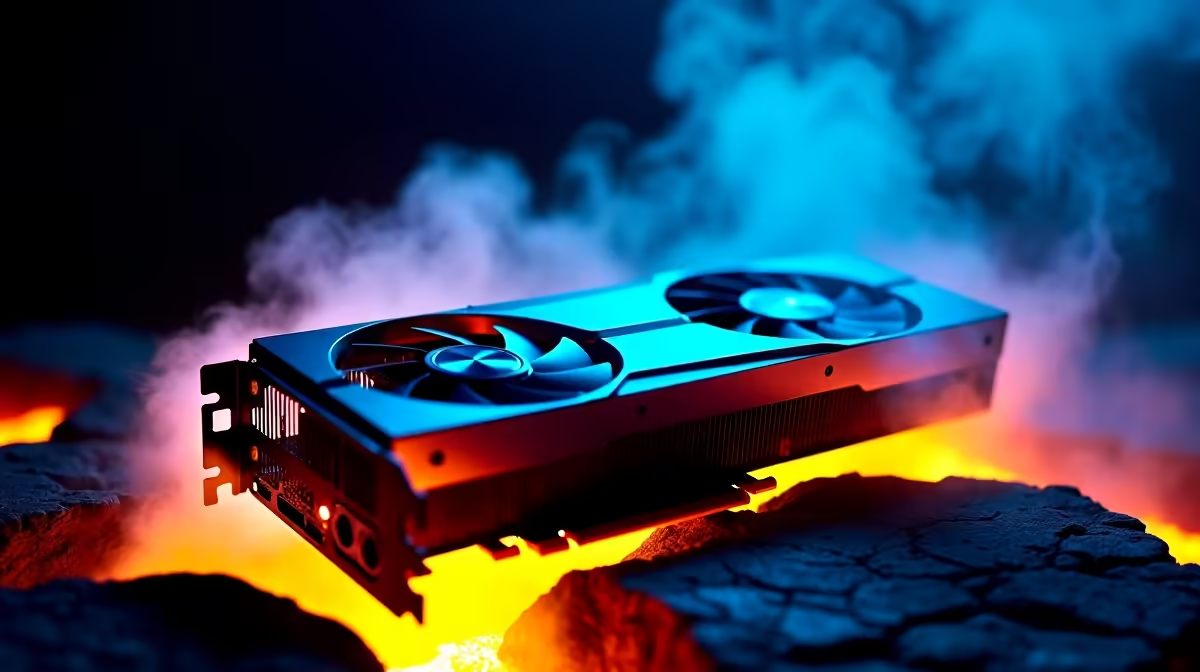
It is a classic South African Friday night. The power is finally on, the squad is online, and you are three hours deep into a raid. Suddenly, your frames tank. Your rig sounds like a Boeing taking off from OR Tambo. If you are wondering why your GPU is overheating under sustained loads, you are not alone. Thermal throttling is the silent killer of high-FPS gaming... but it is entirely preventable.
The Anatomy of Thermal Throttling
When you push pixels for hours, your graphics card generates massive thermal energy. Sustained loads mean your graphics processor is running at near 100 percent utilisation for extended periods. Standard coolers often struggle to dissipate this heat fast enough during marathon sessions. Without a robust way to expel that hot air, the ambient temperature inside your chassis rises rapidly.
The result is thermal throttling... your card actively slows itself down to prevent melting its own silicon. If you are tired of dropping frames when the action gets intense, upgrading to one of the latest graphics cards with a beefy aftermarket cooler is often the easiest fix. Modern cards are built to handle intense heat output without breaking a sweat.
How Advanced Cooling Architectures Help ✨
So, how do advanced cooling architectures help keep your system stable? It all comes down to surface area and airflow dynamics. Modern premium cards use massive aluminium heatsinks, copper vapour chambers, and triple-fan setups to move heat away from the GPU core instantly. Vapour chambers, for instance, use liquid that evaporates and condenses to spread heat incredibly fast.
Even entry-level and mid-range options... like the highly reliable Nvidia GeForce GTX graphics cards... now feature dual-fan designs that easily outperform the flagship coolers of yesteryear. These fans often feature zero-RPM modes, staying completely silent until you launch a demanding title.
Airflow Pro Tip 🔧
Before blaming your GPU, check your case airflow. Ensure you have more intake fans than exhaust fans to create positive pressure. This keeps dust out and feeds fresh, cool air directly to your graphics card fans.
Paste, Pads, and Sustained Loads
Over time, the thermal paste and silicone pads inside your GPU dry out. This severely limits heat transfer from the processor die to the heatsink. If your card is a few years old, a repaste might drop temps by 10 degrees.
However, if the hardware is simply outdated and struggling to keep up, you might be better off looking for the best graphics card deals. This allows you to secure a modern, cool-running architecture while saving a few thousand ZAR in the process.
The Pre-Built Cooling Advantage ⚡
Sometimes the core issue is not just the GPU itself. A cramped, poorly ventilated case will suffocate even the best coolers. If your entire system feels like a space heater, a complete overhaul might be due.
Exploring the best gaming PC deals ensures you get a rig where the chassis, case fans, and GPU cooling are perfectly balanced by professionals. No more guessing if your components will choke on their own recycled heat.
Keeping Your Temps and Budget Low 🚀
Upgrading your cooling solution or buying a new GPU does not have to drain your wallet. You can find massive savings if you know exactly where to look. Keep a close eye on our daily specials to upgrade your rig's thermal performance for a fraction of the usual price.
Ready to Freeze Out the Competition? Stop letting thermal throttling ruin your clutch moments. Whether you need a massive triple-fan GPU or a high-airflow chassis, we have the hardware to keep your frames high and temps low. Explore our massive range of PC components and build your ultimate cool-running rig today.











