

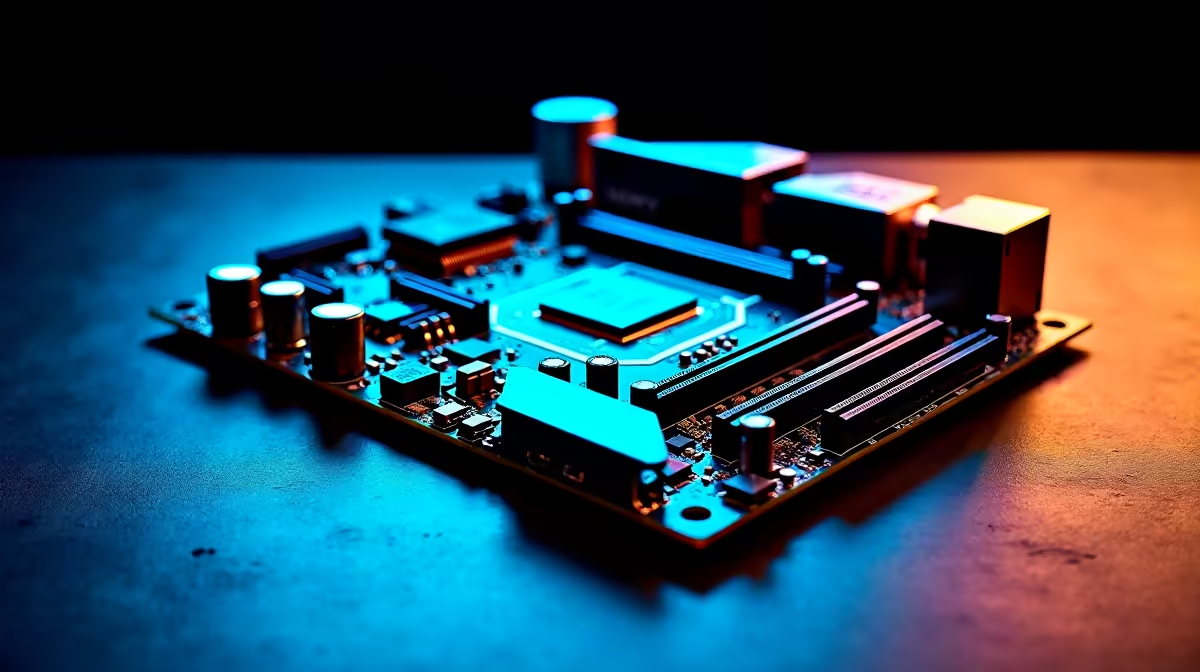
Tired of tripping over ethernet cables just to get decent ping in Apex Legends? South African gamers know the struggle of chasing stable connections. Fortunately... the era of messy wiring is fading fast. With the right WiFi 7 motherboard setup tips for lower-latency gaming and cleaner desk builds, you can achieve blazing speeds without the clutter. Let us dive into optimising your wireless rig.
The Wireless Revolution 🚀
Upgrading to the newest wireless standard brings massive bandwidth to your setup. WiFi 7 introduces 320MHz channels and Multi-Link Operation. This allows your PC to connect to multiple router bands simultaneously. What does this mean for you? Your ping drops significantly. You get the rock-solid stability of a wired connection. Plus... you keep your desk completely pristine.
Fibre speeds in South Africa are getting faster every year. You need hardware that can actually handle those gigabit lines. To start your wire-free journey, you must build on the right foundation. Upgrading your core components by browsing the latest motherboards is the first step to a cleaner gaming environment.
Team Red or Team Blue?
Choosing the right processor dictates your entire build. Thankfully... top manufacturers have fully embraced the new wireless standard across all modern platforms.
If you want to push high frame rates with core-heavy processors, you have excellent options. Exploring ASUS Intel motherboards reveals boards with built-in WiFi 7 modules and robust VRM cooling. They handle intense gaming sessions effortlessly.
Do you prefer the Ryzen ecosystem? The newest ASUS AMD motherboards deliver exceptional power delivery alongside next-gen connectivity. Both routes guarantee you can finally ditch the LAN cable. You will not sacrifice a single ounce of competitive performance.
Optimising Your Minimalist Rig ✨
A clean desk is about more than just hiding messy cables. It is about maximising the hardware inside your chassis to match your sleek aesthetic. When you upgrade your main board... you will likely need faster DDR5 RAM to keep up.
Pairing your new rig with high-speed memory kits ensures your system processes data rapidly. Your PC will handle information just as fast as your router can send it. This eliminates annoying micro-stutters during intense ranked matches.
Building from scratch can feel daunting. You do not have to do it alone. You can easily grab one of the best gaming PC deals that features next-gen wireless connectivity straight out of the box. This route can save you thousands of ZAR... and saves you hours of cable management frustration.
Antenna Placement Pro Tip ⚡
Never shove your motherboard's WiFi antenna directly behind your metal PC case. Metal blocks wireless signals. Place the magnetic antenna on top of your desk or chassis with a clear line of sight to your router for maximum stability and lower latency.
Applying these WiFi 7 motherboard setup tips for lower-latency gaming and cleaner desk builds transforms your space. You get to enjoy vibrant RGB colours and a minimalist aesthetic without ever worrying about lag spikes.
Ready to Ditch the Cables? Going wireless does not mean compromising on speed. For maximum power and a pristine desk in South Africa, upgrading your core components is the way to go. Explore our massive range of PC upgrades and build the ultimate wire-free gaming station today.











