

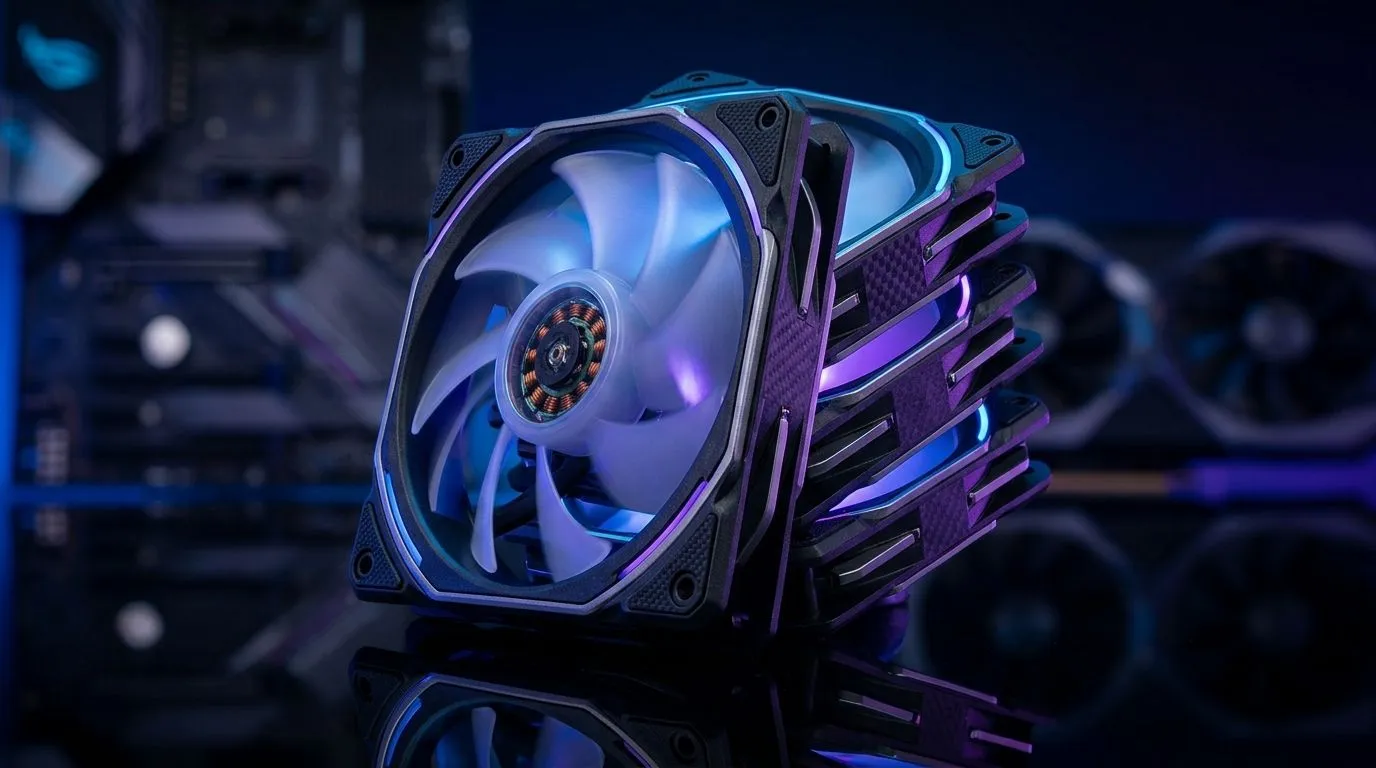
Wireless Daisy-Chain Case Fans: Cleaner South African Builds that actually run smooth 🔧
If your PC sounds like a small taxi queue at peak hour… you’re not alone. South African gamers want cooling that keeps frames stable, cables tidy, and builds looking sharp for LAN nights and streaming days. That’s where Wireless Daisy-Chain Case Fans: Cleaner South African Builds comes in. Instead of a spaghetti mess of fan cables, daisy-chain kits and wireless control can simplify power and signal. The result? A cleaner case, less fiddling, and more time gaming. ⚡
What “daisy-chain” and “wireless” mean for your build
Daisy-chaining generally means you connect multiple fans through a shared control/power path, so your motherboard headers don’t get overwhelmed. Wireless control typically reduces the number of physical connections required for fan behaviour (like speed curves or lighting profiles), depending on the kit and case support.
Before you buy, sanity-check three things:
- Fan size compatibility (120mm vs 140mm is common).
- Your case airflow layout (front intake, rear exhaust, top exhaust).
- Your control needs (basic speed control vs RGB effects).
For shopping, you can compare options in Evetech’s case fan selection:
- Browse the full case fan range here: case fans on Evetech
- Prefer a specific brand? Start with this brand-filtered list: CORSAIR case fans
- For cooling value and different styles, try: Deepcool case fans
Cleaner wiring starts with the right fan size ✨
Most “clean build” pain is mechanical, not electrical. If the fan doesn’t match your radiator or mounting positions, you end up with awkward adapters and extra cable slack.
Use these quick guides:
- 120mm setups often fit standard front/rear mounts and many AIO radiators.
- 140mm fans can move similar air with less RPM, which can mean quieter operation in some configurations.
To filter by size:
- 120mm options: 120mm case fans
- 140mm options: 140mm case fans
Productivity Pro Tip 🔧
On a build day, label your fan cables with painter’s tape before you remove the old fans. Then route them in one pass from intake to exhaust. It sounds small, but it prevents that “wait… where does this header go?” moment when you’re ready to power on.
RGB or not? Your “clean” look depends on lighting choices
Wireless and daisy-chain fans can still look messy if you choose incompatible lighting controllers or you don’t plan routing for the hubs. If you want a minimal aesthetic, pick fans with lighting support that matches your build plan (or go without).
If you’re sorting by lighting effects on Evetech:
- RGB-friendly picks: RGB case fans
- A cleaner, low-visual-option route: Non-RGB case fans
A quick South African “real-life” checklist before you commit
Here’s the approach that saves people money in SA builds:
- Measure clearance (front, top, and rear).
- Confirm mounting for your GPU length and PSU shroud area.
- Plan cable routing before attaching hubs permanently.
- Set expectations: wireless control can be convenient, but power routing still matters.
If you’re building for consistent FPS, remember: stable airflow usually beats “max speed all the time”. Tune fan curves once, then let the system handle day-to-day cooling.
Ready to Find Your Perfect Match? 🚀
Ready to Find Your Perfect Match? Upgrade your cooling without turning your case into a cable museum. Explore our massive range of case fans and build smarter, cleaner systems in South Africa. Browse the latest options on Evetech and choose the fans that match your setup perfectly: Explore our case fans for sale.











