


Headset Stock Levels in Bloemfontein: January 2026 Report
Headset Stock Levels in Bloemfontein: January. Current stock data & price tracking for SA buyers. See what is available and where prices are heading.
Read moreApple Watch for Kids: Family Setup and Parental. Clear setup instructions with SA-specific considerations, troubleshooting tips & recommended components.
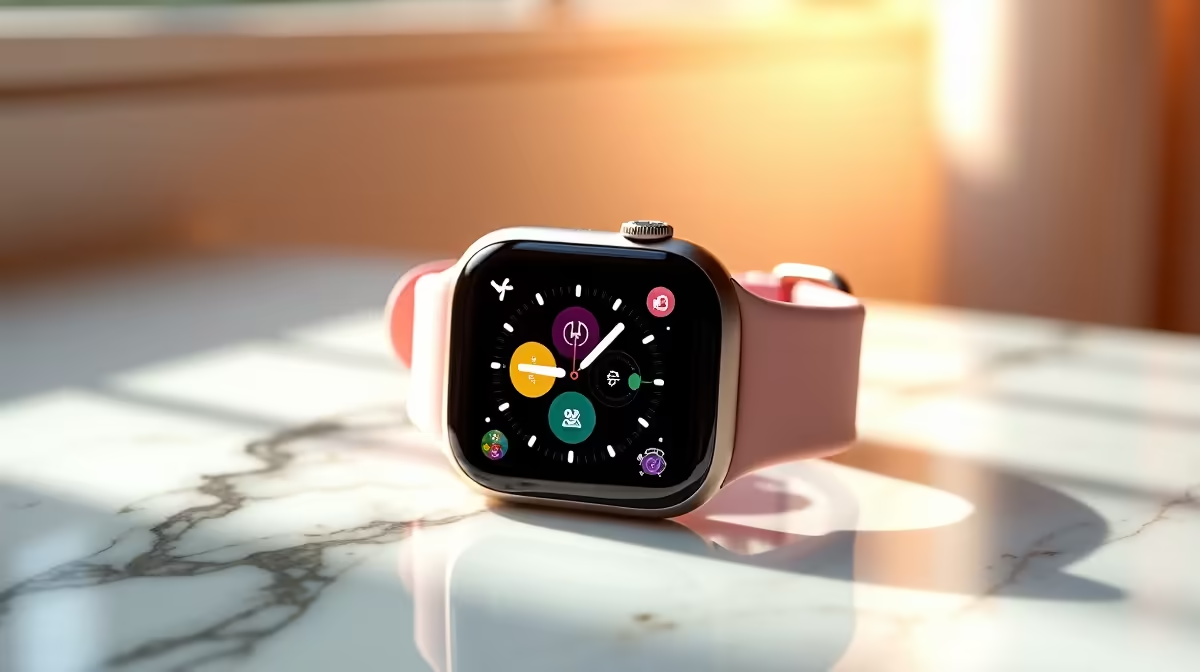
Setting up an Apple Watch for a child in South Africa involves using Apple's Family Setup feature, which allows a parent to configure and manage an Apple Watch on behalf of a child who does not have their own iPhone. Parents retain full oversight through the Watch app on their iPhone, with controls for communication limits, location sharing, and screen time accessible through the Family Sharing settings.
Apple's Family Setup feature was designed specifically for cases where a child does not have an iPhone. A parent with an iPhone manages the child's Apple Watch directly. The watch connects to a cellular plan rather than the child's phone, which in South Africa means the watch needs a compatible LTE Apple Watch model and a carrier data plan on a South African network that supports Apple Watch cellular. Vodacom and MTN both offer Apple Watch cellular support in South Africa, so check whether your current contract supports an additional watch line before purchasing.
Once Family Setup is enabled, the child's watch is linked to the parent's iCloud Family Sharing group. The parent controls which contacts the child can call or message, sets school time restrictions that silence the watch during class hours, and can view the child's real-time location through the Find My app. All of this is managed from the parent's iPhone without needing the child to have their own Apple ID or device.
To set up Family Setup, open the Watch app on your iPhone, tap the plus icon to add a watch, and select "Set Up for a Family Member." You will be prompted to pair the child's watch and choose their iCloud account. If the child does not have an Apple ID, you can create a child account through Family Sharing. Child accounts under 13 in South Africa are subject to Apple's age-appropriate restrictions by default.
Communication Limits in Screen Time allow you to specify exactly which contacts the child can reach. Setting this to only family members and trusted adults is strongly recommended for younger children. School Time mode silences the watch and limits interactions to the watch face and emergency calls during hours you define. Activity sharing lets the parent see the child's move, exercise, and stand ring progress, which is a useful health monitoring feature for school-going children.
South African parents should factor in the cost of adding an Apple Watch cellular line to an existing contract. Vodacom and MTN both offer NumberShare or equivalent products that share your existing data plan with the Apple Watch, typically at around R99-R149 per month extra. This gives the watch full cellular connectivity without the child needing to carry a separate SIM or rely on Wi-Fi, which is important during school hours when the child may not be near a known Wi-Fi network.
During loadshedding, the Apple Watch's internal battery typically lasts 18 hours under normal use, which covers a full school day. However, if the home Wi-Fi router loses power and the watch reverts to cellular-only, data usage from the watch will be drawn from your cellular plan rather than your home data. A UPS on the Wi-Fi router prevents this scenario and keeps the watch connected to home Wi-Fi during outages.
No. Family Setup is specifically designed for children without iPhones. The parent manages the watch from their own iPhone, and the child's watch connects independently via cellular.
Apple Watch Series 4 and later with GPS + Cellular support Family Setup. Wi-Fi-only (GPS) models do not support independent cellular use. Confirm your carrier supports Apple Watch cellular before purchasing.
Yes. Communication Limits within Screen Time allow you to restrict calls and messages to specific approved contacts. You manage this from the Watch app on your iPhone.
The watch automatically switches to cellular if Wi-Fi drops, maintaining connectivity. Watch battery life is not significantly affected by this switch, but cellular data usage from the watch plan applies. A UPS on the home router avoids this scenario.
Ready to Find Your Perfect Match? Shop Apple devices available in South Africa including Apple Watch and MacBook. Shop Apple
Apple Watch for Kids: Family Setup and P available at Evetech.co.za with local warranty and fast delivery.
Apple Watch for Kids: Family Setup and P - check Evetech for latest stock and SA pricing.
Depends on your use case. Apple Watch for Kids: Family S offers good value at current Rand pricing.
Headset Stock Levels in Bloemfontein: January. Current stock data & price tracking for SA buyers. See what is available and where prices are heading.
Read more
iMac for Medical Practice: Patient Management. SA-focused analysis with local pricing data, real-world insights & actionable buying advice.
Read more
RTX 5060 Fortnite Ultra Settings at 1080p: FPS. Real-world benchmark data, FPS numbers & performance analysis. What SA gamers can actually expect.
Read more
Headset Stock Levels in Cape Town: August Report. Current stock data & price tracking for SA buyers. See what is available and where prices are heading.
Read more
Eskom Load Shedding During Video Call: Solutions. SA-focused analysis with local pricing data, real-world insights & actionable buying advice.
Read more
LoL Performance on Extreme Gaming PC. Real-world benchmark data, FPS numbers & performance analysis. What SA gamers can actually expect.
Read more
MacBook Pro for Machine Learning in 2026: Can Apple Silicon Compete Detailed answer with SA data, expert analysis & practical recommendations for local buyers.

Choose the Right SATA SSD for machine learning. Step-by-step instructions with SA-specific tips, common pitfalls to avoid & expert recommendations.

Overwatch 2 Competitive Settings Servers. Tested & verified settings for best FPS and visual quality on SA hardware budgets.

League of Legends Settings for 144Hz Gaming. Tested & verified settings for best FPS and visual quality on SA hardware budgets.

Every AMD CPU Ranked for Gaming: Tier List. SA-focused analysis with local pricing data, real-world insights & actionable buying advice.

Easter Family Bundles: Monitors. Hand-picked gift ideas at every budget tier. SA pricing & Evetech availability included.

Ryzen 7 9800X3D Running 100 Degrees: Cooler. Diagnosis steps, proven fixes & when to seek professional help. SA-specific support info included.

Most Affordable Laptops : Starting from R8,000. Full parts list, Rand pricing & expected performance. Build confidently with SA-available components.

HBADA Chairs : Range and Pricing. Complete product range with SA pricing, key specs & recommendations for different budgets.

Ryzen 7 9800X3D for Music Production: Performance. Real-world benchmark data, FPS numbers & performance analysis. What SA gamers can actually expect.

Winter Cooling Management: Headsets. SA-focused analysis with local pricing data, real-world insights & actionable buying advice.

AKRacing Gaming Chair Range: Which Model Is Right. Complete product range with SA pricing, key specs & recommendations for different budgets.