


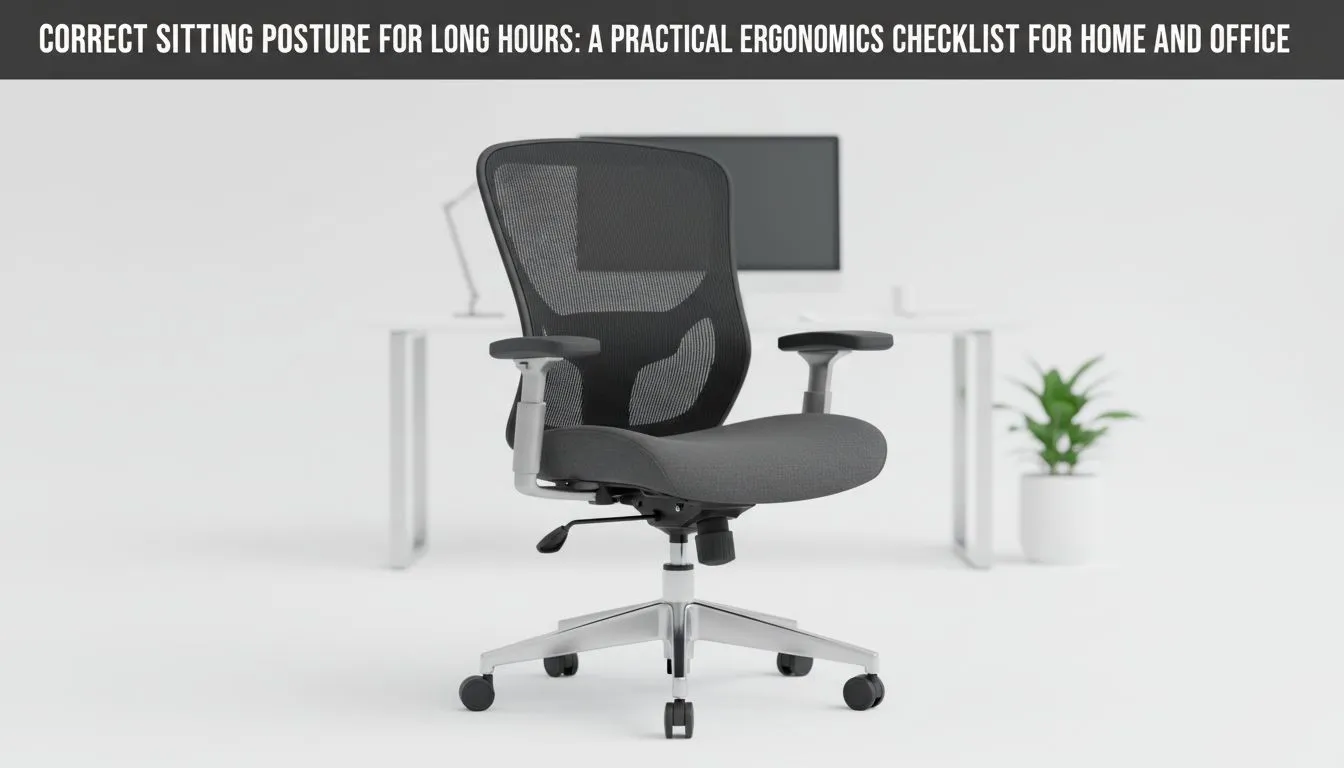
Why Correct Sitting Posture Matters for Long Gaming Sessions ⚡
If you're spending hours at your desk, grinding through raids or battling it out in eSports tournaments, sitting correctly isn't just about comfort—it’s about performance and health. Correct sitting posture can prevent fatigue, reduce strain, and keep your reflexes sharp for every crucial moment. Getting this right means less pain and more wins, whether you're streaming, gaming competitively, or working long hours at your PC.
Ergonomics Checklist to Perfect Your Sitting Posture 🎯
Long hours demand a setup that supports your body fully. Here’s a practical checklist to nail your posture and avoid the common aches that plague gamers and tech buyers alike:
- Back Support: Your chair should follow the natural curve of your spine. A pronounced lumbar support is essential to avoid slouching or lower back pain.
- Seat Height: Adjust it so your feet rest flat on the floor, and your knees form a 90-degree angle. This promotes healthy circulation and reduces leg fatigue.
- Arm Position: Keep elbows close to your body and bent at roughly 90 degrees. Wrist neutrality helps prevent strain during fast gaming sessions.
- Monitor Level: The top of your screen should be at or just below eye level to prevent neck strain. Tilt your monitor slightly to match your line of sight.
Considering chairs built for gamers, options like Vertagear gaming chairs combine ergonomic features with style to support your posture without compromising appearance.
Choosing the Right Gaming Chair for Ergonomics
Not all chairs are created equal when it comes to ergonomics. Gaming chairs often provide better adjustability tailored for lengthy sessions. Brands like Noblechairs offer premium cushioning and firm support that align well with the ergonomics checklist.
South African gamers appreciate durable chairs that blend comfort with reliability under competitive conditions. If you’re on a budget, check out the gaming chairs section on Evetech for options under R5000, designed to deliver ergonomic benefits without breaking the bank.
Adjust Your Setup for Maximum Comfort 🔧
Beyond seating, your entire workstation affects posture. Keep these pointers in mind:
- Position your keyboard and mouse close to avoid reaching.
- Use a footrest if your feet don’t touch the ground comfortably.
- Take micro-breaks every hour to stretch and reset your posture.
For those seeking alternative ergonomic chairs, Enova chairs offer solid mid-range support to keep your back aligned during any session.
Quick Ergonomic Win
Proper lumbar support can reduce lower back pain by up to 60%—even a small cushion tweak makes a difference.
Ergonomics: Small Adjustments, Big Impact 🚀
When you combine correct sitting posture with the right chair, the result is less physical stress and improved focus. Your gaming performance benefits from better blood flow and less discomfort. It’s an investment in yourself that keeps giving back, session after session.
Explore premium options like the gaming chairs range at Evetech to equip your setup with the right tools.
Upgrade Your Comfort and Focus Stop ignoring your posture—Shop now at Evetech to find ergonomic chairs that support your long hours for less strain and more gains.











