


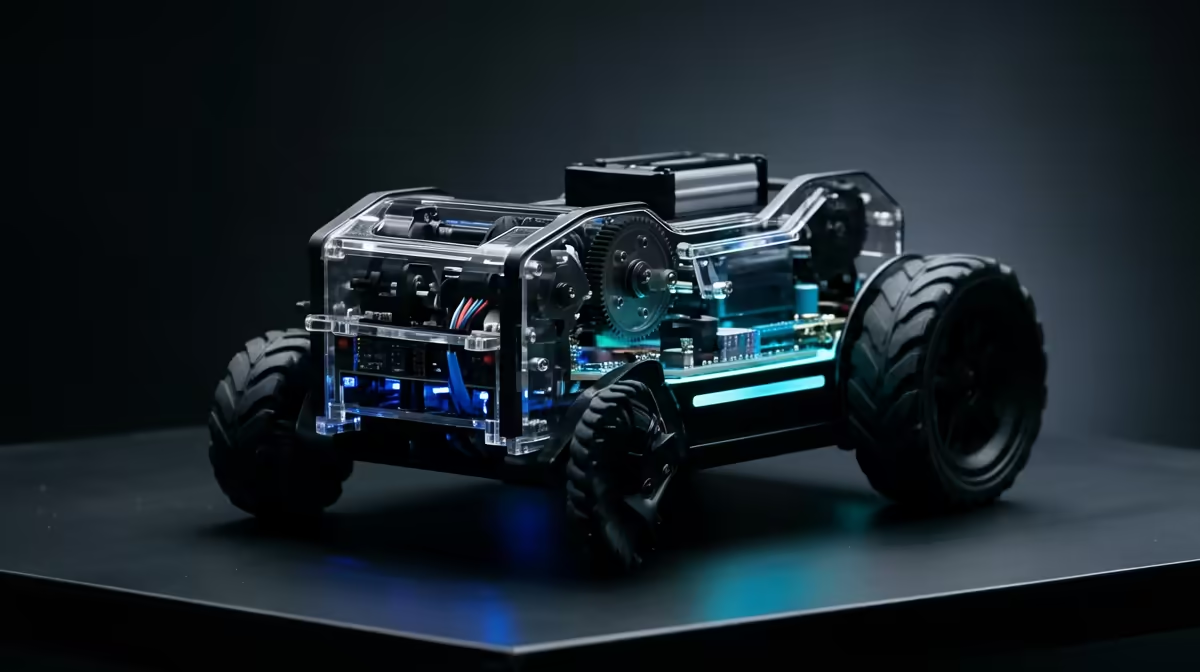
Most robot kits sit in a box until someone learns to code them, which is exactly how they end up forgotten on a shelf. The ELECFREAKS TPBot Edu Car flips that order. It works as a rechargeable toy the moment you charge it, following lines and dodging obstacles with no code at all, then turns into a programmable robot once you slot a micro:bit into it. That two-stage design is what makes it land with both a five-year-old and a twelve-year-old in the same house.
Quick Answer
The TPBot Edu Car runs out of the box as a rechargeable line-following, obstacle-avoiding car with zero coding needed. Add a micro:bit and it becomes a fully programmable robot you control through MakeCode's drag-and-drop blocks. Younger kids play straight away while older learners build real coding skills on the same chassis.
Play First, Code Later
The clever part of the TPBot Edu is the order of operations. A child does not need to understand programming to get value on day one. Charge it, switch it on, and it already follows a dark line on the floor and steers around objects in its path using its built-in sensors. That immediate payoff is what keeps a young child engaged long enough to stay curious.
When that child is ready, or an older sibling takes over, inserting a micro:bit unlocks the programmable layer. Now the car responds to code written in MakeCode, the same block-based environment used in classrooms worldwide. The toy grows with the learner instead of being outgrown.
What It Does Without Any Code
Out of the box the TPBot Edu is genuinely useful, not a stripped demo. Line following lets it trace a track you lay down with tape or a printed sheet, which feels like magic to a young child and teaches cause and effect without a word of jargon. Obstacle avoidance keeps it from bumping into walls and furniture, so it roams a room on its own. Because it is rechargeable, there is no steady drain on disposable batteries, which matters for a toy that gets driven for hours.
What It Does With a micro:bit Added
Drop a micro:bit into the slot and the TPBot Edu becomes a teaching tool. In MakeCode, a child drags blocks together to make the car turn, change speed, react to the micro:bit's buttons, or respond to its sensors. The feedback loop is fast: write a few blocks, send them to the car, watch it behave differently. That tight loop is exactly how coding sinks in for young minds.
It scales with skill, too. Early projects might just make the car drive in a square. Later ones can combine the micro:bit's accelerometer, radio, and the car's sensors into something genuinely clever, all on the same hardware the child already knows.
Who It Suits
This is a strong pick for a family with kids of different ages, a parent introducing a first taste of coding, or a teacher who wants one kit that serves both absolute beginners and more advanced learners. The rechargeable, code-free start removes the usual barrier where a robot kit demands skills before it does anything fun.
For SA families building a small STEM corner at home, you can find the TPBot Edu in the smart and educational tech range at Evetech, and round out the setup with cables and spares from the accessories selection.
Frequently Asked Questions
Does it need a micro:bit to work at all?
No. It runs as a rechargeable line-following and obstacle-avoiding car straight out of the box with no micro:bit and no code. The micro:bit only adds the programmable layer for when a learner is ready to start coding.
What age is the TPBot Edu Car for?
The code-free play suits younger children who just want to drive it around, while the MakeCode programming suits older kids ready to learn coding. That range is the point, since one car serves a wide age spread in a single household or classroom.
What software do you program it with?
It uses MakeCode, the free block-based coding environment that powers most micro:bit projects. Learners drag and snap blocks together rather than typing code, which makes it approachable for first-time programmers.
Is it rechargeable or does it use throwaway batteries?
It is rechargeable, so you top it up like a phone rather than constantly replacing disposable cells. That keeps running costs down for a toy that tends to get heavy use.
Looking for a STEM gift that plays today and teaches tomorrow? Find the ELECFREAKS TPBot Edu Car and more learning robots in the smart and educational tech range at Evetech.











