


Core Ultra 5 245K Gaming Performance: Full Optimization
Core Ultra 5 245K Gaming Performance: Full. Real-world benchmark data, FPS numbers & performance analysis. What SA gamers can actually expect.
Read moreFix Bluetooth and 2.4GHz mouse connection problems fast—without sacrificing performance. Stop lag, dropouts, and stutter with practical checks and smart settings ✅🖱️
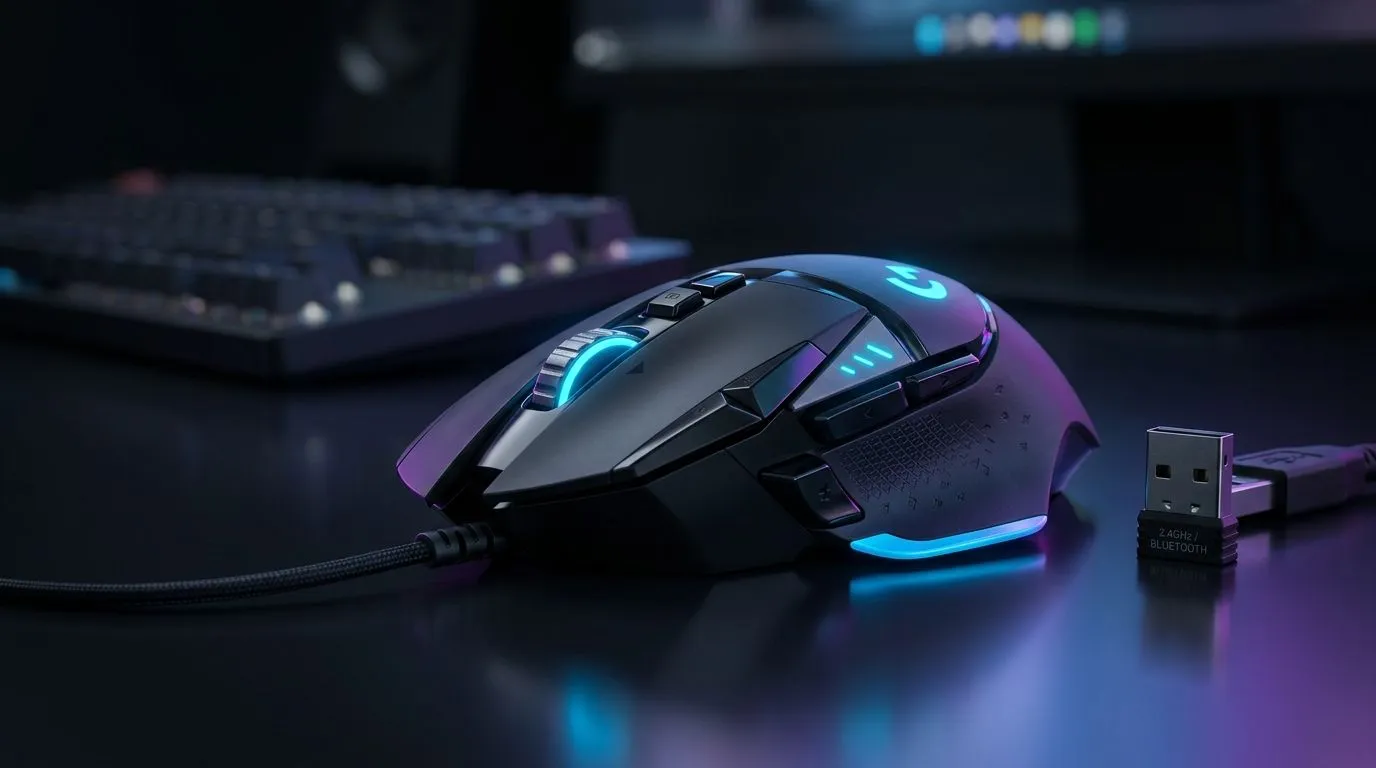
If your mouse keeps disconnecting mid-match or has lag spikes, you’re not alone. Many South African gamers face Bluetooth and 2.4GHz mouse connection problems that disrupt focus and performance. These annoyances aren’t just pesky; they can cost you crucial kills. Luckily, understanding common causes and quick fixes can restore smooth gameplay and reliable connections.
Bluetooth mice communicate wirelessly on the 2.4GHz band, which can get crowded. Interference from Wi-Fi routers, other wireless devices, or even thick walls can weaken signals. Low battery levels also cause sporadic connection drops. For Bluetooth mice, drivers need to be up to date—older drivers sometimes struggle with newer Windows or macOS updates.
To stay on top of your mouse drivers, regularly check your system updates or visit manufacturer websites. South African gamers often use multi-device setups, so turning off unused Bluetooth peripherals can clear bandwidth.
When using a 2.4GHz wireless mouse, the tiny USB receiver is the bridge to your PC. Poor receiver placement is a frequent culprit behind connection drops. Plug the receiver into a front USB port or use a USB extension cable included in many gaming mouse packs.
Check out the selection of wireless mouse options available at Evetech — some models come with enhanced receivers optimised for smoother South African internet conditions.
Interference also comes from other wireless devices like cordless phones or microwave ovens. Try relocating these or changing your Wi-Fi frequency band from 2.4GHz to 5GHz if your router supports it.
If persistent wireless issues throttle your play, wired mice remain a top choice for many pro gamers. Wired connections eliminate latency and interference worries entirely. Plus, Evetech offers an extensive range of wired mice, from budget to high-performance models.
Switching to wired can dramatically reduce frustrating lag spikes or random disconnects that Bluetooth and 2.4GHz wireless mice sometimes experience in busy home networks or gaming cafés.
To improve connection stability, relocate your USB receiver within 30cm of your mouse using extra USB extensions. It reduces interference and improves signal strength instantly.
Upgrading your mouse gear might be the quickest way to fix connection woes. Browse Evetech’s best gaming mouse deals for ZAR-friendly prices on quality hardware. Many South African gamers snag combos that bundle mice with mousepads or USB hubs.
Don’t underestimate accessories like mouse bungees or low-latency USB adapters. These little extras help keep your mouse wire tangle-free and connection solid for hours of uninterrupted play.
You can also check Evetech’s gaming mouse components section to customise or replace specific parts to optimise your current device’s performance.
When picking a wireless mouse, look for models with advanced frequency-hopping technology or dual-band support. These features dynamically avoid busy 2.4GHz channels for cleaner connections.
For Bluetooth mice, ensure compatibility with your operating system and check for battery life ratings. South African gamers often appreciate wireless models with fast recharge times to suit local power conditions.
To experiment risk-free, you might want to try different popular models on the mouse accessories page. Having the right peripherals tailored to your setup can be the difference between lag and flawless tracking.
Find Your Perfect Logitech or Razer Mouse Don’t let connection issues cost you another round. Shop now at Evetech for performance that leaves lag in the dust.
Common causes include Bluetooth interference, USB power saving, outdated drivers, or low battery. Check interference, update drivers, and disable USB power management.
Improve receiver placement, remove nearby RF interference (Wi‑Fi routers, hubs), and verify your mouse polling rate settings so latency stays low.
Restart Bluetooth/receiver, test with another USB port, check batteries, then update mouse drivers. This isolates hardware vs. interference vs. software.
Yes. Congestion from Wi‑Fi routers and other 2.4GHz devices can cause dropouts. Move the receiver closer and change Wi‑Fi channel if possible.
It can. Power saving may pause the receiver. Disable USB selective suspend in Windows power settings to reduce disconnects.
Polling rate fixes latency more than connection drops. If drops persist, focus on interference, receiver distance, and drivers first.
Move away from Wi‑Fi devices, keep the mouse and adapter closer, and avoid using many Bluetooth devices at once. Then re-pair if needed.
Often, updating is enough. If problems continue, reinstall the mouse receiver driver and Bluetooth adapter driver to restore stable pairing.
Core Ultra 5 245K Gaming Performance: Full. Real-world benchmark data, FPS numbers & performance analysis. What SA gamers can actually expect.
Read more
Huawei MatePad Range : Which Model Should You Buy. Complete product range with SA pricing, key specs & recommendations for different budgets.
Read more
Are Wireless Gaming Peripherals as Good as Wired in 2026 Detailed answer with SA data, expert analysis & practical recommendations for local buyers.
Read more
Are Big And Tall Gaming Chairs Good for Long Gaming Sessions Detailed answer with SA data, expert analysis & practical recommendations for local buyers.
Read more
PCIe Bandwidth Saturation: Multiple GPU Issue. Diagnosis steps, proven fixes & when to seek professional help. SA-specific support info included.
Read more
Intel Keyboard: Value. SA-focused analysis with local pricing data, real-world insights & actionable buying advice.
Read more
MacBook Pro for Machine Learning in 2026: Can Apple Silicon Compete Detailed answer with SA data, expert analysis & practical recommendations for local buyers.

Choose the Right SATA SSD for machine learning. Step-by-step instructions with SA-specific tips, common pitfalls to avoid & expert recommendations.

Overwatch 2 Competitive Settings Servers. Tested & verified settings for best FPS and visual quality on SA hardware budgets.

League of Legends Settings for 144Hz Gaming. Tested & verified settings for best FPS and visual quality on SA hardware budgets.

Every AMD CPU Ranked for Gaming: Tier List. SA-focused analysis with local pricing data, real-world insights & actionable buying advice.

Easter Family Bundles: Monitors. Hand-picked gift ideas at every budget tier. SA pricing & Evetech availability included.

Ryzen 7 9800X3D Running 100 Degrees: Cooler. Diagnosis steps, proven fixes & when to seek professional help. SA-specific support info included.

Most Affordable Laptops : Starting from R8,000. Full parts list, Rand pricing & expected performance. Build confidently with SA-available components.

HBADA Chairs : Range and Pricing. Complete product range with SA pricing, key specs & recommendations for different budgets.

Ryzen 7 9800X3D for Music Production: Performance. Real-world benchmark data, FPS numbers & performance analysis. What SA gamers can actually expect.

Winter Cooling Management: Headsets. SA-focused analysis with local pricing data, real-world insights & actionable buying advice.

AKRacing Gaming Chair Range: Which Model Is Right. Complete product range with SA pricing, key specs & recommendations for different budgets.