

Unisa Student Tech Preferences: Q1 2026 Report
Unisa Student Tech Preferences: Q1 Report. SA market intelligence with local buyer data, pricing shifts & actionable insights for smart purchasing.
Read moreGPU Not Detected: Diagnostic Steps. Systematic diagnosis process, recovery options & when to seek professional data recovery in SA.
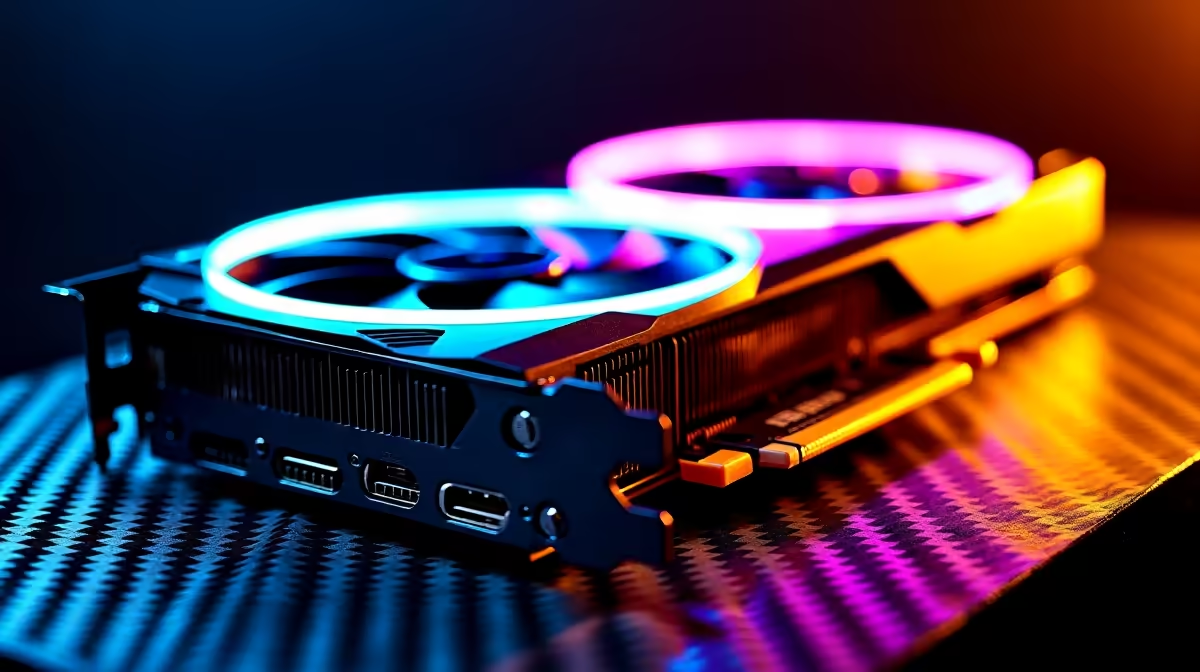
You boot up your rig after a brutal bout of stage 6 load shedding. The fans spin... but your monitor stays black. There is nothing quite as terrifying as a GPU not detected error. Before you panic and assume your prized hardware is fried, take a breath. We have compiled the ultimate troubleshooting guide to get your system pushing frames again. Let us fix this.
Sometimes the simplest fix is the right one. A GPU not detected issue often stems from loose connections. Power down and unplug your system entirely. Open the side panel and check your PCIe power cables. Are they firmly clicked in?
Next, try reseating the card. Push the PCIe release latch down. Carefully remove the card. Slot it back in until you hear a solid click. Hardware troubleshooting can be tedious. If you are tired of tinkering, it might be time to look at some pre-built PC deals that arrive professionally assembled and rigorously tested.
If your physical connections are solid, the problem might be digital. A corrupted Windows update can easily cause a GPU not detected error. Boot your PC using your motherboard integrated graphics instead.
Once you are into Windows, check your Device Manager. If your display adapter has a yellow warning triangle, you need a driver wipe.
Always use Display Driver Uninstaller (DDU) in Safe Mode to completely remove old graphics drivers. This prevents software conflicts and ensures your fresh driver installation goes smoothly... saving you hours of troubleshooting.
Still no luck? Your motherboard BIOS might need an update. Older boards sometimes struggle to recognise newer components. Check your motherboard manufacturer website for the latest BIOS revision.
You have checked the cables. You have updated the BIOS. If you are still facing a persistent GPU not detected nightmare, the hardware itself might have failed. Nasty voltage spikes from our local power grid can sometimes claim casualties.
If you need a replacement, you can easily browse top-tier graphics cards to get back into the action. Building from scratch? Check out the best gaming PC deals to replace your ageing system entirely.
Maybe you want to ditch the desktop completely and go mobile. We have an incredible range of laptops and notebooks perfect for portable gaming. Whatever route you choose, keeping an eye on our weekly tech specials ensures you always get maximum value for your ZAR.
Ready to Upgrade Your Setup? Dealing with dead hardware is frustrating, but upgrading does not have to be. Explore our massive range of PC components and specials and find the perfect hardware to conquer your favourite games.
GPU Not Detected: Diagnostic Steps available at Evetech.co.za with local warranty and fast delivery.
GPU Not Detected: Diagnostic Steps - check Evetech for latest stock and SA pricing.
Depends on your use case. GPU Not Detected: Diagnostic S offers good value at current Rand pricing.
Unisa Student Tech Preferences: Q1 Report. SA market intelligence with local buyer data, pricing shifts & actionable insights for smart purchasing.
Read more
Mouse Stock Levels in Pretoria: June Report. Current stock data & price tracking for SA buyers. See what is available and where prices are heading.
Read more
Is Gen 5 NVMe Faster Than Gen 4 for Gaming Detailed answer with SA data, expert analysis & practical recommendations for local buyers.
Read more
Core Ultra 9 285K for Streaming: Performance. Real-world benchmark data, FPS numbers & performance analysis. What SA gamers can actually expect.
Read more
Tax & Customs on Imported PSUs. Practical breakdown of costs, regulations & whether it makes financial sense for SA buyers.
Read more
Is Ryzen 9 9950X Compatible with Core Ultra 7 265K Detailed answer with SA data, expert analysis & practical recommendations for local buyers.
Read more
MacBook Pro for Machine Learning in 2026: Can Apple Silicon Compete Detailed answer with SA data, expert analysis & practical recommendations for local buyers.

Choose the Right SATA SSD for machine learning. Step-by-step instructions with SA-specific tips, common pitfalls to avoid & expert recommendations.

Overwatch 2 Competitive Settings Servers. Tested & verified settings for best FPS and visual quality on SA hardware budgets.

League of Legends Settings for 144Hz Gaming. Tested & verified settings for best FPS and visual quality on SA hardware budgets.

Every AMD CPU Ranked for Gaming: Tier List. SA-focused analysis with local pricing data, real-world insights & actionable buying advice.

Easter Family Bundles: Monitors. Hand-picked gift ideas at every budget tier. SA pricing & Evetech availability included.

Ryzen 7 9800X3D Running 100 Degrees: Cooler. Diagnosis steps, proven fixes & when to seek professional help. SA-specific support info included.

Most Affordable Laptops : Starting from R8,000. Full parts list, Rand pricing & expected performance. Build confidently with SA-available components.

Storage Stock Levels in Port Elizabeth: December. Current stock data & price tracking for SA buyers. See what is available and where prices are heading.

Ryzen 7 10800X3D Apex Legends Gaming Performance. Real-world benchmark data, FPS numbers & performance analysis. What SA gamers can actually expect.

Mouse Technology: 2023- Evolution in Gaming. Technology trajectory, what it means for SA buyers & how to future-proof your next purchase.

FAQ: Is my hard drive failing Detailed answer with SA data, expert analysis & practical recommendations for local buyers.