


Core Ultra 5 245K Gaming Performance: Full Optimization
Core Ultra 5 245K Gaming Performance: Full. Real-world benchmark data, FPS numbers & performance analysis. What SA gamers can actually expect.
Read morei5-14400F All Cores Not Used in Gaming: Fix. Is buying used worth it in SA? What to inspect, fair pricing & reliable sources to consider.
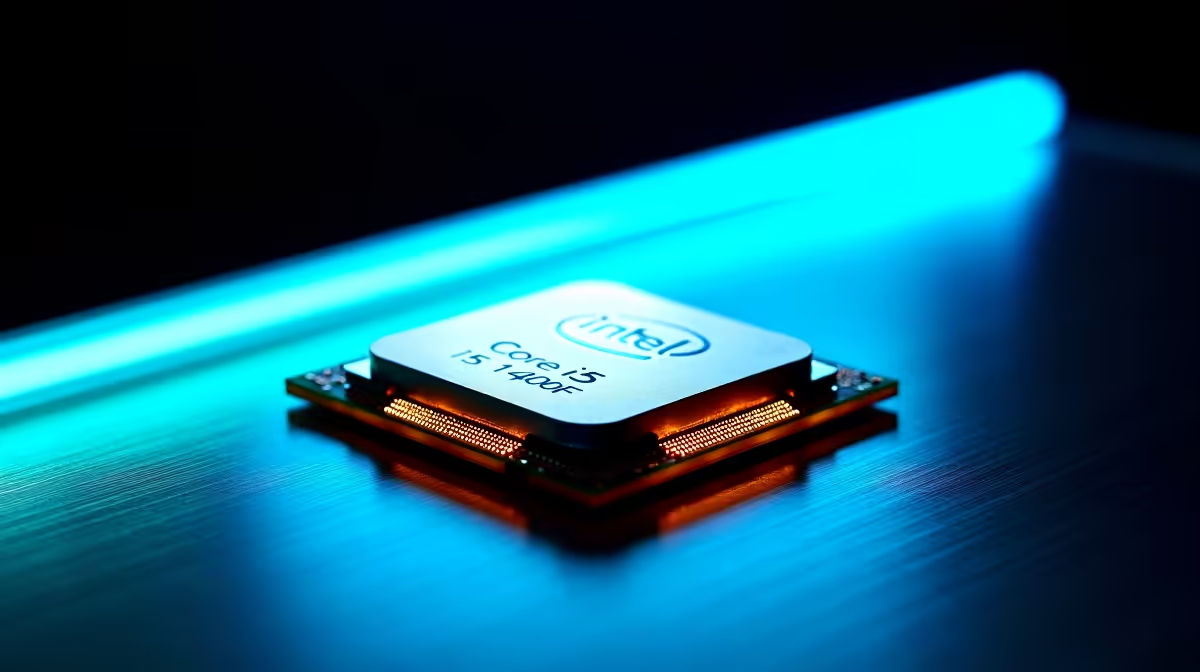
The i5-14400F has 6 P-cores and 4 E-cores, but most games only saturate the P-cores, so seeing E-cores idle is usually normal rather than a fault. If genuinely all cores sit underused, the cause is typically Windows power plan, an old chipset driver, or a CPU bottleneck offloaded to the GPU.
Games are mostly built around 4 to 6 main threads, so Windows 11 schedules them onto the Performance cores while the Efficient cores handle background tasks. That is by design with Intel Thread Director. If Task Manager shows P-cores at 60 to 90 percent and E-cores near idle, the chip is working correctly.
The real problem starts when even your P-cores stay below 40 percent and your RTX 4060 or RX 7600 also sits low. That points to a software ceiling, not silicon.
Work through these in order before you panic about a faulty CPU:
If you are still stuck, run Cinebench R23. A healthy 14400F lands around 17,000 multi-core. Anything 30 percent below that points to thermal throttling on the stock cooler.
The boxed Laminar cooler can struggle in Joburg summer heat. If HWiNFO shows package temps spiking past 95 degrees within seconds, you are throttling. A budget Deepcool AK400 or be quiet Pure Rock 2 sorts it for under R900 in SA.
That is normal. E-cores park when no background load needs them, freeing thermal headroom for the P-cores. Only worry if your P-cores are also idle while frames drop.
Usually no. Modern Windows 11 schedules games to P-cores already, and disabling E-cores can hurt streaming, Discord, and Chrome multitasking with no real FPS gain.
Yes. A no-name 450W unit can trigger silent power limits under load. Stick to a Corsair, MSI or Cooler Master 650W 80+ Bronze minimum for any 14400F build sold in South Africa.
Ready to Find Your Perfect Match? Build a balanced 14400F rig that uses every core properly. Browse Evetech gaming PC deals
i5-14400F All Cores Not Used in Gaming: available at Evetech.co.za with local warranty and fast delivery.
i5-14400F All Cores Not Used in Gaming: - check Evetech for latest stock and SA pricing.
Depends on your use case. i5-14400F All Cores Not Used i offers good value at current Rand pricing.
Core Ultra 5 245K Gaming Performance: Full. Real-world benchmark data, FPS numbers & performance analysis. What SA gamers can actually expect.
Read more
Huawei MatePad Range : Which Model Should You Buy. Complete product range with SA pricing, key specs & recommendations for different budgets.
Read more
Are Wireless Gaming Peripherals as Good as Wired in 2026 Detailed answer with SA data, expert analysis & practical recommendations for local buyers.
Read more
Are Big And Tall Gaming Chairs Good for Long Gaming Sessions Detailed answer with SA data, expert analysis & practical recommendations for local buyers.
Read more
PCIe Bandwidth Saturation: Multiple GPU Issue. Diagnosis steps, proven fixes & when to seek professional help. SA-specific support info included.
Read more
Intel Keyboard: Value. SA-focused analysis with local pricing data, real-world insights & actionable buying advice.
Read more
MacBook Pro for Machine Learning in 2026: Can Apple Silicon Compete Detailed answer with SA data, expert analysis & practical recommendations for local buyers.

Choose the Right SATA SSD for machine learning. Step-by-step instructions with SA-specific tips, common pitfalls to avoid & expert recommendations.

Overwatch 2 Competitive Settings Servers. Tested & verified settings for best FPS and visual quality on SA hardware budgets.

League of Legends Settings for 144Hz Gaming. Tested & verified settings for best FPS and visual quality on SA hardware budgets.

Every AMD CPU Ranked for Gaming: Tier List. SA-focused analysis with local pricing data, real-world insights & actionable buying advice.

Easter Family Bundles: Monitors. Hand-picked gift ideas at every budget tier. SA pricing & Evetech availability included.

Ryzen 7 9800X3D Running 100 Degrees: Cooler. Diagnosis steps, proven fixes & when to seek professional help. SA-specific support info included.

Most Affordable Laptops : Starting from R8,000. Full parts list, Rand pricing & expected performance. Build confidently with SA-available components.

HBADA Chairs : Range and Pricing. Complete product range with SA pricing, key specs & recommendations for different budgets.

Ryzen 7 9800X3D for Music Production: Performance. Real-world benchmark data, FPS numbers & performance analysis. What SA gamers can actually expect.

Winter Cooling Management: Headsets. SA-focused analysis with local pricing data, real-world insights & actionable buying advice.

AKRacing Gaming Chair Range: Which Model Is Right. Complete product range with SA pricing, key specs & recommendations for different budgets.