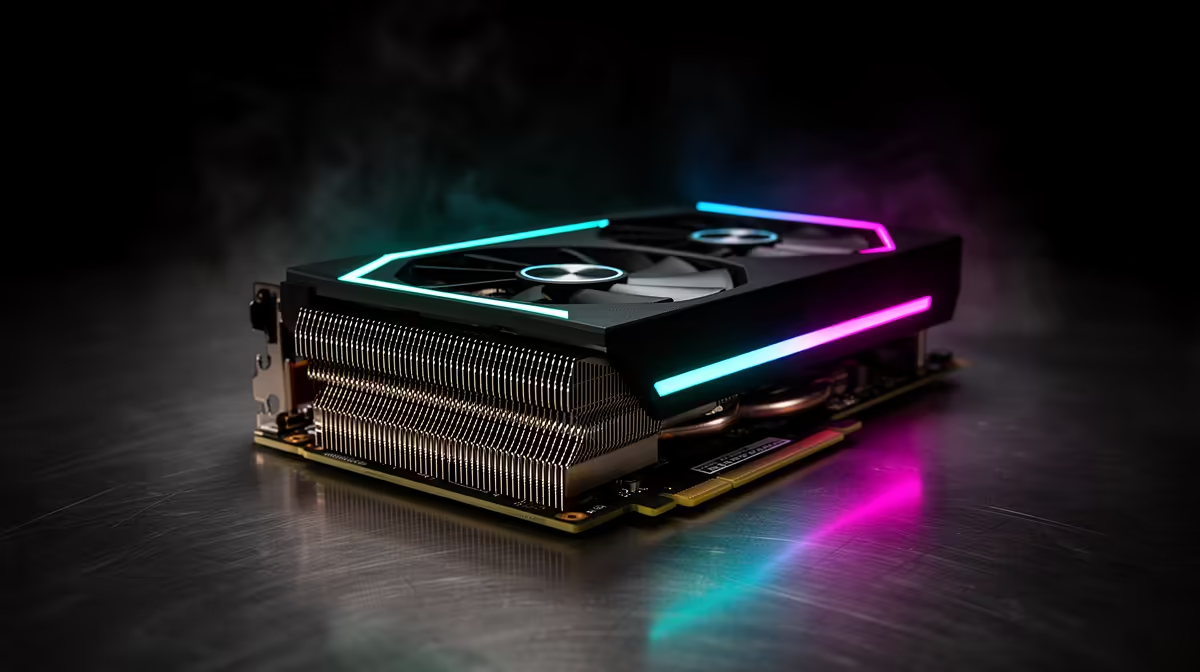
If you generate AI art locally, the wall you keep hitting is VRAM, and the RTX 5090 is the consumer card that finally moves it. With 32GB of GDDR7 and a large bandwidth jump over the RTX 4090, it loads full-precision models that 24GB cards simply cannot fit, then runs them faster on top. For diffusion work where the model either fits in memory or it does not, that extra 8GB changes which models are even on the table.
Quick Answer
The RTX 5090 is the strongest consumer GPU for local AI art in 2026. Its 32GB of VRAM and roughly 1.79TB/s of bandwidth, well ahead of the 4090, let it load full-precision models like FP16 Flux.1 Dev and Wan 2.2 14B that 24GB cards cannot fit without quantising. It also runs diffusion image generation noticeably faster than the 4090.
The 32GB difference for diffusion
VRAM is binary for AI art: a model either fits or it does not. The RTX 4090's 24GB forces memory-saving tricks like efficient attention to squeeze larger models in, and some pipelines run out of memory without them. The RTX 5090's 32GB removes that ceiling for a whole tier of models, running FP16 Flux.1 Dev without the workarounds the 4090 needs to stay inside 24GB.
That headroom is what lets the 5090 load heavier, higher-precision models comfortably, including video models like Wan 2.2's 14B variant and high-resolution diffusion work that benefits from keeping everything resident rather than swapping. For local artists chasing the best output quality, not having to quantise down to fit is the real prize.
Speed, not just capacity
The 5090 is not only roomier, it is faster. Built on the Blackwell architecture, it carries 32GB of GDDR7 on a 512-bit bus delivering around 1.79TB/s of bandwidth, a major step up from the 4090's roughly 1TB/s. In diffusion image generation, that translates to meaningfully quicker results, with the 5090 commonly landing 25 percent to 45 percent ahead of the 4090 in standard setups, and further ahead again where pipelines use the card's native FP4 support to roughly double throughput.
Native FP4, sometimes called NVFP4 in optimised pipelines, is the other Blackwell advantage. It halves the memory and roughly doubles the throughput of compatible workloads versus FP8 or FP16, which stretches the already-large 32GB even further on supported models. Bandwidth, capacity, and FP4 together are why the 5090 sits clearly at the top of the consumer stack for this work.
Is it worth it?
For most people, the honest answer is that the 4090 still covers the large majority of local AI art needs, and a 24GB card with sensible quantisation produces excellent results. The 5090 earns its premium when you specifically need to run full-precision models, the largest video models, or high-resolution diffusion without compromise, or when generation speed is part of your workflow rather than a nice-to-have.
If that describes your work, the 5090 is the clear pick, and it is worth seeing where it sits among the graphics cards that sell best at Evetech alongside the high-VRAM alternatives. Because these workloads run the card hard for minutes at a time, the surrounding build matters too, and the AI-ready PCs at Evetech are configured for the power and cooling a card like this demands under sustained load.
Frequently Asked Questions
Is the RTX 5090 better than the 4090 for AI art?
Yes. It has 32GB of VRAM versus 24GB, much higher bandwidth, and native FP4 support, so it loads full-precision models the 4090 cannot fit and runs diffusion faster. The gap is largest when a model needs more than 24GB.
What can the 32GB of VRAM run that 24GB cannot?
The extra memory loads models like FP16 Flux.1 Dev and larger video models such as Wan 2.2 14B without the quantisation or memory workarounds a 24GB card needs. It also helps with high-resolution diffusion that benefits from keeping everything resident.
How much faster is the RTX 5090 for image generation?
In standard diffusion setups it commonly runs 25 percent to 45 percent faster than the 4090, and further ahead where pipelines use its native FP4 support. Higher bandwidth and the Blackwell architecture drive most of that gain.
Do I need an RTX 5090 for local AI art?
Not necessarily. A 4090 with 24GB handles most local AI art well with sensible quantisation. The 5090 is worth it mainly if you need full-precision models, the largest video models, or maximum generation speed.
What is FP4 and why does it matter?
FP4 is a 4-bit floating-point format natively supported on the 5090's Blackwell architecture. On compatible pipelines it roughly doubles throughput and halves memory use versus FP8 or FP16, stretching the card's 32GB even further.
If full-precision models and faster diffusion are central to your work, the 5090 is the consumer card to build around. See how it compares in the best-selling graphics cards at Evetech and pair it with a system sized for sustained AI workloads.