


HBADA Chairs Available in South Africa 2026: Range and Pricing
HBADA Chairs : Range and Pricing. Complete product range with SA pricing, key specs & recommendations for different budgets.
Read moreLeague of Legends PC Requirements Gamers. SA-focused analysis with local pricing data, real-world insights & actionable buying advice.
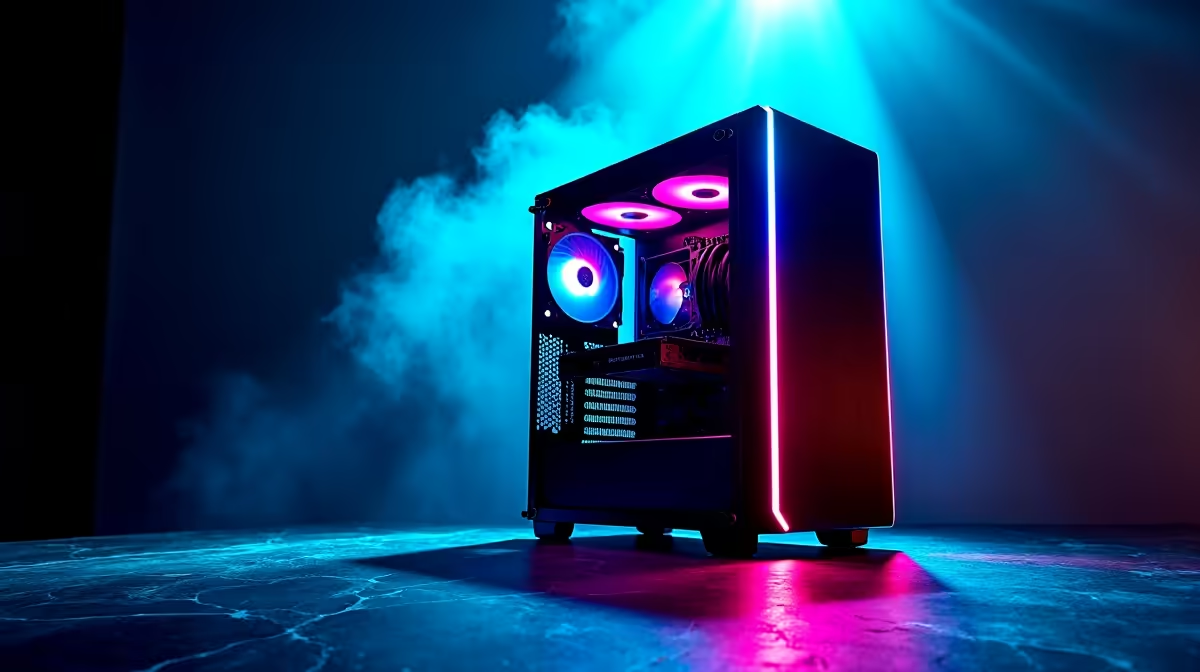
League of Legends is one of the least demanding competitive games available. SA gamers can run it on very modest hardware - a dual-core CPU, 4GB RAM, and integrated graphics will launch the client, while a dedicated mid-range GPU and 8GB RAM deliver smooth 100+ FPS at 1080p on high settings.
Riot Games publishes tiered system requirements. The minimum spec targets 30 FPS at low settings: a 2 GHz dual-core processor, 2GB RAM, a GPU supporting Shader 2.0, and at least 16GB of storage. The recommended spec for 60 FPS at medium-high settings calls for a 3 GHz quad-core CPU, 4GB RAM, and a dedicated GPU with 1GB VRAM or higher. For South African players aiming for 144 FPS to match common gaming monitor refresh rates, a modern quad-core like the Ryzen 5 5600 paired with a mid-range graphics card and 8GB to 16GB of RAM is the sweet spot. LoL is primarily CPU-bound, so clock speed and single-core performance matter more than GPU horsepower.
South African players face unique challenges: loadshedding interrupts sessions, and local server ping to the Africa server can range from 80ms to 200ms depending on your ISP and location. To compensate, disable unnecessary background processes like Windows Update during play and set your power plan to High Performance. In-game, cap your frame rate to match your monitor's refresh rate rather than running uncapped - this reduces CPU overhead and smooths input. Turn off shadows and reduce particle quality to recover frames without losing map readability. If you are using a laptop, ensure it is plugged in during play, as battery mode throttles CPU performance significantly.
Q: Can League of Legends run on integrated graphics in South Africa? A: Yes. Modern Intel Iris Xe or AMD Radeon integrated graphics can run LoL at 720p low settings at 40 to 60 FPS, which is playable. For competitive play at 1080p 60+ FPS, a budget dedicated GPU is recommended.
Q: How much storage does League of Legends use in 2026? A: The full League of Legends client uses approximately 22 to 25GB after updates. An SSD is strongly recommended over HDD to reduce loading screen times and patch download bottlenecks.
Q: Does League of Legends run better on Windows 11 in 2026? A: Generally yes. Windows 11's updated scheduler benefits games with fewer than 8 cores, which covers most LoL players. Ensure your drivers are up to date to take advantage of DirectX 12 improvements.
Ready to Find Your Perfect Match? Find the right gaming PC at Evetech to dominate the rift - from budget builds to high-FPS ranked machines.
League of Legends PC Requirements for SA available at Evetech.co.za with local warranty and fast delivery.
League of Legends PC Requirements for SA - check Evetech for latest stock and SA pricing.
Depends on your use case. League of Legends PC Requireme offers good value at current Rand pricing.
HBADA Chairs : Range and Pricing. Complete product range with SA pricing, key specs & recommendations for different budgets.
Read more
Ryzen 7 9800X3D for Music Production: Performance. Real-world benchmark data, FPS numbers & performance analysis. What SA gamers can actually expect.
Read more
Winter Cooling Management: Headsets. SA-focused analysis with local pricing data, real-world insights & actionable buying advice.
Read more
AKRacing Gaming Chair Range: Which Model Is Right. Complete product range with SA pricing, key specs & recommendations for different budgets.
Read more
Tax & Customs on Imported Cases. Practical breakdown of costs, regulations & whether it makes financial sense for SA buyers.
Read more
AMD CPU Prices Across : Q3. Current stock data & price tracking for SA buyers. See what is available and where prices are heading.
Read more
MacBook Pro for Machine Learning in 2026: Can Apple Silicon Compete Detailed answer with SA data, expert analysis & practical recommendations for local buyers.

Choose the Right SATA SSD for machine learning. Step-by-step instructions with SA-specific tips, common pitfalls to avoid & expert recommendations.

Overwatch 2 Competitive Settings Servers. Tested & verified settings for best FPS and visual quality on SA hardware budgets.

League of Legends Settings for 144Hz Gaming. Tested & verified settings for best FPS and visual quality on SA hardware budgets.

Every AMD CPU Ranked for Gaming: Tier List. SA-focused analysis with local pricing data, real-world insights & actionable buying advice.

Easter Family Bundles: Monitors. Hand-picked gift ideas at every budget tier. SA pricing & Evetech availability included.

Ryzen 7 9800X3D Running 100 Degrees: Cooler. Diagnosis steps, proven fixes & when to seek professional help. SA-specific support info included.

Most Affordable Laptops : Starting from R8,000. Full parts list, Rand pricing & expected performance. Build confidently with SA-available components.
HBADA Chairs : Range and Pricing. Complete product range with SA pricing, key specs & recommendations for different budgets.
Ryzen 7 9800X3D for Music Production: Performance. Real-world benchmark data, FPS numbers & performance analysis. What SA gamers can actually expect.
Winter Cooling Management: Headsets. SA-focused analysis with local pricing data, real-world insights & actionable buying advice.
AKRacing Gaming Chair Range: Which Model Is Right. Complete product range with SA pricing, key specs & recommendations for different budgets.