Picking a local model in 2026 comes down to one number: how much VRAM your GPU has, and how much the model needs once it is quantised to 4-bit. Get the match right and a 32-billion-parameter coding model runs smoothly on your desk; get it wrong and the model spills into system RAM and crawls. Here is the practical map from a 14B model on a mid-range card to a 32B model on the flagship.
Quick Answer
A 14B model at Q4 needs roughly 10 to 12GB of VRAM, so it fits a 16GB RTX 5080 with room to spare. A 27B model like Gemma 3 27B at Q4 sits around 16 to 18GB, also workable on 16GB at shorter context. A 32B coder such as Qwen 2.5 Coder 32B at Q4 wants about 19 to 22GB, which is RTX 5090 territory with its 32GB.
The VRAM Map By Model Size
Quantisation is what makes local models practical. Full FP16 weights need roughly 2GB per billion parameters; 4-bit quantisation (Q4_K_M) cuts that by about three quarters while keeping output quality high for most work. On top of the weights you must leave headroom for the context window and KV cache, which grows with how much text the model is holding.
A 14B model lands near 10 to 12GB once context is included, comfortable on a 16GB card. A 27B model such as Gemma 3 27B sits around 16 to 18GB at Q4, so it fits 16GB at modest context and breathes easier on 24GB. A 32B coder like Qwen 2.5 Coder 32B needs roughly 19 to 22GB, which means a 24GB or, ideally, the 32GB on an RTX 5090 to run a generous context without spilling.
Matching Tiers To Cards
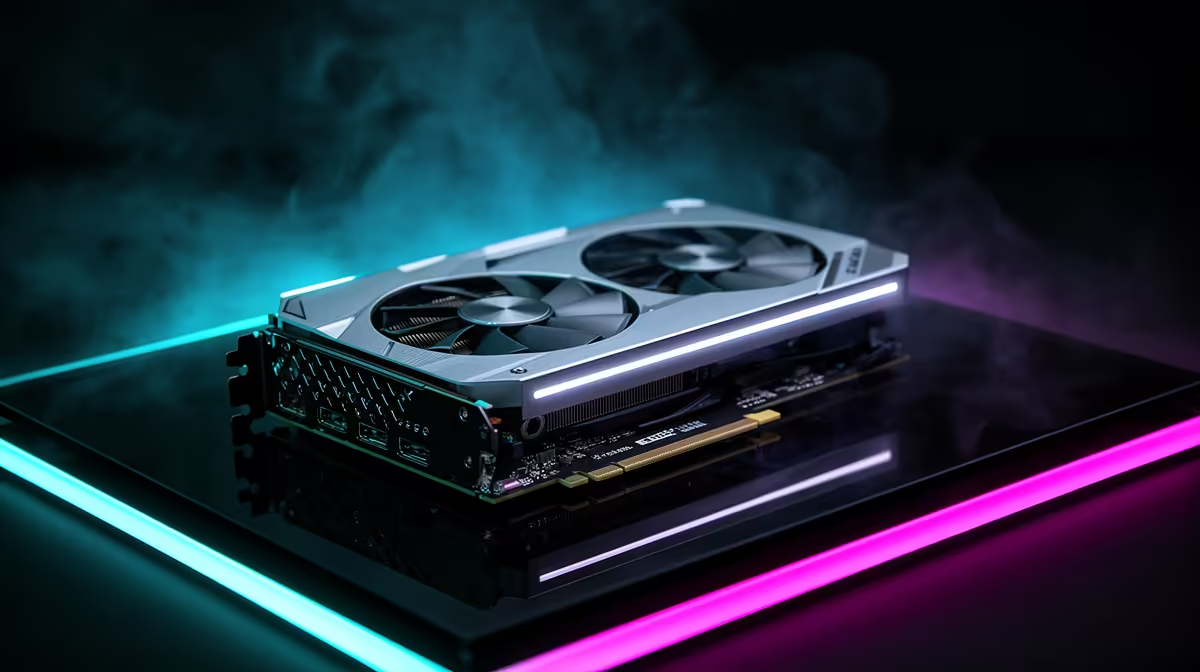
A 16GB RTX 5080 is the value sweet spot for 14B and trimmed 27B models. Step up to a 24GB card and 27B runs with long context plus a 32B coder at tighter settings. The 32GB RTX 5090 is the clean home for 32B coding models with full context and fast token generation. If your work leans on AI day to day, a purpose-built AI PC pairs the right GPU with enough system RAM to avoid bottlenecks, and the current PC best sellers show which configurations SA buyers are pairing with these cards.
Frequently Asked Questions
What happens if a model exceeds my VRAM?
The runtime offloads the overflow layers to system RAM, where they run on the CPU. Generation speed drops sharply, often from dozens of tokens per second to a handful. Staying inside VRAM is the difference between usable and painful.
Does context length change my VRAM needs?
Yes. The KV cache that stores your prompt and conversation grows with context length, on top of the model weights. A 32B model that just fits at 4K context may overflow at 32K, so size the card for the context you actually use.
Is Q4 quantisation good enough for coding?
For most local coding work Q4_K_M holds up well, keeping the model accurate while quartering its memory footprint. If you need maximum fidelity on tricky reasoning, a higher quant like Q5 or Q6 helps, but it raises VRAM accordingly.
Can two GPUs share the load?
Some runtimes split a model across two cards, pooling their VRAM, which lets larger models run than either card alone allows. It adds setup complexity and the cards must be supported by your inference stack, so single-card simplicity is still the easier path for most.
Size the GPU to the model you actually plan to run. A 16GB card covers 14B and trimmed 27B work, while a 32GB RTX 5090 is the home for full 32B coders. Browse the AI PC range to match the card to your local model goals.