


Headset Stock Levels in Bloemfontein: January 2026 Report
Headset Stock Levels in Bloemfontein: January. Current stock data & price tracking for SA buyers. See what is available and where prices are heading.
Read moreMouse Dictionary. Every term explained in plain English so you can shop with confidence and compare specs accurately.
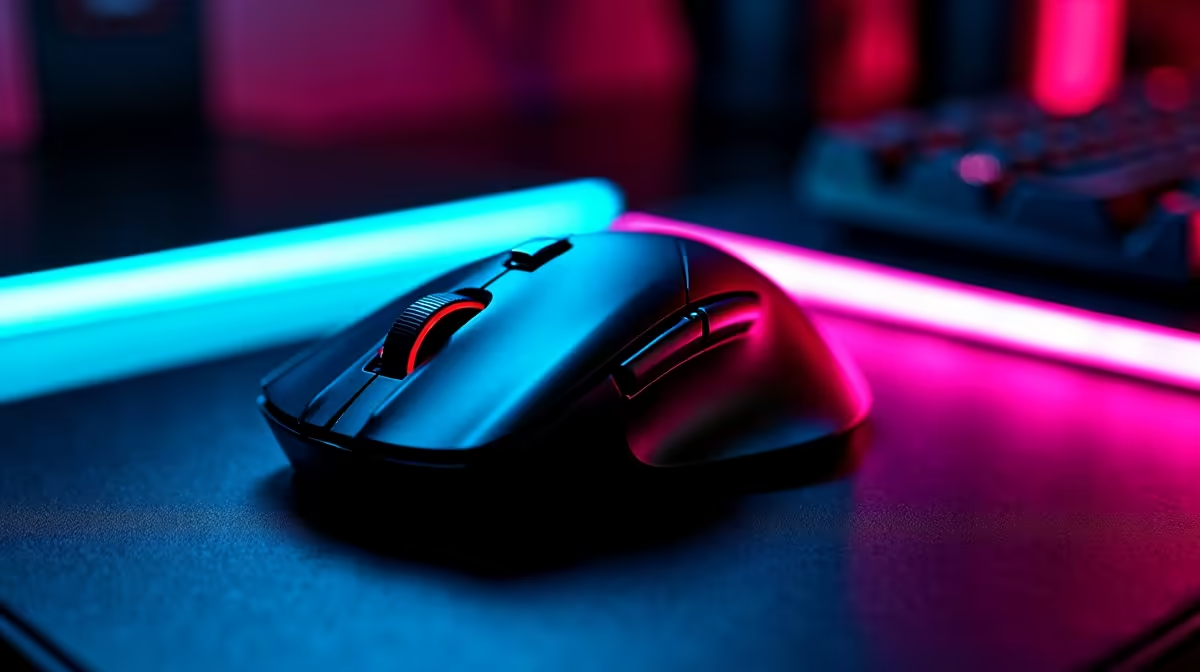
For South African gamers, picking the perfect mouse can be as critical as your graphics card. Whether you’re into epic FPS battles or crafting vast MMORPG worlds, your mouse affects every click and flick. This mouse dictionary unpacks essential terms you’ll encounter before buying—helping you decode specs and features so your next gaming mouse truly upgrades your gameplay. Ready to feel the difference? Let’s dive in ⚡.
DPI, or dots per inch, measures how far your cursor moves relative to your mouse motion. High DPI means faster cursor speed—a must for twitch shooters. Yet, some pros prefer lower DPI with precise control and then adjusting sensitivity in-game. South African gamers often look for gaming mice that let you switch DPI on the fly.
Look out for mice with adjustable DPI settings—this flexibility helps you adapt across genres or even different desks. Explore gaming mice options and find those with high-performance sensors ideal for this gaming mouse range tailored to local gamers.
Polling rate tells how often your mouse reports its position to your PC—measured in Hz. Higher polling rates reduce input delay, essential for fast-paced gaming. Typical rates are 500Hz-1000Hz; 1000Hz often gives the smoothest experience on high-end setups.
Response time, meanwhile, is how swiftly your mouse reacts after that click or movement. A 1ms response is common among gaming mice and preferred by tournament players for instant feedback. It's worth combining these specs with a rig from the best gaming PC deals in South Africa to maximise your setup’s responsiveness.
Wireless gaming mice have evolved; modern tech means minimal lag should not be an issue. However, wired mice still dominate, favoured for their consistent connection during marathon sessions. Some South African gamers debate over the tiny input lag versus the freedom wireless offers.
Choosing depends on your playstyle. If you prioritise absolute reliability, wired is your pick. For neat desks and portability, wireless suits casual or hybrid setups. For those after a complete package, consider a rig from the pre-built PC deals that often bundles compatible peripherals.
Your grip style (palm, claw, fingertip) dictates the ideal mouse shape and size. South African gamers with smaller hands might prefer compact designs, while others opt for large, ergonomic mice for longer comfort.
Don’t underestimate comfort’s role—blisters and cramps kill game flow. Try holding different models before buying, if possible, or check detailed reviews on trusted sites. You might even want a gaming laptop with a precision touchpad fallback, viewable in our collection of notebooks for sale in South Africa.
Assign frequently used game commands or macros to extra mouse buttons. It streamlines action sequences and keeps your hands in the zone. Many gaming mice come with software to personalise your setup—try experimenting for hours saved during raids or battles.
Optical sensors use LED lights to track movement while laser sensors work with infrared. Optical sensors usually provide better tracking on common gaming surfaces. Laser sensors can track on glossy or glass surfaces but sometimes introduce acceleration, which some gamers avoid.
When building your gaming station, consider your mouse pad choice to complement sensor technology. For a great combo, browse the latest specials to upgrade both your mouse and mousepad without breaking the ZAR budget.
Gear Up with the Right Mouse at Evetech Find your ideal gaming mouse tailored to your style and strategy. Shop now at Evetech for performance that leaves lag in the dust.
Mouse Dictionary for South Africa available at Evetech.co.za with local warranty and fast delivery.
Mouse Dictionary for South Africa - check Evetech for latest stock and SA pricing.
Depends on your use case. Mouse Dictionary for South Afr offers good value at current Rand pricing.
Headset Stock Levels in Bloemfontein: January. Current stock data & price tracking for SA buyers. See what is available and where prices are heading.
Read more
iMac for Medical Practice: Patient Management. SA-focused analysis with local pricing data, real-world insights & actionable buying advice.
Read more
RTX 5060 Fortnite Ultra Settings at 1080p: FPS. Real-world benchmark data, FPS numbers & performance analysis. What SA gamers can actually expect.
Read more
Headset Stock Levels in Cape Town: August Report. Current stock data & price tracking for SA buyers. See what is available and where prices are heading.
Read more
Eskom Load Shedding During Video Call: Solutions. SA-focused analysis with local pricing data, real-world insights & actionable buying advice.
Read more
LoL Performance on Extreme Gaming PC. Real-world benchmark data, FPS numbers & performance analysis. What SA gamers can actually expect.
Read more
Is a Ultra Short Throw Projector Good for Gaming?. Diagnosis steps, proven fixes & when to seek professional help. SA-specific support info included.

Is a Short Throw Projector Good for Gaming? Input. Diagnosis steps, proven fixes & when to seek professional help. SA-specific support info included.

Top Mouse Settings for Competitive FPS: Sensitivity picks evaluated on performance, value & SA availability with current Rand pricing from Evetech.

Top Speakers for MacBook Desk Setup picks evaluated on performance, value & SA availability with current Rand pricing from Evetech.

Is a Ergonomic Chair Better Than a Standard Office Chair for Gaming Detailed answer with SA data, expert analysis & practical recommendations for local buyers.

Use Spotlight Search Like a Pro on macOS. Step-by-step instructions with SA-specific tips, common pitfalls to avoid & expert recommendations.

wireless keyboard Fan Noise Too Loud: Quiet. Everything you need to know with SA pricing, step-by-step instructions & expert recommendations.

Connection Timeout: Troubleshooting Guide #2. Diagnosis steps, proven fixes & when to seek professional help. SA-specific support info included.
Headset Stock Levels in Bloemfontein: January. Current stock data & price tracking for SA buyers. See what is available and where prices are heading.
iMac for Medical Practice: Patient Management. SA-focused analysis with local pricing data, real-world insights & actionable buying advice.
RTX 5060 Fortnite Ultra Settings at 1080p: FPS. Real-world benchmark data, FPS numbers & performance analysis. What SA gamers can actually expect.
Headset Stock Levels in Cape Town: August Report. Current stock data & price tracking for SA buyers. See what is available and where prices are heading.