


Core Ultra 5 245K Gaming Performance: Full Optimization
Core Ultra 5 245K Gaming Performance: Full. Real-world benchmark data, FPS numbers & performance analysis. What SA gamers can actually expect.
Read moreNintendo Switch 2 Dock: Does It Support 4K Output Detailed answer with SA data, expert analysis & practical recommendations for local buyers.
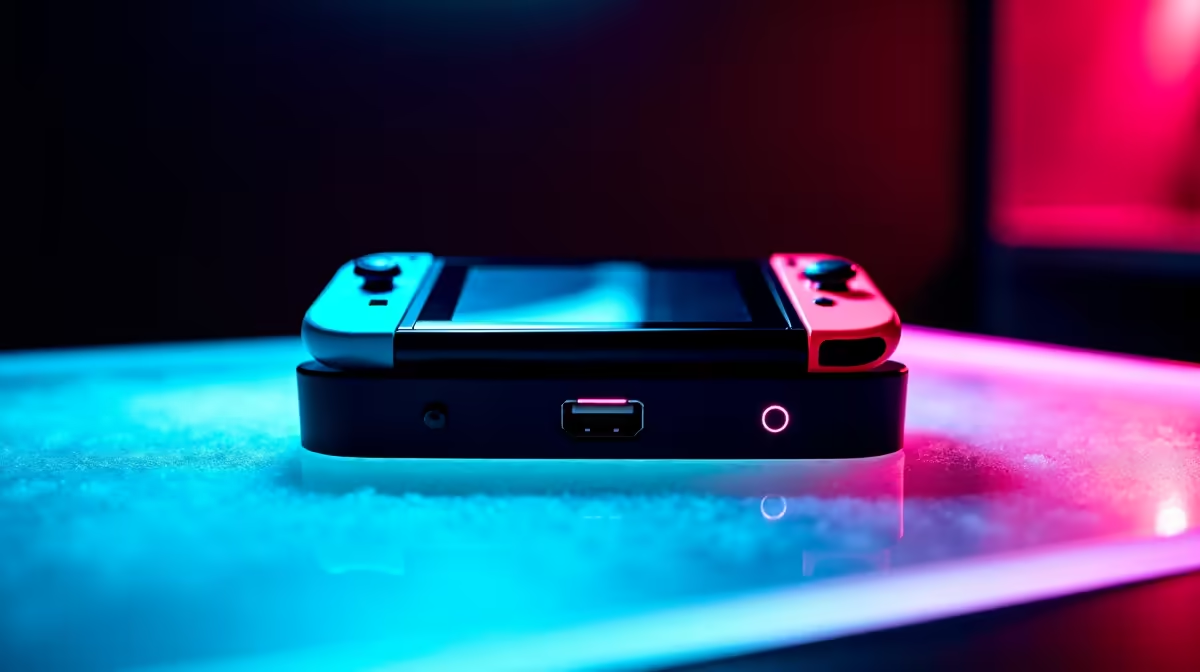
The Nintendo Switch 2 dock does support 4K output - but with an important caveat that determines whether you actually experience 4K in practice. Understanding the dock's capabilities versus the console's own rendering resolution is the key to setting correct expectations.
Does the Nintendo Switch 2 dock support 4K output? Yes. The Nintendo Switch 2 dock outputs at up to 4K (2160p) via HDMI 2.0. However, most Switch 2 games do not render natively at 4K - the dock upscales from the console's native output, which typically ranges from 1080p to 1440p depending on the game.
The Nintendo Switch 2 dock connects to your TV via HDMI 2.0, which supports up to 4K at 60Hz. The dock itself does not contain additional processing hardware - it acts as a passthrough and power delivery device. The actual rendering is done by the Switch 2 console's custom Nvidia Tegra T239 chip, which has a maximum docked output resolution of 4K via Nintendo's upscaling technology.
Nintendo uses a proprietary upscaling method (similar in concept to DLSS or FSR) to output a 4K signal from lower internal render resolutions. For most Switch 2 games, internal rendering occurs at 1080p–1440p in docked mode, which is then upscaled to 4K by the console's chip before being sent through the dock to your display.
A few first-party Nintendo titles support native 4K rendering in docked mode, but this is rare - native 4K demands more performance than the mobile chip can sustain at acceptable frame rates in complex game worlds.
For South African consumers, ensure your TV's HDMI port supports HDMI 2.0 and has 4K/60Hz passthrough enabled in its settings - some TVs disable this by default to conserve processing resources on lower-used ports.
If you have a 4K TV, connecting the Switch 2 dock via HDMI to a 4K HDMI port will automatically output at 4K. The upscaled image quality is noticeably better than the Nintendo Switch 1's 1080p output, and on a 55-inch or larger TV the improvement is clearly visible.
For competitive gaming where frame rate matters more than resolution, Switch 2 games often offer a performance mode that targets 60fps at 1080p or 1440p rather than chasing higher resolution at lower frame rates. This mode is recommended for fast-paced titles.
If your TV is 1080p, the Switch 2 dock simply outputs at 1080p - there is no loss in quality, and you do not need a 4K TV to get the Switch 2's best docked performance at 60fps.
Does the Switch 2 dock work with the original Switch? Yes, the Nintendo Switch 2 dock is backwards-compatible with the original Nintendo Switch console for basic docking. However, the original Switch outputs a maximum of 1080p, so none of the dock's 4K capabilities are used in this configuration.
Do I need an 8K TV for the best Switch 2 experience? No. 4K UHD (3840x2160) is the maximum output of the Switch 2 dock. An 8K TV will display the signal at 4K or upscale it further, but no Switch 2 game outputs natively above 4K.
What HDMI cable should I use with the Switch 2 dock? The dock ships with a suitable HDMI cable. If you need a replacement or longer cable, any HDMI 2.0 high-speed cable supports 4K/60Hz. Premium HDMI cables (certified Ultra High Speed) are not required for the Switch 2's output specifications.
Shop Graphics Card Deals and Evetech Best Sellers at Evetech for fast delivery across South Africa.
Ready to Find Your Perfect Match? Shop at Evetech
Nintendo Switch 2 Dock: Does It Support available at Evetech.co.za with local warranty and fast delivery.
Nintendo Switch 2 Dock: Does It Support - check Evetech for latest stock and SA pricing.
Depends on your use case. Nintendo Switch 2 Dock: Does I offers good value at current Rand pricing.
Core Ultra 5 245K Gaming Performance: Full. Real-world benchmark data, FPS numbers & performance analysis. What SA gamers can actually expect.
Read more
Huawei MatePad Range : Which Model Should You Buy. Complete product range with SA pricing, key specs & recommendations for different budgets.
Read more
Are Wireless Gaming Peripherals as Good as Wired in 2026 Detailed answer with SA data, expert analysis & practical recommendations for local buyers.
Read more
Are Big And Tall Gaming Chairs Good for Long Gaming Sessions Detailed answer with SA data, expert analysis & practical recommendations for local buyers.
Read more
PCIe Bandwidth Saturation: Multiple GPU Issue. Diagnosis steps, proven fixes & when to seek professional help. SA-specific support info included.
Read more
Intel Keyboard: Value. SA-focused analysis with local pricing data, real-world insights & actionable buying advice.
Read more
MacBook Pro for Machine Learning in 2026: Can Apple Silicon Compete Detailed answer with SA data, expert analysis & practical recommendations for local buyers.

Choose the Right SATA SSD for machine learning. Step-by-step instructions with SA-specific tips, common pitfalls to avoid & expert recommendations.

Overwatch 2 Competitive Settings Servers. Tested & verified settings for best FPS and visual quality on SA hardware budgets.

League of Legends Settings for 144Hz Gaming. Tested & verified settings for best FPS and visual quality on SA hardware budgets.

Every AMD CPU Ranked for Gaming: Tier List. SA-focused analysis with local pricing data, real-world insights & actionable buying advice.

Easter Family Bundles: Monitors. Hand-picked gift ideas at every budget tier. SA pricing & Evetech availability included.

Ryzen 7 9800X3D Running 100 Degrees: Cooler. Diagnosis steps, proven fixes & when to seek professional help. SA-specific support info included.

Most Affordable Laptops : Starting from R8,000. Full parts list, Rand pricing & expected performance. Build confidently with SA-available components.

HBADA Chairs : Range and Pricing. Complete product range with SA pricing, key specs & recommendations for different budgets.

Ryzen 7 9800X3D for Music Production: Performance. Real-world benchmark data, FPS numbers & performance analysis. What SA gamers can actually expect.

Winter Cooling Management: Headsets. SA-focused analysis with local pricing data, real-world insights & actionable buying advice.

AKRacing Gaming Chair Range: Which Model Is Right. Complete product range with SA pricing, key specs & recommendations for different budgets.