


Storage Stock Levels in Port Elizabeth: December 2026 Report
Storage Stock Levels in Port Elizabeth: December. Current stock data & price tracking for SA buyers. See what is available and where prices are heading.
Read morePacket Loss Causing Lag: ISP Issue Detailed answer with SA-specific data, expert analysis & practical recommendations for local buyers.
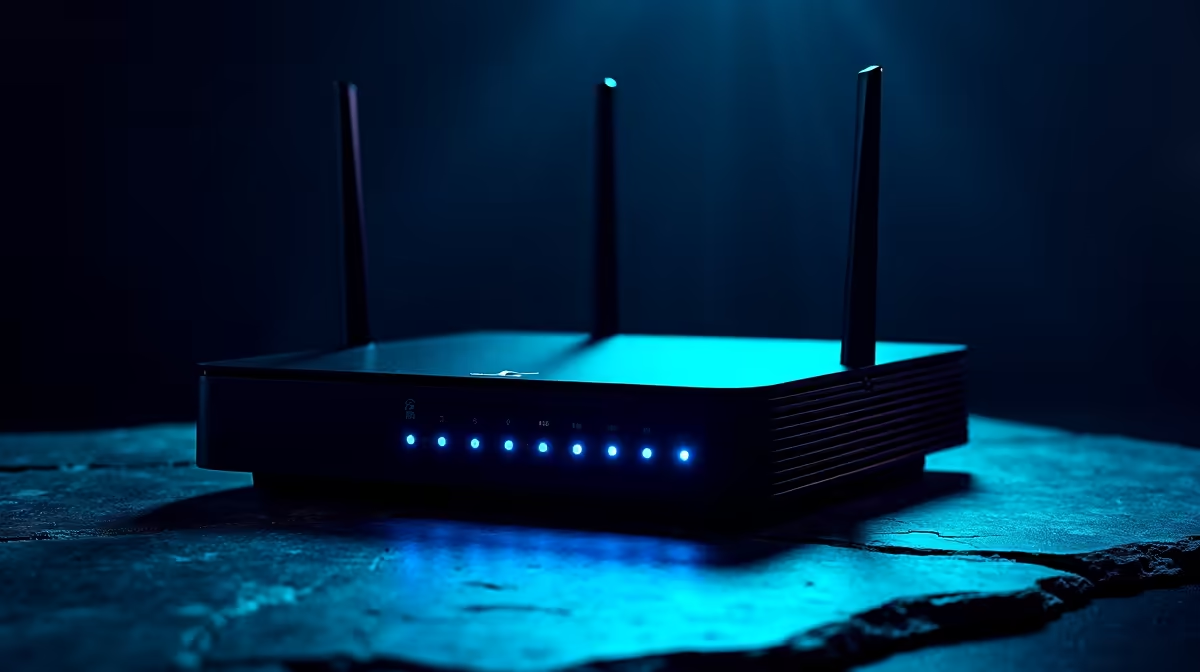
Packet loss causing lag is frequently an ISP-side problem, but your home network hardware, router firmware, and cable quality can also be the culprit - diagnosing each layer is essential before blaming your provider.
Packet loss occurs when data packets travelling between your PC and a game server fail to arrive at their destination. Even a 1-2% packet loss rate is enough to cause rubber-banding, skill shots that don't register, and mid-game disconnects. For South African players connecting to international servers - whether in Europe or the Middle East - the longer routing paths mean there are simply more points where packets can go missing.
Before assuming your ISP is at fault, run a pathping or tracert command in Windows Command Prompt to identify exactly where in the chain the loss begins. If packets drop at hop 1 or 2, the issue is inside your home. If loss only appears at hops 5 and beyond, your ISP's infrastructure or the game's server is the likely culprit. Tools like WinMTR give you a live, per-hop view of both latency and packet loss simultaneously.
South African ISPs - particularly on fibre and LTE networks - can experience congestion during peak gaming hours, which typically runs from 19h00 to 22h00. This congestion causes intermittent packet loss that looks exactly like a failing router. The key difference is timing: if your lag only appears in the evenings or on weekends, ISP congestion is the most probable explanation.
Contact your ISP and ask for a line quality report. Most fibre providers have tools to measure CRC errors and packet loss directly on your line. If your ISP confirms no fault on their end and your pathping shows loss starting at hop 3 or 4 (outside your router), escalate the issue formally and request a technician visit. Document your WinMTR results with timestamps - this is the evidence your ISP needs to investigate the problem at the exchange or transit level.
Load shedding compounds the issue. When power returns after an outage, routers and ONTs (fibre termination devices) sometimes come back in a degraded state that causes packet loss for hours. A full power cycle of your router and ONT after every load shedding event can resolve what appears to be an ISP fault.
A: For competitive gaming, anything above 0.5% sustained packet loss will produce noticeable lag. Casual players may tolerate up to 2% before the experience degrades significantly. Most speed test tools measure 0% loss on stable fibre lines.
A: Yes. Entry-level routers struggle with QoS (Quality of Service) management under load, especially when multiple devices stream video simultaneously. Upgrading your router is often the fastest fix when your ISP line checks out clean.
A: A faster PC cannot fix a network issue, but a desktop with a wired Gigabit Ethernet connection will eliminate Wi-Fi as a variable. Many apparent packet loss problems on gaming laptops are actually 2.4GHz Wi-Fi interference from neighbouring networks.
Also at Evetech: Graphics Card Deals | Evetech Best Sellers
Ready to Find Your Perfect Match? Shop at Evetech
Packet Loss Causing Lag: ISP Issue available at Evetech.co.za with local warranty and fast delivery.
Packet Loss Causing Lag: ISP Issue - check Evetech for latest stock and SA pricing.
Depends on your use case. Packet Loss Causing Lag: ISP I offers good value at current Rand pricing.
Storage Stock Levels in Port Elizabeth: December. Current stock data & price tracking for SA buyers. See what is available and where prices are heading.
Read more
Ryzen 7 10800X3D Apex Legends Gaming Performance. Real-world benchmark data, FPS numbers & performance analysis. What SA gamers can actually expect.
Read more
Mouse Technology: 2023- Evolution in Gaming. Technology trajectory, what it means for SA buyers & how to future-proof your next purchase.
Read more
FAQ: Is my hard drive failing Detailed answer with SA data, expert analysis & practical recommendations for local buyers.
Read more
Core i5-14400F Monster Hunter Wilds Gaming. Real-world benchmark data, FPS numbers & performance analysis. What SA gamers can actually expect.
Read more
PC Requirements for Animation in : Minimum. SA-focused analysis with local pricing data, real-world insights & actionable buying advice.
Read more
ASUS RAM: Product Range. Complete product range with SA pricing, key specs & recommendations for different budgets.

MacBook Social Media Managers: Content Creation. Creator-focused recommendations with SA pricing, real workflow tests & Evetech availability.

Bandwidth Explained: What Buyers Need to Know. Plain-English explanation of what it means, why it matters & how it affects your buying decisions in SA.

Set Up RX 7800 XT for Competitive Gaming. Step-by-step instructions with SA-specific tips, common pitfalls to avoid & expert recommendations.

Every AMD CPU Ranked for Gaming: Tier List. SA-focused analysis with local pricing data, real-world insights & actionable buying advice.

Easter Family Bundles: Monitors. Hand-picked gift ideas at every budget tier. SA pricing & Evetech availability included.

Ryzen 7 9800X3D Running 100 Degrees: Cooler. Diagnosis steps, proven fixes & when to seek professional help. SA-specific support info included.

Most Affordable Laptops : Starting from R8,000. Full parts list, Rand pricing & expected performance. Build confidently with SA-available components.
Storage Stock Levels in Port Elizabeth: December. Current stock data & price tracking for SA buyers. See what is available and where prices are heading.
Ryzen 7 10800X3D Apex Legends Gaming Performance. Real-world benchmark data, FPS numbers & performance analysis. What SA gamers can actually expect.
Mouse Technology: 2023- Evolution in Gaming. Technology trajectory, what it means for SA buyers & how to future-proof your next purchase.
FAQ: Is my hard drive failing Detailed answer with SA data, expert analysis & practical recommendations for local buyers.