


Storage Stock Levels in Port Elizabeth: December 2026 Report
Storage Stock Levels in Port Elizabeth: December. Current stock data & price tracking for SA buyers. See what is available and where prices are heading.
Read morePC Requirements for Animation in : Minimum. SA-focused analysis with local pricing data, real-world insights & actionable buying advice.
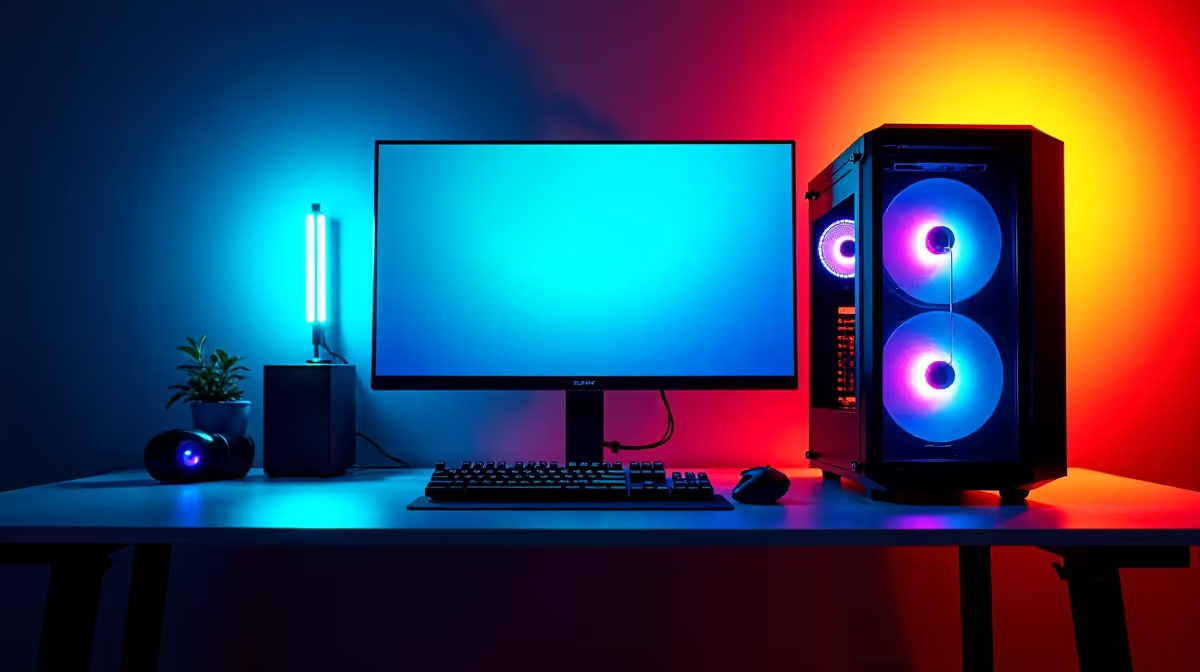
Animation work in 2026 demands a PC with a fast multi-core CPU, at least 32GB of RAM, and a dedicated GPU with substantial VRAM. The minimum specs will get you running 2D animation or basic 3D work, while recommended specs handle complex 3D scenes, rigging, and rendering without frustrating bottlenecks.
For light animation work - 2D frame-by-frame animation in software like Adobe Animate, Clip Studio Paint, or Toon Boom Harmony at standard resolution - a minimum spec machine needs at least an 8-core CPU like a Ryzen 5 7600 or Core i5-13400F, 16GB of DDR4 or DDR5 RAM, a dedicated GPU with 8GB VRAM, and an SSD for fast asset access. At these specs, simple 3D work in Blender is possible but will involve noticeable render wait times. A 1080p display with accurate colour is essential - gaming monitors with high refresh rates are useful but colour accuracy (sRGB coverage) matters more for animation than raw speed.
For 3D animation, character rigging, particle simulations, and rendering in Blender, Maya, or Cinema 4D, the recommended build steps up significantly. A 16-core or higher CPU such as a Ryzen 9 7950X or Core i9-14900K dramatically reduces render times. 64GB of RAM becomes important when working with complex scenes and multi-layer projects. A GPU with 16GB or more of VRAM - such as the RTX 4080 or RTX 4090 - enables GPU rendering in Cycles (Blender) or Arnold GPU, which is orders of magnitude faster than CPU-only rendering. South African animation students at institutions like AFDA or AAA School of the Arts will find that these recommended specs align with what professional studios use.
Animation projects generate enormous file sizes quickly. Raw renders, working files, and asset libraries can consume terabytes of storage. A primary NVMe SSD of at least 1TB for the OS and active projects, combined with a secondary HDD or large SSD for project archives, is the practical setup. For display, a colour-accurate IPS or OLED panel calibrated to sRGB or DCI-P3 ensures your work looks correct across different screens and in final delivery. Animation created on an uncalibrated gaming monitor often appears with colour shifts when viewed professionally.
How much RAM do I need for 3D animation in 2026? Minimum 16GB for simple 3D work, 32GB for mid-complexity scenes, and 64GB or more for professional-grade animation with complex simulations and large asset libraries.
Does GPU matter for animation or only rendering? GPU matters for both. GPU-accelerated viewports in Blender, Maya, and Cinema 4D make real-time animation work smoother. GPU rendering with NVIDIA CUDA or AMD ROCm also dramatically reduces final render times compared to CPU rendering.
Can animation students use a gaming laptop for animation in SA? Yes, a capable gaming laptop with a dedicated GPU, 32GB RAM, and a fast CPU handles animation coursework well. Ensure the display is colour-accurate, as most gaming laptops prioritise refresh rate over colour precision. External colour-accurate monitors are an option.
Ready to Find Your Perfect Match? Shop professional-grade PCs at Evetech
PC Requirements for Animation in 2026: M available at Evetech.co.za with local warranty and fast delivery.
PC Requirements for Animation in 2026: M - check Evetech for latest stock and SA pricing.
Depends on your use case. PC Requirements for Animation offers good value at current Rand pricing.
Storage Stock Levels in Port Elizabeth: December. Current stock data & price tracking for SA buyers. See what is available and where prices are heading.
Read more
Ryzen 7 10800X3D Apex Legends Gaming Performance. Real-world benchmark data, FPS numbers & performance analysis. What SA gamers can actually expect.
Read more
Mouse Technology: 2023- Evolution in Gaming. Technology trajectory, what it means for SA buyers & how to future-proof your next purchase.
Read more
FAQ: Is my hard drive failing Detailed answer with SA data, expert analysis & practical recommendations for local buyers.
Read more
Core i5-14400F Monster Hunter Wilds Gaming. Real-world benchmark data, FPS numbers & performance analysis. What SA gamers can actually expect.
Read more
Christmas Last-Minute Buys: Storages. Hand-picked gift ideas at every budget tier. SA pricing & Evetech availability included.
Read more
AMD RX 9050 XT: Rumoured Specs, Price & Release. SA-focused analysis with local pricing data, real-world insights & actionable buying advice.

Can RTX 4080 Super Run AI Workloads for SA Developers Detailed answer with SA data, expert analysis & practical recommendations for local buyers.

Can RTX 4090 Run AI Workloads for SA Developers Detailed answer with SA data, expert analysis & practical recommendations for local buyers.

Top Settings for Intel Arc B580 at Ultrawide 1440p picks evaluated on performance, value & SA availability with current Rand pricing from Evetech.

RTX 4060 CS2 Low Settings at 1080p: FPS Results. Real-world benchmark data, FPS numbers & performance analysis. What SA gamers can actually expect.

Visual Artifacts: Possible GPU Issue Issue #1. Diagnosis steps, proven fixes & when to seek professional help. SA-specific support info included.

Can the RTX 4090 Handle 1440p 144Hz Gaming. Performance testing verdict with real data & practical recommendations for SA buyers.

Top ASUS GPU Under R15000 picks evaluated on performance, value & SA availability with current Rand pricing from Evetech.

GTA 6 Max Settings on RTX 5070. Tested & verified settings for best FPS and visual quality on SA hardware budgets.

Cyberpunk 2077 Max Settings on RTX 5080. Tested & verified settings for best FPS and visual quality on SA hardware budgets.

Starfield Max Settings on RTX 5070 Ti. Tested & verified settings for best FPS and visual quality on SA hardware budgets.

Top RTX 5090 Under R5000 picks evaluated on performance, value & SA availability with current Rand pricing from Evetech.