


Headset Stock Levels in Bloemfontein: January 2026 Report
Headset Stock Levels in Bloemfontein: January. Current stock data & price tracking for SA buyers. See what is available and where prices are heading.
Read morePC Case Vibration: Fan Balancing Fix. SA-focused analysis with local pricing data, real-world insights & actionable buying advice.
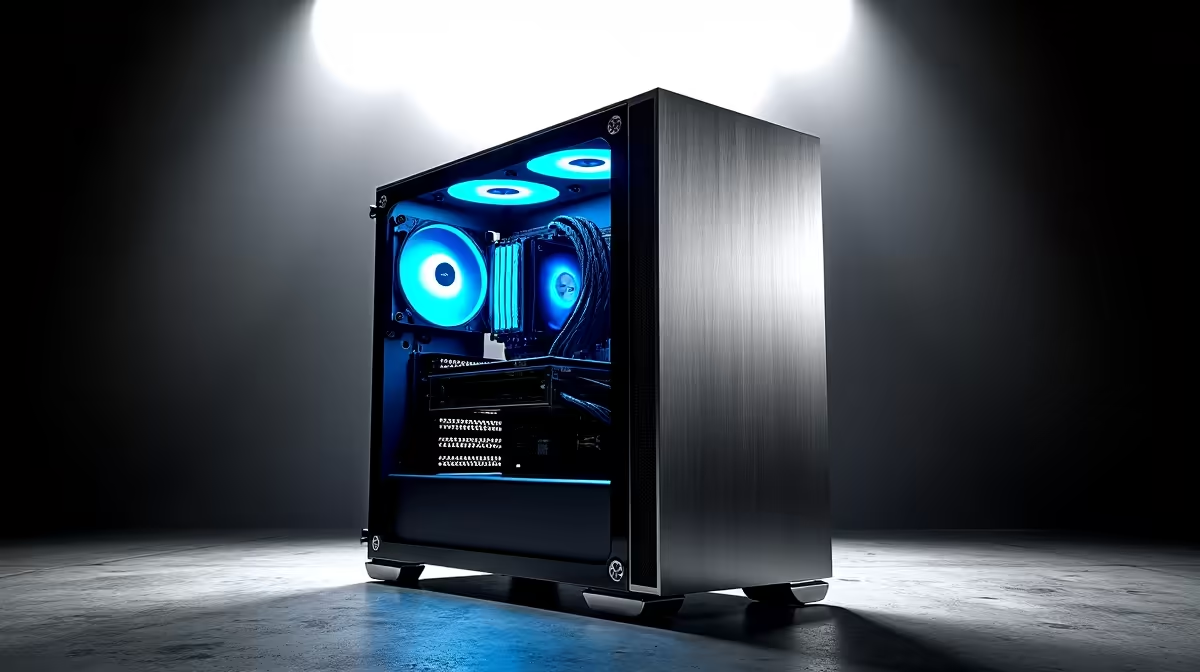
PC case vibration caused by fans is one of the most common noise complaints in gaming and workstation builds. The fix almost always involves one or more of three steps: balancing uneven fan blades, adding anti-vibration mounts, and ensuring fans are secured firmly without being overtightened. Most cases can be silenced significantly in under 30 minutes with basic tools.
Before you start adjusting anything, confirm that a fan is actually the source. Power off the PC and manually spin each fan with your finger. A fan with a bent blade or debris caught in it will spin unevenly and wobble. Any fan that resists spinning smoothly or produces a grinding sensation in the hub is a candidate for replacement rather than balancing.
With the PC running, gently press a finger against each fan frame (not the blades) one at a time. If the vibration reduces or stops when you press on a specific fan, you have found your culprit. Alternatively, use the fan speed control in your motherboard's BIOS or fan controller software to ramp individual fans up and down to isolate which one changes the vibration character at different speeds.
Cheaper case fans are more prone to vibration because blade moulding tolerances are wider and the hub bearings are lower quality. Budget builds in South Africa, particularly those assembled to land under the R10,000 gaming PC mark, often include stock case fans that benefit from simple anti-vibration treatment even when new.
True fan balancing involves adding small amounts of weight to the lighter side of the fan to equalize blade mass distribution. While professional balancing rigs exist, a practical DIY approach for PC fans uses small pieces of electrical tape or even a small dab of hot glue applied to the blade that is lighter relative to others.
To identify the heavier and lighter blades, hold the fan horizontally by its frame. The heavier side will naturally drop. Mark the blade that sits lowest, then apply a small piece of tape to the blade directly opposite (the lightest point). Test, then repeat until the fan sits level when held freely. This process takes patience but can dramatically reduce vibration on an otherwise functional fan.
For most SA builders, replacing vibration-prone stock fans with quality aftermarket fans featuring fluid dynamic bearings is the more time-efficient solution. Fans with FDB or rifle bearings are significantly quieter and more balanced from the factory than sleeve-bearing budget options.
Even a well-balanced fan will transmit vibration into the case frame if mounted directly against metal. Rubber anti-vibration mounts, which replace the standard screws, absorb the fan's vibrational energy before it reaches the chassis. Most PC cases include at least some rubber mounting points for fans, particularly for the front intake and top exhaust positions.
If your case does not include rubber mounts, aftermarket anti-vibration fan screws are available from most local tech retailers and are an inexpensive fix typically costing under R100 for a pack. Finger-tight installation, where you tighten until snug but not beyond, is correct for fan mounting. Overtightening deforms the rubber mount and transfers vibration directly through the compressed material.
Direct damage to components from fan vibration is unlikely, but prolonged vibration can loosen cable connections, cause subtle noise that worsens over time, and in extreme cases affect optical drive mechanisms in older builds. The primary concern is noise and comfort rather than hardware damage.
Replace a fan if it produces a grinding or rattling noise during the spin-down phase, if it runs noticeably slower than its rated RPM, or if physical damage to the blades or hub is visible. Balancing is for minor imbalance in otherwise functional fans.
Yes. Most fans vibrate more at certain RPM ranges due to resonance frequencies. Try reducing fan speed through BIOS fan curves to find a quieter operating point. Many builds run cooler and quieter than expected with fans set to 70-80% of maximum speed rather than 100%.
Ready to Find Your Perfect Match? Upgrade your cooling with quality fans and components for a quieter, more stable build. Shop PC Components
PC Case Vibration: Fan Balancing Fix available at Evetech.co.za with local warranty and fast delivery.
PC Case Vibration: Fan Balancing Fix - check Evetech for latest stock and SA pricing.
Depends on your use case. PC Case Vibration: Fan Balanci offers good value at current Rand pricing.
Headset Stock Levels in Bloemfontein: January. Current stock data & price tracking for SA buyers. See what is available and where prices are heading.
Read more
iMac for Medical Practice: Patient Management. SA-focused analysis with local pricing data, real-world insights & actionable buying advice.
Read more
RTX 5060 Fortnite Ultra Settings at 1080p: FPS. Real-world benchmark data, FPS numbers & performance analysis. What SA gamers can actually expect.
Read more
Headset Stock Levels in Cape Town: August Report. Current stock data & price tracking for SA buyers. See what is available and where prices are heading.
Read more
Eskom Load Shedding During Video Call: Solutions. SA-focused analysis with local pricing data, real-world insights & actionable buying advice.
Read more
LoL Performance on Extreme Gaming PC. Real-world benchmark data, FPS numbers & performance analysis. What SA gamers can actually expect.
Read more
MacBook Pro for Machine Learning in 2026: Can Apple Silicon Compete Detailed answer with SA data, expert analysis & practical recommendations for local buyers.

Choose the Right SATA SSD for machine learning. Step-by-step instructions with SA-specific tips, common pitfalls to avoid & expert recommendations.

Overwatch 2 Competitive Settings Servers. Tested & verified settings for best FPS and visual quality on SA hardware budgets.

League of Legends Settings for 144Hz Gaming. Tested & verified settings for best FPS and visual quality on SA hardware budgets.

Every AMD CPU Ranked for Gaming: Tier List. SA-focused analysis with local pricing data, real-world insights & actionable buying advice.

Easter Family Bundles: Monitors. Hand-picked gift ideas at every budget tier. SA pricing & Evetech availability included.

Ryzen 7 9800X3D Running 100 Degrees: Cooler. Diagnosis steps, proven fixes & when to seek professional help. SA-specific support info included.

Most Affordable Laptops : Starting from R8,000. Full parts list, Rand pricing & expected performance. Build confidently with SA-available components.

HBADA Chairs : Range and Pricing. Complete product range with SA pricing, key specs & recommendations for different budgets.

Ryzen 7 9800X3D for Music Production: Performance. Real-world benchmark data, FPS numbers & performance analysis. What SA gamers can actually expect.

Winter Cooling Management: Headsets. SA-focused analysis with local pricing data, real-world insights & actionable buying advice.

AKRacing Gaming Chair Range: Which Model Is Right. Complete product range with SA pricing, key specs & recommendations for different budgets.