


Headset Stock Levels in Bloemfontein: January 2026 Report
Headset Stock Levels in Bloemfontein: January. Current stock data & price tracking for SA buyers. See what is available and where prices are heading.
Read moreRouter Keeps Dropping WiFi: Solutions. SA-focused analysis with local pricing data, real-world insights & actionable buying advice.
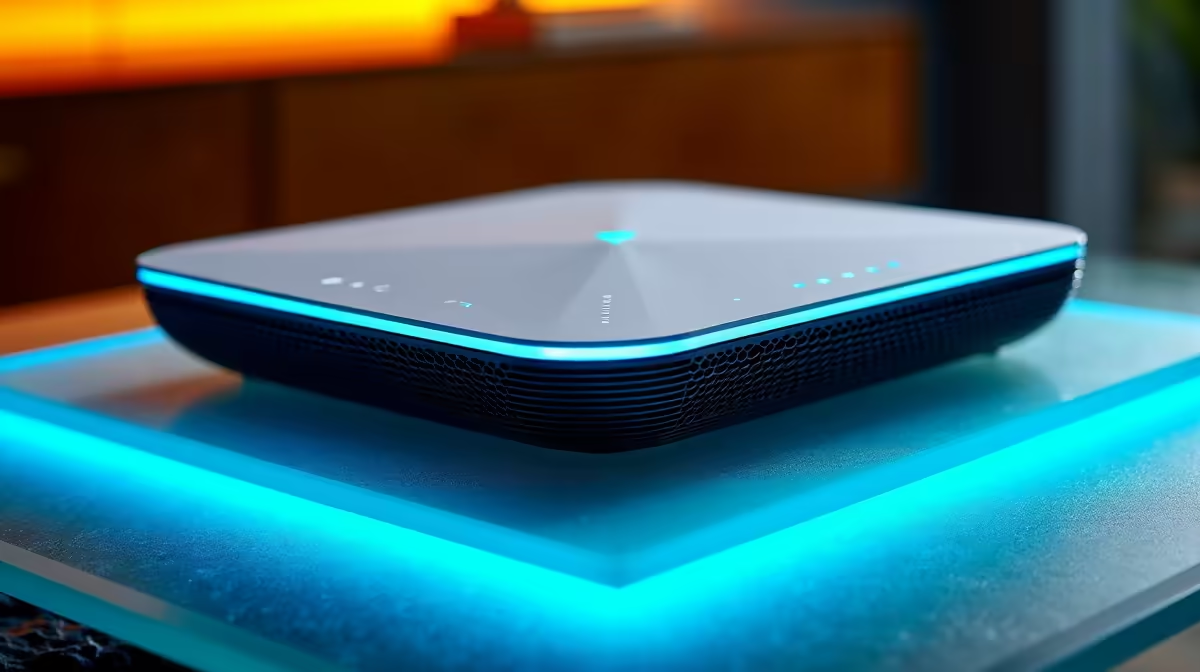
When your router keeps dropping Wi-Fi, the most common causes are interference from neighbouring networks, overheating, outdated firmware, or ISP line instability - and most issues can be resolved with simple settings changes or hardware placement adjustments.
A router that repeatedly drops its Wi-Fi connection is one of the most frustrating networking issues, especially for South African households where internet connectivity is already under strain from ISP variability and loadshedding disruptions. Before assuming hardware failure, it is worth systematically working through the most common causes. The vast majority of Wi-Fi drop issues are software, configuration, or environment-related rather than hardware failure.
The first step is identifying the drop pattern. Does Wi-Fi drop at a specific time of day? Peak hours (6pm to 10pm) in densely populated areas of Johannesburg, Cape Town, and Durban see more wireless interference as neighbours use their routers simultaneously. Does it drop when you are far from the router? This points to signal strength and range issues. Does it drop during loadshedding or power fluctuations? Many routers reboot or lose configuration integrity when subjected to repeated power cycling without proper voltage protection.
Check whether the drop affects all devices or just one. If your phone loses connection while a laptop stays connected, the issue is device-specific - likely a driver or power management setting. If all devices drop simultaneously, the router itself, or your ISP's line, is the culprit. These two scenarios have different solutions, so identifying which is occurring saves significant troubleshooting time.
Firmware updates are the single most overlooked fix for persistent Wi-Fi drops. Router manufacturers release firmware updates that patch known stability issues, improve compatibility with newer devices, and fix wireless chipset bugs. Log into your router's admin interface (typically 192.168.0.1 or 192.168.1.1 in a browser), find the firmware update section, and check for available updates. Updating firmware resolves many recurring drop issues that seem hardware-related but are actually software bugs.
Channel congestion is the next most common culprit in urban South African environments. By default, most routers automatically select Wi-Fi channels, but automatic selection often picks congested channels shared by many neighbours. Use a Wi-Fi analysis app on your smartphone to see which channels are most crowded in your environment. For 2.4GHz, channels 1, 6, and 11 are the non-overlapping options - select whichever is least occupied. For 5GHz, there are many more available channels and congestion is less of an issue, but manually selecting a clear channel can still help.
Overheating causes routers to throttle performance and disconnect clients as a protective measure. Routers are frequently placed in enclosed spaces - inside cabinets, behind televisions, in poorly ventilated corners. Feel your router during a connection drop. If it is hot to the touch, repositioning it in open air with the antennas vertical typically resolves thermal throttling drops. Routers should ideally be placed on open shelves with airflow above and below the unit.
If basic fixes do not resolve the issue, investigate your router's DHCP lease time and wireless association settings. Some routers have aggressive idle-disconnect timers that drop clients after a period of low activity. In your router's wireless settings, look for options like "Associated Idle Timeout" or "Client Isolation" and set idle timeouts to longer periods. This is a common cause of drops that appear to be connection loss but are actually the router disconnecting idle devices.
For South African fibre users experiencing drops specifically on the WAN side (internet drops but local Wi-Fi devices stay connected), the issue is typically at the Optical Network Terminal (ONT) or ISP routing level rather than your router. Loadshedding causes many SA fibre ONTs to reboot, and some take several minutes to re-establish upstream connectivity. Protecting your ONT and router with a UPS - even a small 1,000VA unit - prevents loadshedding-triggered connectivity interruptions and is a worthwhile investment for regular internet users.
Wi-Fi band steering issues cause drops on dual-band routers when devices switch between 2.4GHz and 5GHz networks. Some routers aggressively push devices between bands in ways that cause brief disconnections perceived as drops. If your router supports separate SSIDs for each band, consider naming them differently (for example, HomeNetwork_2.4 and HomeNetwork_5) and manually connecting devices to the appropriate band based on their distance from the router.
A: Yes - repeated power cycling from loadshedding can corrupt router firmware or degrade internal components over time. Power-on surges when electricity returns are particularly damaging. A UPS or quality surge-protected power strip protects your router and prevents loadshedding-triggered drops.
A: Weekly reboots clear memory leaks and refresh network tables, which helps with routers that drift into instability over time. You can schedule automatic reboots in many router admin panels - set it for 3am when the network is inactive.
A: 5GHz has shorter range than 2.4GHz. At the edges of your router's coverage, devices on 5GHz drop frequently as signal strength fluctuates. Either move closer to the router, add a Wi-Fi extender or mesh node, or connect distance-sensitive devices to 2.4GHz for more stable connectivity.
Also at Evetech: Networking & Routers | Graphics Card Deals
Ready to Find Your Perfect Match? Shop at Evetech
Router Keeps Dropping WiFi: Solutions available at Evetech.co.za with local warranty and fast delivery.
Router Keeps Dropping WiFi: Solutions - check Evetech for latest stock and SA pricing.
Depends on your use case. Router Keeps Dropping WiFi: So offers good value at current Rand pricing.
Headset Stock Levels in Bloemfontein: January. Current stock data & price tracking for SA buyers. See what is available and where prices are heading.
Read more
iMac for Medical Practice: Patient Management. SA-focused analysis with local pricing data, real-world insights & actionable buying advice.
Read more
RTX 5060 Fortnite Ultra Settings at 1080p: FPS. Real-world benchmark data, FPS numbers & performance analysis. What SA gamers can actually expect.
Read more
Headset Stock Levels in Cape Town: August Report. Current stock data & price tracking for SA buyers. See what is available and where prices are heading.
Read more
Eskom Load Shedding During Video Call: Solutions. SA-focused analysis with local pricing data, real-world insights & actionable buying advice.
Read more
LoL Performance on Extreme Gaming PC. Real-world benchmark data, FPS numbers & performance analysis. What SA gamers can actually expect.
Read more
MacBook Pro for Machine Learning in 2026: Can Apple Silicon Compete Detailed answer with SA data, expert analysis & practical recommendations for local buyers.

Choose the Right SATA SSD for machine learning. Step-by-step instructions with SA-specific tips, common pitfalls to avoid & expert recommendations.

Overwatch 2 Competitive Settings Servers. Tested & verified settings for best FPS and visual quality on SA hardware budgets.

League of Legends Settings for 144Hz Gaming. Tested & verified settings for best FPS and visual quality on SA hardware budgets.

Every AMD CPU Ranked for Gaming: Tier List. SA-focused analysis with local pricing data, real-world insights & actionable buying advice.

Easter Family Bundles: Monitors. Hand-picked gift ideas at every budget tier. SA pricing & Evetech availability included.

Ryzen 7 9800X3D Running 100 Degrees: Cooler. Diagnosis steps, proven fixes & when to seek professional help. SA-specific support info included.

Most Affordable Laptops : Starting from R8,000. Full parts list, Rand pricing & expected performance. Build confidently with SA-available components.

HBADA Chairs : Range and Pricing. Complete product range with SA pricing, key specs & recommendations for different budgets.

Ryzen 7 9800X3D for Music Production: Performance. Real-world benchmark data, FPS numbers & performance analysis. What SA gamers can actually expect.

Winter Cooling Management: Headsets. SA-focused analysis with local pricing data, real-world insights & actionable buying advice.

AKRacing Gaming Chair Range: Which Model Is Right. Complete product range with SA pricing, key specs & recommendations for different budgets.