

Core Ultra 5 245K Gaming Performance: Full Optimization
Core Ultra 5 245K Gaming Performance: Full. Real-world benchmark data, FPS numbers & performance analysis. What SA gamers can actually expect.
Read moreRTX 5060 Hot Spot Temperature High: Diagnosis. Systematic diagnosis process, recovery options & when to seek professional data recovery in SA.
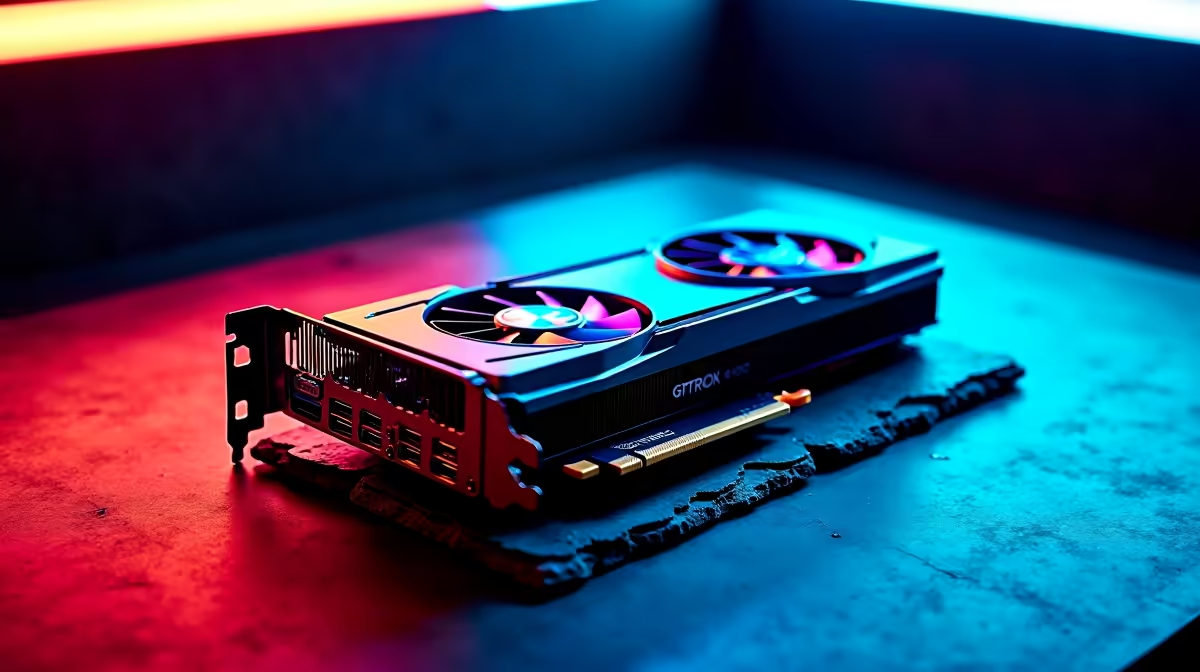
If your RTX 5060's hot spot temperature is reading unusually high, there are several specific causes to investigate - and most are fixable without specialist tools. Hot spot readings above 100°C at idle or above 115°C under load on the RTX 5060 warrant immediate diagnosis before permanent damage occurs.
RTX 5060 Hot Spot Temperature High: Diagnosis: High hot spot temps on the RTX 5060 are typically caused by poor case airflow, degraded thermal paste or pads on VRAM/VRM components, a malfunctioning fan, or incorrect fan curve settings. Diagnosing systematically with monitoring software will identify the specific cause.
Step 1 - Verify with monitoring software Before assuming a hardware problem, confirm the reading with two separate tools. Use both HWiNFO64 and MSI Afterburner to cross-reference the RTX 5060 hot spot sensor. GPU-Z also reports hot spot independently. If all three agree on elevated temps, the reading is reliable.
Normal RTX 5060 hot spot ranges:
Step 2 - Check GPU fan operation Physically observe or listen to your GPU fans under load. If fans are on zero RPM mode (common on newer cards below 50°C) and the card is under load with fans still stopped, a stuck fan or firmware issue may be causing heat buildup. Force fans to 100% in Afterburner and recheck temperatures.
Step 3 - Inspect case airflow Remove your case side panel and retest temperatures. If hot spot drops by 10°C or more with the panel off, your case airflow is the bottleneck. Reorganise cables blocking front intakes and add exhaust fans if your case supports them.
| Cause | Symptom | Fix |
|---|---|---|
| Poor case airflow | High temps with panel on, normal with it off | Add intake fans, tidy cables |
| Fan not spinning | GPU temp and hot spot climb rapidly | Replace fan or update VBIOS |
| Dried thermal paste | High temps after 2+ years of use | Repaste GPU die |
| Poor VRAM pads | Hot spot high, GPU temp normal | Replace thermal pads |
| Overclocked VRAM | Hot spot elevated after OC | Revert VRAM clock in Afterburner |
| Ambient heat | Seasonal spike in temps | Improve room ventilation |
Repasting: If your RTX 5060 is more than 18 months old and was heavily used, the stock thermal paste on the GPU die may have degraded. Replacing with a quality paste like Thermal Grizzly Kryonaut can drop temps by 8–15°C on older cards.
Thermal pad replacement: VRAM and VRM components use thermal pads, not paste. If the VRAM-specific hot spot sensor is the one reading high (some monitoring tools distinguish this), thermal pad replacement is the correct fix. Use 1–2mm pads matched to the gap thickness on your specific RTX 5060 AIB model.
Fan curve: Set a custom fan curve in MSI Afterburner to start fans earlier and ramp more aggressively. This alone resolves hot spot issues in many cases where stock fan curves are conservative.
Warranty check: If your RTX 5060 is still under warranty and hot spot temps are abnormally high out of the box or after minimal use, contact your retailer for a warranty assessment before attempting any repairs yourself.
What is a safe hot spot temperature for the RTX 5060? The RTX 5060 hot spot (junction) temperature limit is approximately 110°C. Under heavy gaming load, 90–105°C hot spot is within normal range. Sustained readings above 110°C indicate throttling is occurring.
Does high hot spot temp cause permanent damage? Sustained operation above the throttle threshold stresses the GPU die over time. NVIDIA's thermal protection will reduce performance before damage occurs, but chronic high temps shorten component lifespan. Address the cause promptly.
Can undervolting fix a high hot spot on the RTX 5060? Yes. Undervolting reduces power delivery to the GPU die, which directly lowers thermal output. A modest undervolt through Afterburner's V/F curve can drop hot spot temps by 8–12°C with minimal performance impact.
Evetech stocks RTX 5060 Gaming PCs and All Graphics Cards — browse current SA pricing and availability online.
Ready to Find Your Perfect Match? Shop at Evetech
RTX 5060 Hot Spot Temperature High: Diag available at Evetech.co.za with local warranty and fast delivery.
RTX 5060 Hot Spot Temperature High: Diag - check Evetech for latest stock and SA pricing.
Depends on your use case. RTX 5060 Hot Spot Temperature offers good value at current Rand pricing.
Core Ultra 5 245K Gaming Performance: Full. Real-world benchmark data, FPS numbers & performance analysis. What SA gamers can actually expect.
Read more
Huawei MatePad Range : Which Model Should You Buy. Complete product range with SA pricing, key specs & recommendations for different budgets.
Read more
Are Wireless Gaming Peripherals as Good as Wired in 2026 Detailed answer with SA data, expert analysis & practical recommendations for local buyers.
Read more
Are Big And Tall Gaming Chairs Good for Long Gaming Sessions Detailed answer with SA data, expert analysis & practical recommendations for local buyers.
Read more
PCIe Bandwidth Saturation: Multiple GPU Issue. Diagnosis steps, proven fixes & when to seek professional help. SA-specific support info included.
Read more
Intel Keyboard: Value. SA-focused analysis with local pricing data, real-world insights & actionable buying advice.
Read more
MacBook Pro for Machine Learning in 2026: Can Apple Silicon Compete Detailed answer with SA data, expert analysis & practical recommendations for local buyers.

Choose the Right SATA SSD for machine learning. Step-by-step instructions with SA-specific tips, common pitfalls to avoid & expert recommendations.

Overwatch 2 Competitive Settings Servers. Tested & verified settings for best FPS and visual quality on SA hardware budgets.

League of Legends Settings for 144Hz Gaming. Tested & verified settings for best FPS and visual quality on SA hardware budgets.

Every AMD CPU Ranked for Gaming: Tier List. SA-focused analysis with local pricing data, real-world insights & actionable buying advice.

Easter Family Bundles: Monitors. Hand-picked gift ideas at every budget tier. SA pricing & Evetech availability included.

Ryzen 7 9800X3D Running 100 Degrees: Cooler. Diagnosis steps, proven fixes & when to seek professional help. SA-specific support info included.

Most Affordable Laptops : Starting from R8,000. Full parts list, Rand pricing & expected performance. Build confidently with SA-available components.

HBADA Chairs : Range and Pricing. Complete product range with SA pricing, key specs & recommendations for different budgets.

Ryzen 7 9800X3D for Music Production: Performance. Real-world benchmark data, FPS numbers & performance analysis. What SA gamers can actually expect.

Winter Cooling Management: Headsets. SA-focused analysis with local pricing data, real-world insights & actionable buying advice.

AKRacing Gaming Chair Range: Which Model Is Right. Complete product range with SA pricing, key specs & recommendations for different budgets.