

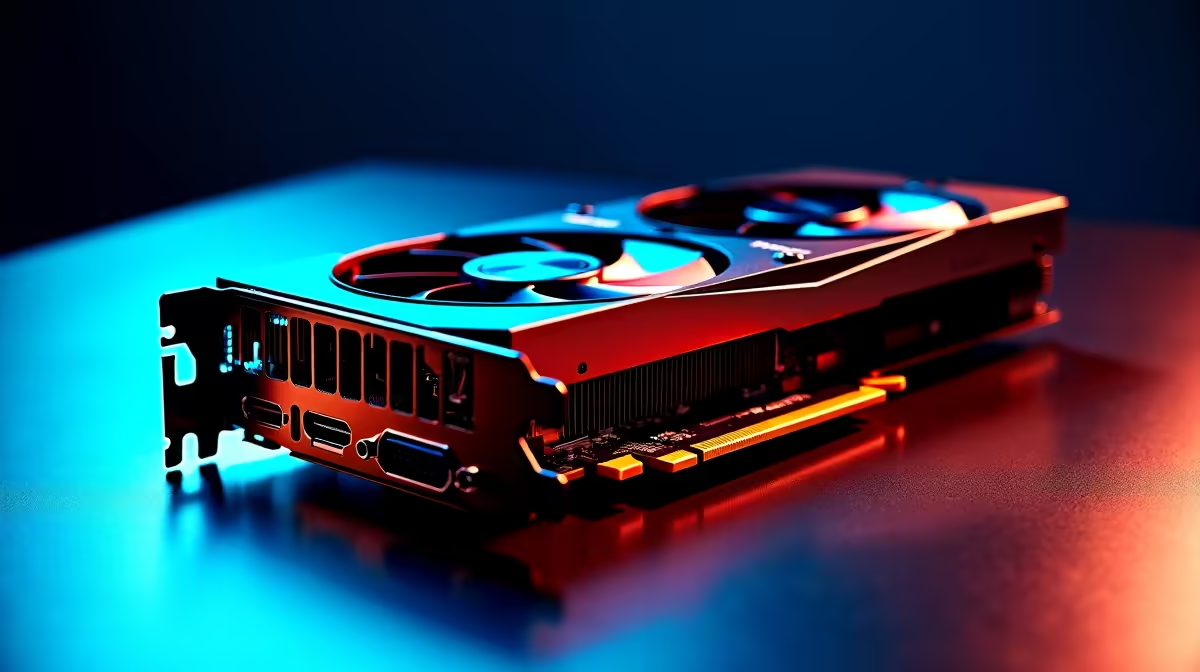
Summer in South Africa is brutal on your gaming rig. If your frame rates are tanking during intense matches, you might be facing an invisible enemy. We are talking about RTX 5060 thermal throttling. When your card hits its thermal limit, it slows down to protect itself. Let us explore the ultimate RTX 5060 temperature fix to keep your setup icy cool and your gaming sessions smooth.
Why Your GPU Overheats 🌡️
Nvidia designed this chip to run efficiently. However, poor case design can ruin that efficiency. The new 50-series architecture pushes incredible pixels. This means it generates a lot of heat. If your case lacks proper ventilation, that hot air gets trapped. Your graphics card then breathes in its own exhaust. This leads directly to RTX 5060 thermal throttling.
Load shedding schedules often mean we game during the hottest parts of the day. This pushes ambient temperatures even higher. Upgrading your system is exciting. When you browse for new graphics cards, remember that cooling is just as important as clock speeds. A hot GPU simply cannot maintain its boost clocks.
The Ultimate RTX 5060 Temperature Fix
You do not need to spend thousands of ZAR to fix this. Start with the basics. Clean your dust filters regularly. South African dust is relentless... and it ruins airflow completely.
Next, look at your case fans. You need a clear path of cool air hitting your GPU. Good airflow does not just help your graphics card. It is essential for your processor too. Upgrading your CPU coolers can lower overall case temperatures significantly. Less ambient heat means your GPU stays cooler under heavy loads.
The Magic of Undervolting ✨
Undervolting is a brilliant RTX 5060 temperature fix. It involves lowering the voltage supplied to your GPU. You keep the same clock speeds but drastically reduce the heat output.
MSI Afterburner Pro Tip ⚡
Download MSI Afterburner to safely undervolt your GPU. Start by lowering the core voltage curve slightly while testing stability in a demanding game. It can drop your temperatures by up to 10 degrees without losing a single frame per second.
If tweaking voltages sounds too risky, you might want a fresh start. Sometimes it is better to upgrade entirely. You can find incredible value in our best gaming PC deals right now.
Hardware Solutions and Upgrades 🔧
If your card is older, the thermal paste might be dry. Replacing it can solve RTX 5060 thermal throttling instantly. However... taking apart your GPU voids the warranty.
Not keen on voiding warranties or stripping screws? We completely understand. That is why our technicians build rigs designed for maximum airflow. You can explore our expertly assembled pre-built PC deals that run cool straight out of the box.
What About Portable Gaming? 🚀
Gaming notebooks pack desktop-level power into tiny chassis designs. Thermal throttling is even worse in these tight spaces. If you game on the go, airflow is restricted. A cooling pad can help drop temps by a few degrees.
If your mobile rig is still running too hot, it might be time for modern cooling tech. Newer models feature liquid metal and advanced vapor chambers. Browse our range of laptops for sale in South Africa to find machines built to handle intense heat.
Do not let high temperatures ruin your gaming experience. Keep your hardware cool to ensure maximum lifespan and top-tier performance.
Ready to Upgrade Your Cooling or Rig? Beating the summer heat means better frame rates and longer-lasting components. Whether you need better airflow or a whole new setup, Evetech has you covered with the best prices in ZAR. Explore our massive range of PC components and find the perfect upgrade to conquer your world.











