


Storage Stock Levels in Port Elizabeth: December 2026 Report
Storage Stock Levels in Port Elizabeth: December. Current stock data & price tracking for SA buyers. See what is available and where prices are heading.
Read moreRTX 5060 Valorant Ultra Settings at 4K: FPS. Real-world benchmark data, FPS numbers & performance analysis. What SA gamers can actually expect.
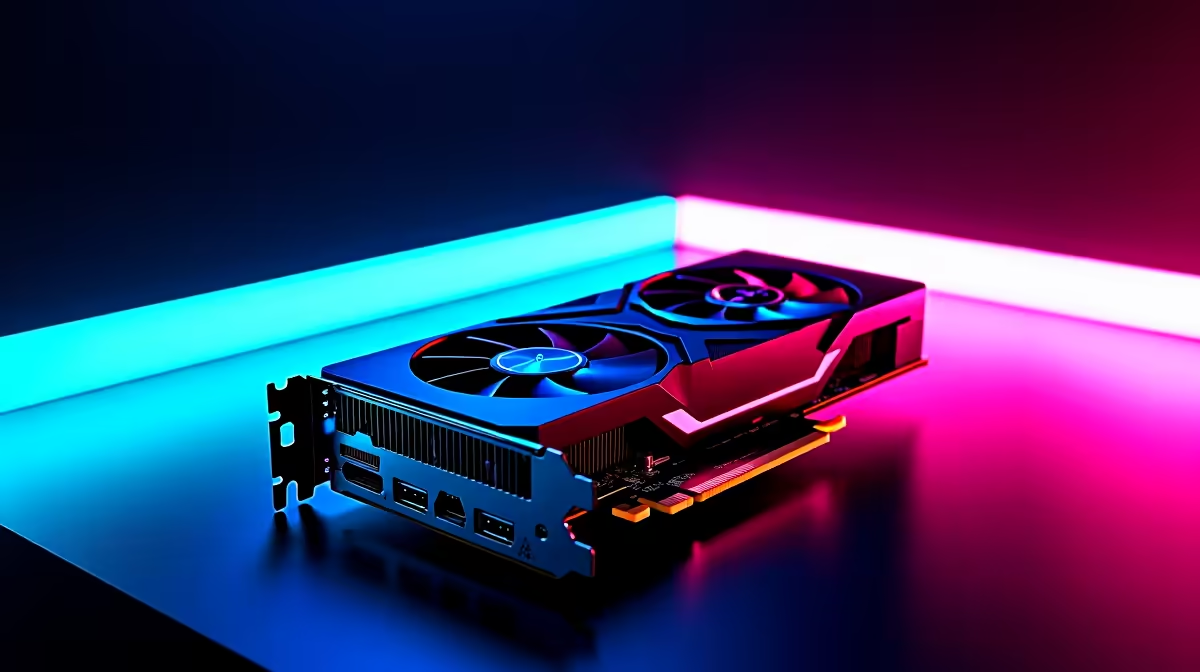
The RTX 5060 at 4K Ultra settings in Valorant delivers very high frame rates well above the 144 Hz threshold, making it a capable card for competitive play at 4K even though Valorant's engine is not the primary target audience for this GPU tier. South African players pairing the RTX 5060 with a 4K 144 Hz monitor will find the combination works well, though the card is genuinely better matched to 1440p for graphically demanding titles.
Valorant is a deliberately lightweight engine game. Riot designed it to run on low-end hardware so that their player base in emerging markets, including South Africa, can participate competitively on modest PCs. As a result, even mid-range GPUs massively exceed the frame rate needs of most competitive players in Valorant.
At 4K Ultra settings, the RTX 5060 pushes frame rates well into the 200-300 fps range in typical Valorant match conditions. The game's GPU requirements at 4K Ultra are still modest relative to what the RTX 5060 offers, meaning the GPU is not the limiting factor at any point. Your processor, specifically its single-core performance, becomes the bottleneck before the RTX 5060 is ever fully loaded in Valorant.
This is actually the correct insight for SA Valorant players: if you are buying an RTX 5060 and playing mostly Valorant, you should not expect the GPU to be the reason your frame rate improves. A Ryzen 7 9700X or Core i7 14700K is what moves the needle in Valorant more than the GPU choice.
Competitively, no. Valorant's Ultra settings do not improve your ability to spot enemies, track movement, or win gunfights. They add visual detail to maps that has no gameplay relevance. Most top-ranked Valorant players, from Bronze to Radiant, use Low or Medium settings to maximise frame rate stability and reduce visual noise.
At 4K Ultra on the RTX 5060, you will have more than enough frames, but the Ultra preset introduces effects like high-quality shadows and improved texture filtering that add subtle visual clutter. Switching to Low settings at 4K on this card will push frame rates even higher and produce a cleaner visual presentation for target acquisition.
For South African university students using gaming PCs at campus residences like those at Stellenbosch or UP, where network quality varies by time of day, Valorant's lightweight engine is part of its appeal. A 4K screen with the RTX 5060 on Low settings is a comfortable setup for both competitive gaming and general use.
Where the 4K Ultra context becomes interesting is outside Valorant. The RTX 5060 handles 4K at medium-to-high settings in many modern titles including the Witcher 3, Elden Ring, and Forza Horizon 5, but struggles with Ultra settings in demanding titles like Cyberpunk 2077, Black Myth: Wukong, or Indiana Jones and the Great Circle at 4K. DLSS 4 with Frame Generation helps significantly in these titles and is a key reason the RTX 5060 punches above its traditional class weight in 2026.
In typical match conditions at 4K Ultra settings, the RTX 5060 maintains frame rates comfortably above 200 fps, often higher depending on the map and CPU pairing. The game engine is not demanding enough to fully load this GPU at any resolution.
Only if your monitor is 4K and you use it for other content too. For pure competitive Valorant performance, 1080p or 1440p at maximum frame rate on a high-refresh monitor is more beneficial than 4K at lower frame rates.
Valorant does not currently support DLSS or DLSS Frame Generation natively, as it uses its own engine. DLSS benefits apply to the many other games the RTX 5060 will run alongside Valorant.
Ready to Find Your Perfect Match? Find the RTX 5060 and other Nvidia graphics cards in South Africa at Evetech. Shop Nvidia Graphics Cards at Evetech
RTX 5060 Valorant Ultra Settings at 4K: available at Evetech.co.za with local warranty and fast delivery.
RTX 5060 Valorant Ultra Settings at 4K: - check Evetech for latest stock and SA pricing.
Depends on your use case. RTX 5060 Valorant Ultra Settin offers good value at current Rand pricing.
Storage Stock Levels in Port Elizabeth: December. Current stock data & price tracking for SA buyers. See what is available and where prices are heading.
Read more
Ryzen 7 10800X3D Apex Legends Gaming Performance. Real-world benchmark data, FPS numbers & performance analysis. What SA gamers can actually expect.
Read more
Mouse Technology: 2023- Evolution in Gaming. Technology trajectory, what it means for SA buyers & how to future-proof your next purchase.
Read more
FAQ: Is my hard drive failing Detailed answer with SA data, expert analysis & practical recommendations for local buyers.
Read more
Core i5-14400F Monster Hunter Wilds Gaming. Real-world benchmark data, FPS numbers & performance analysis. What SA gamers can actually expect.
Read more
PC Requirements for Animation in : Minimum. SA-focused analysis with local pricing data, real-world insights & actionable buying advice.
Read more
ASUS RAM: Product Range. Complete product range with SA pricing, key specs & recommendations for different budgets.

MacBook Social Media Managers: Content Creation. Creator-focused recommendations with SA pricing, real workflow tests & Evetech availability.

Bandwidth Explained: What Buyers Need to Know. Plain-English explanation of what it means, why it matters & how it affects your buying decisions in SA.

Set Up RX 7800 XT for Competitive Gaming. Step-by-step instructions with SA-specific tips, common pitfalls to avoid & expert recommendations.

Every AMD CPU Ranked for Gaming: Tier List. SA-focused analysis with local pricing data, real-world insights & actionable buying advice.

Easter Family Bundles: Monitors. Hand-picked gift ideas at every budget tier. SA pricing & Evetech availability included.

Ryzen 7 9800X3D Running 100 Degrees: Cooler. Diagnosis steps, proven fixes & when to seek professional help. SA-specific support info included.

Most Affordable Laptops : Starting from R8,000. Full parts list, Rand pricing & expected performance. Build confidently with SA-available components.
Storage Stock Levels in Port Elizabeth: December. Current stock data & price tracking for SA buyers. See what is available and where prices are heading.
Ryzen 7 10800X3D Apex Legends Gaming Performance. Real-world benchmark data, FPS numbers & performance analysis. What SA gamers can actually expect.
Mouse Technology: 2023- Evolution in Gaming. Technology trajectory, what it means for SA buyers & how to future-proof your next purchase.
FAQ: Is my hard drive failing Detailed answer with SA data, expert analysis & practical recommendations for local buyers.