

Core Ultra 5 245K Gaming Performance: Full Optimization
Core Ultra 5 245K Gaming Performance: Full. Real-world benchmark data, FPS numbers & performance analysis. What SA gamers can actually expect.
Read moreRTX 5070 Gaming Optimization: Drivers and Settings. Tested & verified settings for best FPS and visual quality on SA hardware budgets.
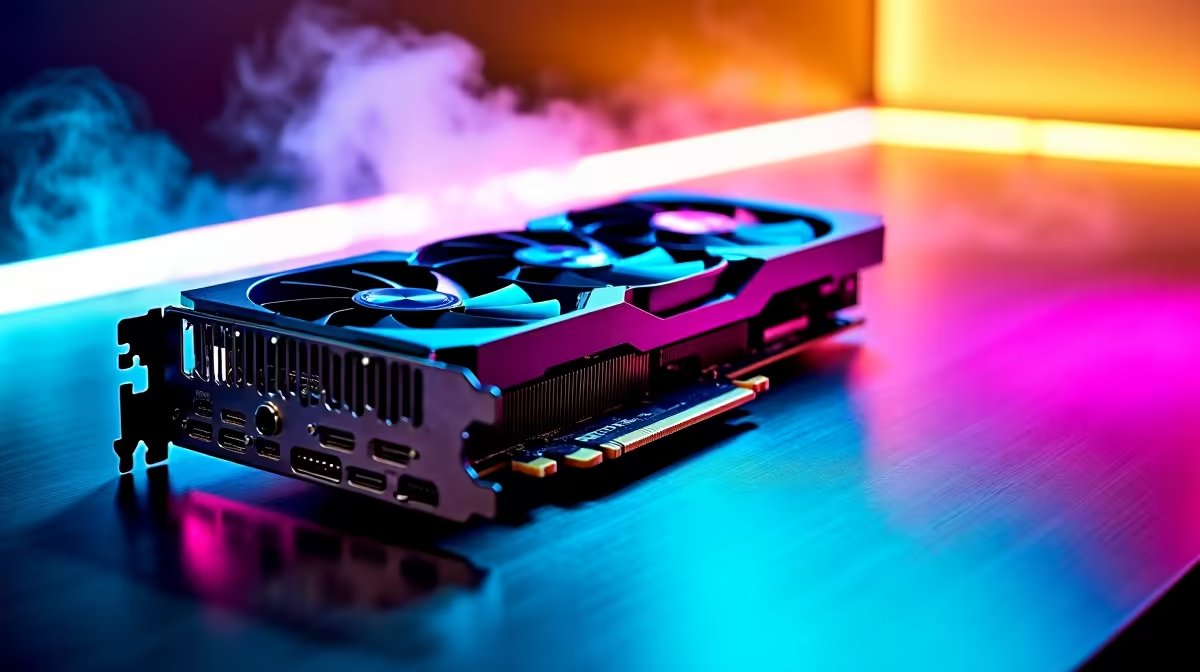
You just dropped a serious chunk of Rands on NVIDIA's newest beast. But plugging it in is only half the battle. If you want true RTX 5070 gaming optimisation, you need the right drivers and settings. Let us look at how to squeeze every drop of performance out of your rig... ensuring your hardware actually works for you.
Before tweaking sliders, you need a clean slate. Old files can choke your framerates. Always download the newest NVIDIA drivers directly through the official app. If you are upgrading from an older generation, do a clean install.
Perhaps you are still browsing the latest graphics cards and planning your next move. Either way... fresh software is non-negotiable for stable performance.
Right-click your desktop and open the NVIDIA Control Panel. Head straight to 'Manage 3D Settings'. First, set your Power Management Mode to 'Prefer Maximum Performance'. This stops your card from downclocking during intense gaming moments.
Next, ensure your monitor's refresh rate is maxed out. A powerful GPU means nothing if your screen is capped at 60Hz. If you are running a high-end premium gaming PC, you want those frames delivered perfectly.
Always use Display Driver Uninstaller (DDU) in Safe Mode before installing your new RTX 5070 drivers. Wiping old registry files prevents random stuttering and ensures your new GPU runs flawlessly from day one.
The RTX 5070 is an absolute powerhouse... but it needs a balanced system. If your processor is five years old, you will face a massive bottleneck.
Sometimes it makes more sense to grab a completely new pre-built desktop rather than patching up an aging rig. And if you prefer mobility, modern gaming laptops now offer incredible desktop-class performance on the go. Both options ensure your new graphics tech is fully utilised.
Gaming in SA means being smart with your budget. You want high frames without wasting money. Always keep an eye out for tech specials when upgrading your power supply or cooling. Proper airflow ensures your RTX 5070 drivers and settings tweaks are not ruined by thermal throttling.
Ready to Unleash Next-Gen Performance? Tweaking your software is great, but having the right hardware foundation is everything. Explore our massive range of gaming PC specials and find the perfect machine to conquer your favourite titles in glorious high resolution.
RTX 5070 Gaming Optimization: Drivers an available at Evetech.co.za with local warranty and fast delivery.
RTX 5070 Gaming Optimization: Drivers an - check Evetech for latest stock and SA pricing.
Depends on your use case. RTX 5070 Gaming Optimization: offers good value at current Rand pricing.
Core Ultra 5 245K Gaming Performance: Full. Real-world benchmark data, FPS numbers & performance analysis. What SA gamers can actually expect.
Read more
Huawei MatePad Range : Which Model Should You Buy. Complete product range with SA pricing, key specs & recommendations for different budgets.
Read more
Are Wireless Gaming Peripherals as Good as Wired in 2026 Detailed answer with SA data, expert analysis & practical recommendations for local buyers.
Read more
Are Big And Tall Gaming Chairs Good for Long Gaming Sessions Detailed answer with SA data, expert analysis & practical recommendations for local buyers.
Read more
PCIe Bandwidth Saturation: Multiple GPU Issue. Diagnosis steps, proven fixes & when to seek professional help. SA-specific support info included.
Read more
Intel Keyboard: Value. SA-focused analysis with local pricing data, real-world insights & actionable buying advice.
Read more
MacBook Pro for Machine Learning in 2026: Can Apple Silicon Compete Detailed answer with SA data, expert analysis & practical recommendations for local buyers.

Choose the Right SATA SSD for machine learning. Step-by-step instructions with SA-specific tips, common pitfalls to avoid & expert recommendations.

Overwatch 2 Competitive Settings Servers. Tested & verified settings for best FPS and visual quality on SA hardware budgets.

League of Legends Settings for 144Hz Gaming. Tested & verified settings for best FPS and visual quality on SA hardware budgets.

Every AMD CPU Ranked for Gaming: Tier List. SA-focused analysis with local pricing data, real-world insights & actionable buying advice.

Easter Family Bundles: Monitors. Hand-picked gift ideas at every budget tier. SA pricing & Evetech availability included.

Ryzen 7 9800X3D Running 100 Degrees: Cooler. Diagnosis steps, proven fixes & when to seek professional help. SA-specific support info included.

Most Affordable Laptops : Starting from R8,000. Full parts list, Rand pricing & expected performance. Build confidently with SA-available components.

HBADA Chairs : Range and Pricing. Complete product range with SA pricing, key specs & recommendations for different budgets.

Ryzen 7 9800X3D for Music Production: Performance. Real-world benchmark data, FPS numbers & performance analysis. What SA gamers can actually expect.

Winter Cooling Management: Headsets. SA-focused analysis with local pricing data, real-world insights & actionable buying advice.

AKRacing Gaming Chair Range: Which Model Is Right. Complete product range with SA pricing, key specs & recommendations for different budgets.