

Core Ultra 5 245K Gaming Performance: Full Optimization
Core Ultra 5 245K Gaming Performance: Full. Real-world benchmark data, FPS numbers & performance analysis. What SA gamers can actually expect.
Read moreRTX 5070 Ti Not Showing in Device Manager: Fix. SA-focused analysis with local pricing data, real-world insights & actionable buying advice.
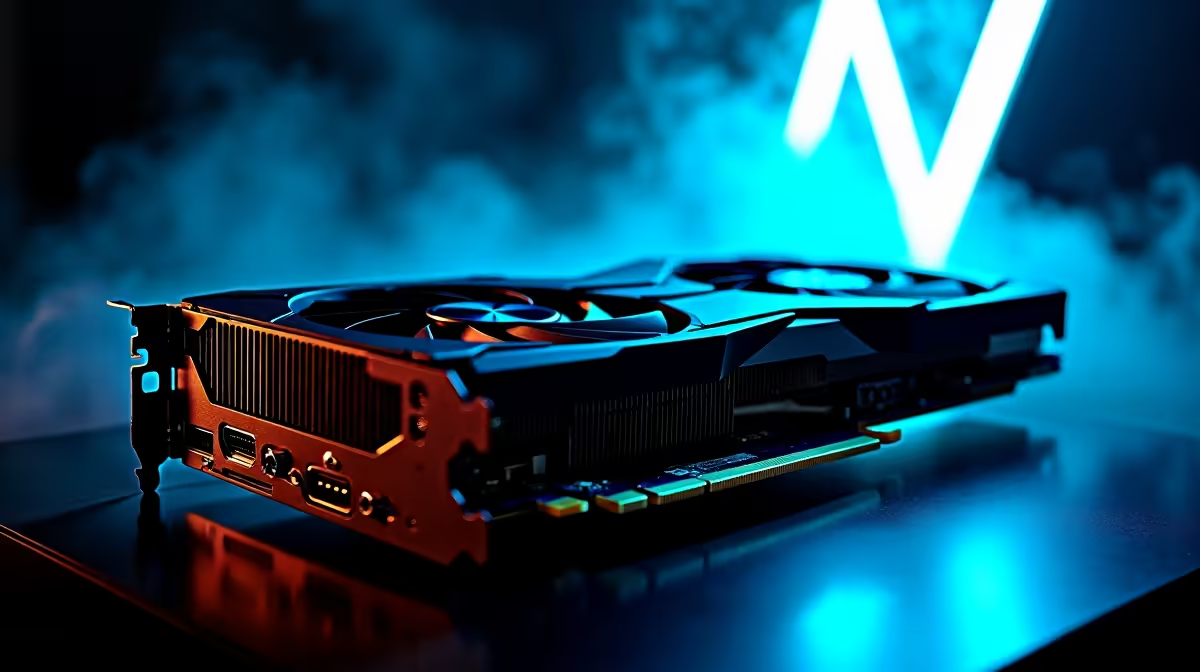
You just dropped thousands of Rands on a brand new GPU. You slot it in, boot up your rig, and... nothing. Your display is blank or Windows refuses to acknowledge the upgrade.
If your RTX 5070 Ti is not showing in Device Manager, do not panic. This is a common hiccup for South African gamers upgrading their systems. Let us get your beastly new card recognised and running. 🚀
When you install high-end PC components like graphics cards, the hardware needs to communicate perfectly with your motherboard. Sometimes that connection fails.
The RTX 5070 Ti requires massive bandwidth and precise power delivery. If either is missing, Windows simply will not see it. It is rarely a dead card. Usually, it is just a minor setup error.
First, check your physical seating. A heavy card can easily sag or sit unevenly in the PCIe slot. Turn off your PC and reseat the card. Ensure the retention clip snaps completely into place.
Next, inspect your power cables. The new power connectors are notoriously finicky. They need to be pushed in firmly.
Always listen for the click when plugging in your GPU power cable. A loose connection will not just keep your card hidden from Windows... it can actually cause serious damage under heavy gaming loads.
If you bought one of our pre-built PC deals, your BIOS is already updated. However, DIY builders often forget this crucial step. An outdated BIOS is the leading cause of a new GPU failing to initialise. Flash your motherboard to the latest version.
Sometimes old display drivers cause major system conflicts. Windows might default to basic display adapters instead of your new hardware. Whether you game on a desktop or prefer exploring notebooks for sale in South Africa, driver hygiene is essential. 🔧
Download Display Driver Uninstaller (DDU). Boot your PC into Safe Mode and wipe your old NVIDIA or AMD drivers completely. Once you reboot, install the latest RTX 50-series drivers fresh.
Still no luck? Try the card in a different PCIe slot. If it shows up, your primary slot might be faulty.
If you are running an ancient motherboard, it might be time for a platform upgrade. You do not want to bottleneck a next-gen card anyway. Check out the best gaming PC deals to find a system worthy of your new hardware.
Alternatively, if you want to save some ZAR while upgrading your core components, browse our daily specials for compatible motherboards and ATX 3.0 power supplies.
Ready to Upgrade Without the Hassle? ✨ Troubleshooting hardware is not for everyone. If you want a guaranteed plug-and-play experience with next-gen performance in South Africa, Evetech has you covered. Explore our massive range of gaming PCs and find the perfect machine to conquer your world.
RTX 5070 Ti Not Showing in Device Manage available at Evetech.co.za with local warranty and fast delivery.
RTX 5070 Ti Not Showing in Device Manage - check Evetech for latest stock and SA pricing.
Depends on your use case. RTX 5070 Ti Not Showing in Dev offers good value at current Rand pricing.
Core Ultra 5 245K Gaming Performance: Full. Real-world benchmark data, FPS numbers & performance analysis. What SA gamers can actually expect.
Read more
Huawei MatePad Range : Which Model Should You Buy. Complete product range with SA pricing, key specs & recommendations for different budgets.
Read more
Are Wireless Gaming Peripherals as Good as Wired in 2026 Detailed answer with SA data, expert analysis & practical recommendations for local buyers.
Read more
Are Big And Tall Gaming Chairs Good for Long Gaming Sessions Detailed answer with SA data, expert analysis & practical recommendations for local buyers.
Read more
PCIe Bandwidth Saturation: Multiple GPU Issue. Diagnosis steps, proven fixes & when to seek professional help. SA-specific support info included.
Read more
Intel Keyboard: Value. SA-focused analysis with local pricing data, real-world insights & actionable buying advice.
Read more
MacBook Pro for Machine Learning in 2026: Can Apple Silicon Compete Detailed answer with SA data, expert analysis & practical recommendations for local buyers.

Choose the Right SATA SSD for machine learning. Step-by-step instructions with SA-specific tips, common pitfalls to avoid & expert recommendations.

Overwatch 2 Competitive Settings Servers. Tested & verified settings for best FPS and visual quality on SA hardware budgets.

League of Legends Settings for 144Hz Gaming. Tested & verified settings for best FPS and visual quality on SA hardware budgets.

Every AMD CPU Ranked for Gaming: Tier List. SA-focused analysis with local pricing data, real-world insights & actionable buying advice.

Easter Family Bundles: Monitors. Hand-picked gift ideas at every budget tier. SA pricing & Evetech availability included.

Ryzen 7 9800X3D Running 100 Degrees: Cooler. Diagnosis steps, proven fixes & when to seek professional help. SA-specific support info included.

Most Affordable Laptops : Starting from R8,000. Full parts list, Rand pricing & expected performance. Build confidently with SA-available components.

HBADA Chairs : Range and Pricing. Complete product range with SA pricing, key specs & recommendations for different budgets.

Ryzen 7 9800X3D for Music Production: Performance. Real-world benchmark data, FPS numbers & performance analysis. What SA gamers can actually expect.

Winter Cooling Management: Headsets. SA-focused analysis with local pricing data, real-world insights & actionable buying advice.

AKRacing Gaming Chair Range: Which Model Is Right. Complete product range with SA pricing, key specs & recommendations for different budgets.