

RTX 4060 Monster Hunter Wilds High Settings at 1080p: FPS Results 2026
RTX 4060 Monster Hunter Wilds High Settings. Real-world benchmark data, FPS numbers & performance analysis. What SA gamers can actually expect.
Read moreRTX 5070 Ti Underclocking Automatically: Why Detailed answer with SA data, expert analysis & practical recommendations for local buyers.
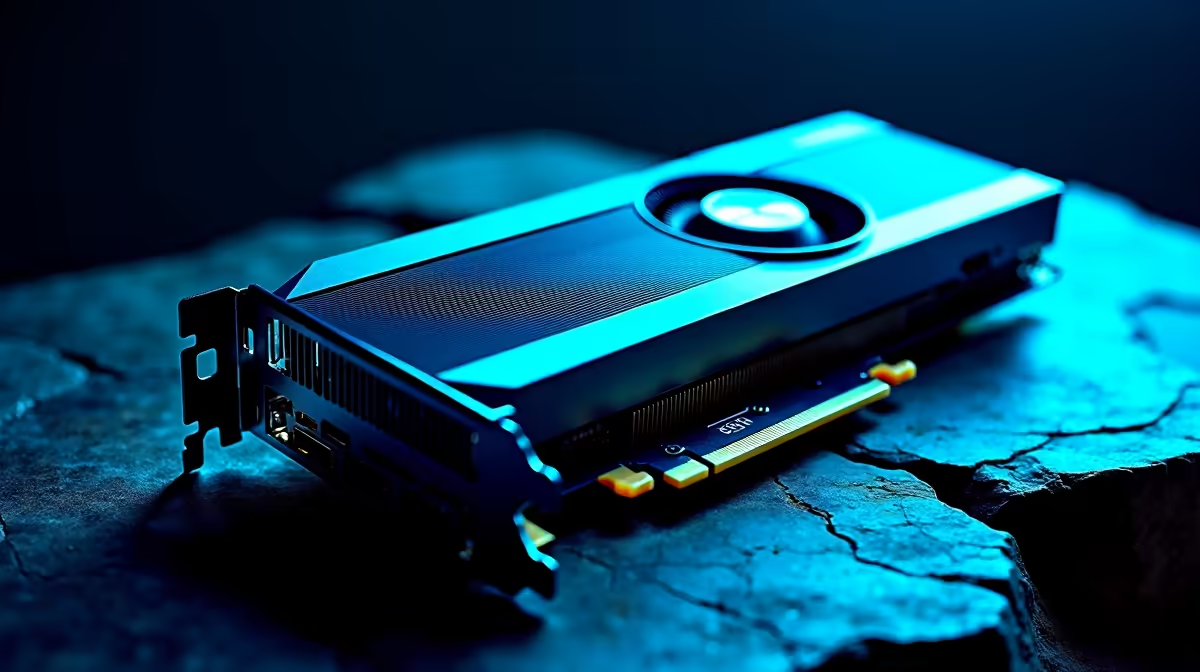
You just dropped a serious stack of ZAR on a new rig. You boot up your favourite title... and notice your GPU core clocks dropping. Seeing your RTX 5070 Ti underclocking automatically can cause instant panic. Take a breath. Your hardware is probably perfectly fine. Let us look at why modern GPUs regulate their own speeds and how you can keep your frames consistently high.
Modern Nvidia architectures rely on highly intelligent boost algorithms. They constantly monitor voltage, temperature, and total power draw. If you catch your RTX 5070 Ti underclocking automatically, it is usually a built-in safety feature. The silicon dynamically adjusts its frequency to stay within safe operational limits.
If you recently decided to upgrade your graphics card, you will find this auto-regulation is standard. The card pushes clocks high when temperatures are low... then scales back to maintain stability.
Our local climate plays a massive role in PC thermal performance. A hot summer room means higher ambient temperatures inside your chassis. When your GPU hits its thermal ceiling, it pulls back performance to cool down.
This is why investing in custom-built gaming PCs with excellent airflow is absolutely crucial for consistent framerates. Alternatively, grabbing one of our expertly optimised pre-built desktop systems ensures your cooling configuration is sorted right out of the box. Good airflow stops thermal throttling in its tracks.
Set a custom fan curve using software like MSI Afterburner. Many cards keep fans off until they hit 60 degrees. Ramping up your fans earlier can prevent aggressive automatic underclocking during intense gaming sessions.
Sometimes the issue is not heat at all. Your card might simply hit its maximum power limit. Furthermore, if you are playing a less demanding game, the GPU does not need to run at maximum speed.
This power-saving measure is brilliant... especially if you are gaming on battery power with one of our premium gaming notebooks. It saves electricity and extends your hardware lifespan. A CPU bottleneck can also cause this. If your processor cannot feed data fast enough, the GPU downclocks while waiting.
You can easily tweak these settings if you want maximum performance. Ensure your chassis fans are clean and your Nvidia drivers are fully updated. Sometimes a simple driver update fixes aggressive clock drops. Many enthusiasts also use undervolting to maintain high clocks at lower temperatures.
If your current rig is still struggling to keep up with modern titles, it might be time for an upgrade. Keep an eye out for our latest tech specials and promotions to find the perfect components to optimise your setup.
Ready to Maximise Your Framerates? Don't let thermal throttling ruin your gaming experience. Whether you need better cooling, a roomier chassis, or a complete system overhaul, Evetech has you covered in South Africa. Explore our massive range of PC components and upgrades and find the perfect hardware to conquer your world.
RTX 5070 Ti Underclocking Automatically: available at Evetech.co.za with local warranty and fast delivery.
RTX 5070 Ti Underclocking Automatically: - check Evetech for latest stock and SA pricing.
Depends on your use case. RTX 5070 Ti Underclocking Auto offers good value at current Rand pricing.
RTX 4060 Monster Hunter Wilds High Settings. Real-world benchmark data, FPS numbers & performance analysis. What SA gamers can actually expect.
Read more
RTX 5060 The Witcher 4 Low Settings at 4K: FPS. Real-world benchmark data, FPS numbers & performance analysis. What SA gamers can actually expect.
Read more
Ryzen 5 9600X for Office Productivity. Real-world benchmark data, FPS numbers & performance analysis. What SA gamers can actually expect.
Read more
Ryzen 5 9600X for Music Production: Performance. Real-world benchmark data, FPS numbers & performance analysis. What SA gamers can actually expect.
Read more
RTX 4070 Gaming Optimization: Drivers and Settings. Tested & verified settings for best FPS and visual quality on SA hardware budgets.
Read more
RX 9070 XT Doom The Dark Ages Ultra Settings. Real-world benchmark data, FPS numbers & performance analysis. What SA gamers can actually expect.
Read more
AMD RX 9050 XT: Rumoured Specs, Price & Release. SA-focused analysis with local pricing data, real-world insights & actionable buying advice.

Can RTX 4080 Super Run AI Workloads for SA Developers Detailed answer with SA data, expert analysis & practical recommendations for local buyers.

Can RTX 4090 Run AI Workloads for SA Developers Detailed answer with SA data, expert analysis & practical recommendations for local buyers.

Top Settings for Intel Arc B580 at Ultrawide 1440p picks evaluated on performance, value & SA availability with current Rand pricing from Evetech.

RTX 4060 CS2 Low Settings at 1080p: FPS Results. Real-world benchmark data, FPS numbers & performance analysis. What SA gamers can actually expect.

Visual Artifacts: Possible GPU Issue Issue #1. Diagnosis steps, proven fixes & when to seek professional help. SA-specific support info included.

Can the RTX 4090 Handle 1440p 144Hz Gaming. Performance testing verdict with real data & practical recommendations for SA buyers.

Top ASUS GPU Under R15000 picks evaluated on performance, value & SA availability with current Rand pricing from Evetech.

GTA 6 Max Settings on RTX 5070. Tested & verified settings for best FPS and visual quality on SA hardware budgets.

Cyberpunk 2077 Max Settings on RTX 5080. Tested & verified settings for best FPS and visual quality on SA hardware budgets.

Starfield Max Settings on RTX 5070 Ti. Tested & verified settings for best FPS and visual quality on SA hardware budgets.

Top RTX 5090 Under R5000 picks evaluated on performance, value & SA availability with current Rand pricing from Evetech.