


Headset Stock Levels in Bloemfontein: January 2026 Report
Headset Stock Levels in Bloemfontein: January. Current stock data & price tracking for SA buyers. See what is available and where prices are heading.
Read moreRTX 5080 Underclocking Automatically: Why Detailed answer with SA data, expert analysis & practical recommendations for local buyers.
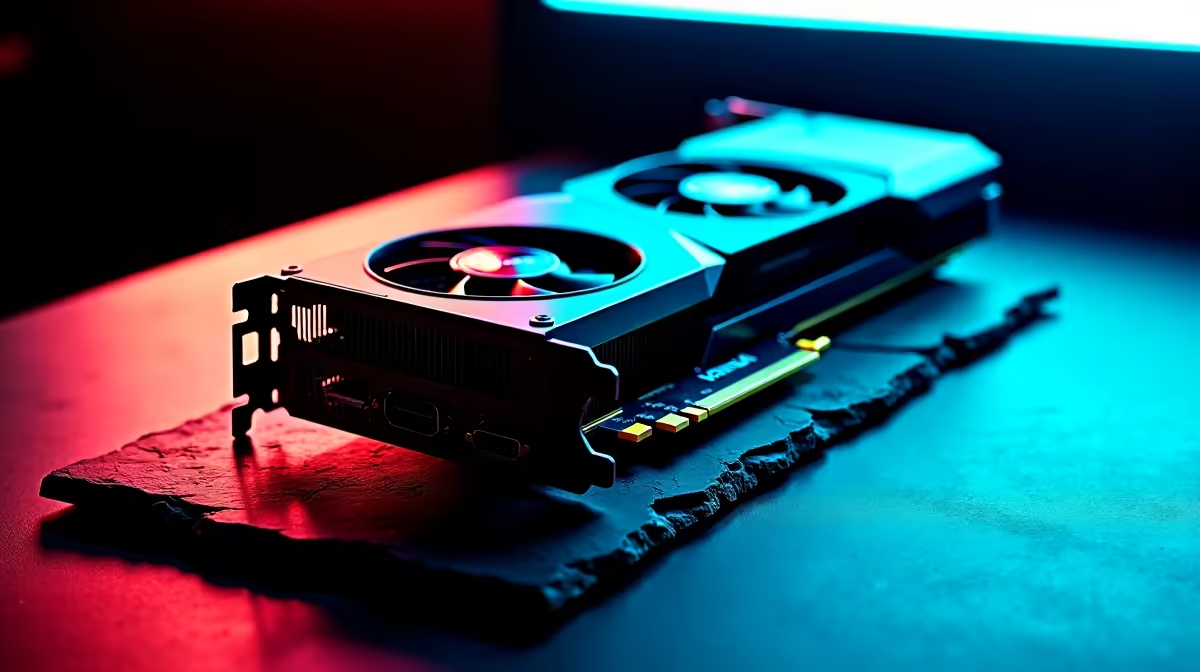
The RTX 5080 underclocks automatically as a safety mechanism triggered by thermal limits, power limit caps, or voltage instability. This is called GPU boost throttling and it is normal behaviour when the card hits its thermal design boundaries. Improving case airflow, adjusting power limits in MSI Afterburner, or reseating the card's power connectors typically resolves unexpected throttling.
The RTX 5080 is a flagship Blackwell GPU with a 300W TDP, and like all modern high-performance graphics cards, it uses a dynamic boost algorithm that constantly adjusts clock speeds based on temperature, power draw, and voltage headroom. Automatic underclocking is rarely a fault - it is the GPU doing exactly what it was designed to do to prevent damage. The question is whether it is throttling more than expected, and if so, why.
NVIDIA GPU Boost 5.0 on Blackwell architecture monitors temperature, power, voltage, and current simultaneously. When any of these metrics approaches its defined limit, the boost algorithm steps the clock down to bring the metric back into range. The most common trigger is temperature - when the GPU hits the thermal throttle threshold (typically around 83 degrees Celsius by default), clocks reduce to lower heat output. A secondary trigger is power limit: if the card is pulling at or above its rated TDP and the PSU cannot sustain the current demand cleanly, voltage sags can cause the boost algorithm to reduce clocks to stabilise. Finally, if the PCIe power connectors are not fully seated or the PSU cables are daisy-chained across multiple connectors, the card can see intermittent voltage drops that trigger underclocking even if thermals look acceptable.
Open MSI Afterburner with the RivaTuner Statistics Server overlay while gaming and watch three metrics in real time: GPU temperature, GPU clock speed, and GPU power draw. If temperature is consistently at or above 83 degrees when clocks drop, thermal throttling is the cause - improve case airflow or check that the GPU heatsink is not obstructed. If temperature is fine but clocks still drop when power draw spikes, you have a power delivery issue - check PSU wattage and connector configuration. Running HWiNFO64 alongside gives access to the GPU throttle reason sensor, which explicitly flags which limit is being hit.
For thermal throttling, improving case airflow is the first step - ensure intake and exhaust fans are balanced and the GPU is not recirculating hot air. If the card itself runs hot, some AIB variants allow adjusting the default fan curve through Afterburner to run fans slightly faster before the thermal limit is reached. For power limit issues, a higher-wattage PSU or proper native PCIe power cabling (not daisy-chained adapters) is the fix. Advanced users can also raise the power limit slider in Afterburner by a small percentage to give the boost algorithm more headroom before it throttles.
Q: Is automatic underclocking on the RTX 5080 a defect? A: No - it is normal GPU Boost behaviour. All modern NVIDIA cards throttle when hitting thermal or power limits. It becomes a concern only if throttling is more severe or frequent than expected for a given case and cooling setup.
Q: What temperature should I keep the RTX 5080 below to avoid throttling? A: Keeping the GPU below 80 degrees Celsius under sustained gaming load gives comfortable headroom below the default 83-degree throttle point. Good case airflow and a premium AIB cooler help achieve this consistently.
Q: Can updating drivers fix automatic underclocking on the RTX 5080? A: Sometimes - NVIDIA periodically updates boost behaviour and power management curves through driver releases. Always run the latest stable driver before investigating hardware causes.
Ready to Find Your Perfect Match? Shop the latest gaming GPU and PC deals at Evetech
RTX 5080 Underclocking Automatically: Wh available at Evetech.co.za with local warranty and fast delivery.
RTX 5080 Underclocking Automatically: Wh - check Evetech for latest stock and SA pricing.
Depends on your use case. RTX 5080 Underclocking Automat offers good value at current Rand pricing.
Headset Stock Levels in Bloemfontein: January. Current stock data & price tracking for SA buyers. See what is available and where prices are heading.
Read more
iMac for Medical Practice: Patient Management. SA-focused analysis with local pricing data, real-world insights & actionable buying advice.
Read more
RTX 5060 Fortnite Ultra Settings at 1080p: FPS. Real-world benchmark data, FPS numbers & performance analysis. What SA gamers can actually expect.
Read more
Headset Stock Levels in Cape Town: August Report. Current stock data & price tracking for SA buyers. See what is available and where prices are heading.
Read more
Eskom Load Shedding During Video Call: Solutions. SA-focused analysis with local pricing data, real-world insights & actionable buying advice.
Read more
LoL Performance on Extreme Gaming PC. Real-world benchmark data, FPS numbers & performance analysis. What SA gamers can actually expect.
Read more
MacBook Pro for Machine Learning in 2026: Can Apple Silicon Compete Detailed answer with SA data, expert analysis & practical recommendations for local buyers.

Choose the Right SATA SSD for machine learning. Step-by-step instructions with SA-specific tips, common pitfalls to avoid & expert recommendations.

Overwatch 2 Competitive Settings Servers. Tested & verified settings for best FPS and visual quality on SA hardware budgets.

League of Legends Settings for 144Hz Gaming. Tested & verified settings for best FPS and visual quality on SA hardware budgets.

Every AMD CPU Ranked for Gaming: Tier List. SA-focused analysis with local pricing data, real-world insights & actionable buying advice.

Easter Family Bundles: Monitors. Hand-picked gift ideas at every budget tier. SA pricing & Evetech availability included.

Ryzen 7 9800X3D Running 100 Degrees: Cooler. Diagnosis steps, proven fixes & when to seek professional help. SA-specific support info included.

Most Affordable Laptops : Starting from R8,000. Full parts list, Rand pricing & expected performance. Build confidently with SA-available components.

HBADA Chairs : Range and Pricing. Complete product range with SA pricing, key specs & recommendations for different budgets.

Ryzen 7 9800X3D for Music Production: Performance. Real-world benchmark data, FPS numbers & performance analysis. What SA gamers can actually expect.

Winter Cooling Management: Headsets. SA-focused analysis with local pricing data, real-world insights & actionable buying advice.

AKRacing Gaming Chair Range: Which Model Is Right. Complete product range with SA pricing, key specs & recommendations for different budgets.