

Is the Ryzen 5 9600X Overkill for Gaming?
Is the Ryzen 5 9600X Overkill for Gaming Detailed answer with SA data, expert analysis & practical recommendations for local buyers.
Read moreRX 7600 Elden Ring Nightreign Low Settings. Real-world benchmark data, FPS numbers & performance analysis. What SA gamers can actually expect.
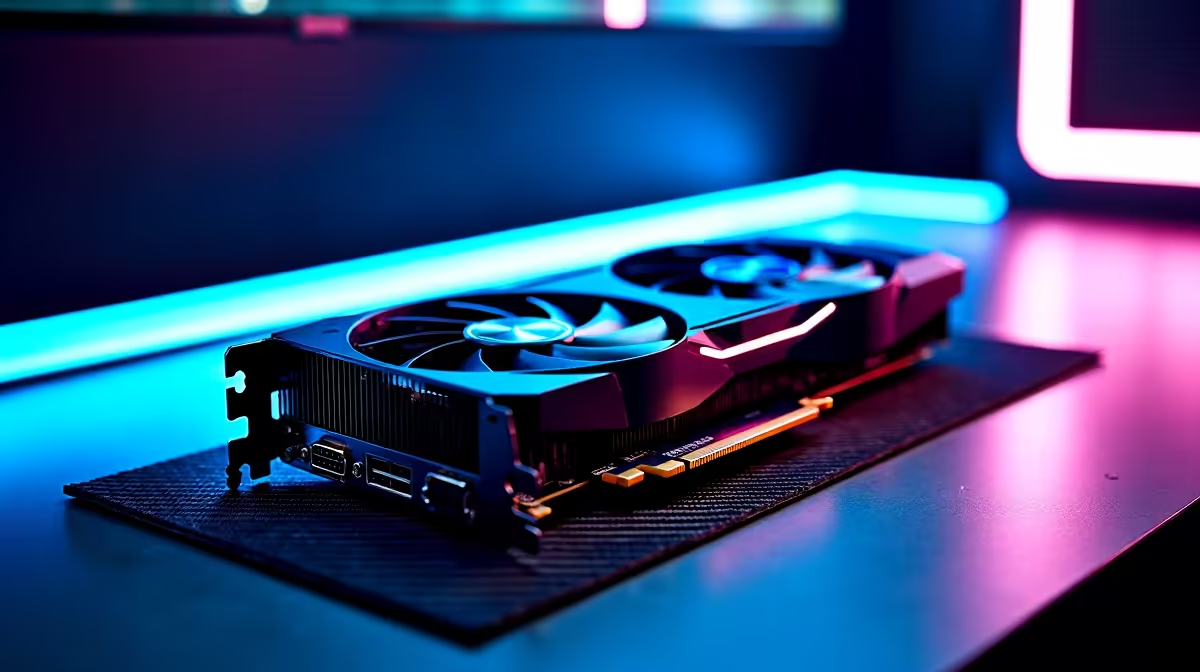
At 1440p on low settings, the RX 7600 delivers playable but inconsistent frame rates in Elden Ring Nightreign in 2026. Expect average FPS in the range of 55 to 75 FPS in open areas, dropping to 40 to 55 FPS during intense multi-target encounters and in the most demanding boss arenas.
The RX 7600 is AMD's 1080p-first GPU built on the RDNA 3 architecture with 8 GB of GDDR6 VRAM. At 1440p, it is immediately at a disadvantage compared to cards designed for that resolution class. The 128-bit memory bus limits memory bandwidth, which becomes a real constraint in Elden Ring Nightreign's dense environments that push VRAM usage toward and beyond 8 GB on high or medium settings. On low settings at 1440p, the GPU reduces its VRAM footprint enough to avoid overflow, but the bandwidth constraint still causes occasional frame time spikes in areas with extensive geometry, particle effects, and lighting. Nightreign's procedurally modified Limveld map generates environments with more visual density than base Elden Ring, which compounds this challenge.
In open-world traversal across Nightreign's Limveld, the RX 7600 on low settings at 1440p averages around 65 to 75 FPS with frame times staying relatively stable. Day-cycle transitions with atmospheric effects pull this down to 55 to 65 FPS momentarily. These sections feel smooth on a 75 Hz monitor but may exhibit minor hitching on 144 Hz displays where frame time irregularity is more perceptible. Boss encounters are where performance degrades most. Nightreign's final-night bosses, including the major optional variants, produce particle-heavy visual effects that stress both GPU and CPU simultaneously. On low settings, the RX 7600 at 1440p dips to 40 to 50 FPS in these fights. Enabling FSR 2 Quality mode raises the average back to 60 to 70 FPS in boss fights by reducing internal render resolution, though image clarity softens slightly on distant detail. For cooperative sessions with three players online, additional character rendering and network physics load increase CPU overhead, which can depress frame rates a further 5 to 10 FPS below solo benchmarks.
Enabling FSR 2 or FSR 3 at Quality mode is the most impactful single optimization. Nightreign ships with FSR support, and this mode renders internally at approximately 1080p before upscaling to 1440p output. Combined with low quality settings, this approach targets a stable 60 FPS average with acceptable visual quality. Ensure Resizable BAR is enabled in your system BIOS. On RX 7600, this can improve performance in Elden Ring by 5 to 12 percent depending on scene complexity. Also verify your AMD Adrenalin driver is current; AMD continues optimizing Elden Ring and Nightreign performance through regular driver updates.
Ready to Find Your Perfect Match? Explore GPU upgrades from the RX 7600 or find the right card for smooth 1440p gaming in South Africa. Shop Graphics Cards at Evetech
RX 7600 Elden Ring Nightreign Low Settin available at Evetech.co.za with local warranty and fast delivery.
RX 7600 Elden Ring Nightreign Low Settin - check Evetech for latest stock and SA pricing.
Depends on your use case. RX 7600 Elden Ring Nightreign offers good value at current Rand pricing.
Is the Ryzen 5 9600X Overkill for Gaming Detailed answer with SA data, expert analysis & practical recommendations for local buyers.
Read more
UKZN Student Tech Preferences: Q2 Report. SA market intelligence with local buyer data, pricing shifts & actionable insights for smart purchasing.
Read more
Palworld Performance on Extreme Gaming PC. Real-world benchmark data, FPS numbers & performance analysis. What SA gamers can actually expect.
Read more
CS2 Freezing During Gameplay: Solutions. Game-specific hardware & settings optimised for SA conditions. Competitive edge with local pricing.
Read more
NVIDIA Feynman: The GPU Architecture After Rubin. SA-focused analysis with local pricing data, real-world insights & actionable buying advice.
Read more
Activision Games: Optimal RAM Setup. Clear setup instructions with SA-specific considerations, troubleshooting tips & recommended components.
Read more
AMD RX 9050 XT: Rumoured Specs, Price & Release. SA-focused analysis with local pricing data, real-world insights & actionable buying advice.

Can RTX 4080 Super Run AI Workloads for SA Developers Detailed answer with SA data, expert analysis & practical recommendations for local buyers.

Can RTX 4090 Run AI Workloads for SA Developers Detailed answer with SA data, expert analysis & practical recommendations for local buyers.

Top Settings for Intel Arc B580 at Ultrawide 1440p picks evaluated on performance, value & SA availability with current Rand pricing from Evetech.

RTX 4060 CS2 Low Settings at 1080p: FPS Results. Real-world benchmark data, FPS numbers & performance analysis. What SA gamers can actually expect.

Visual Artifacts: Possible GPU Issue Issue #1. Diagnosis steps, proven fixes & when to seek professional help. SA-specific support info included.

Can the RTX 4090 Handle 1440p 144Hz Gaming. Performance testing verdict with real data & practical recommendations for SA buyers.

Top ASUS GPU Under R15000 picks evaluated on performance, value & SA availability with current Rand pricing from Evetech.

GTA 6 Max Settings on RTX 5070. Tested & verified settings for best FPS and visual quality on SA hardware budgets.

Cyberpunk 2077 Max Settings on RTX 5080. Tested & verified settings for best FPS and visual quality on SA hardware budgets.

Starfield Max Settings on RTX 5070 Ti. Tested & verified settings for best FPS and visual quality on SA hardware budgets.

Top RTX 5090 Under R5000 picks evaluated on performance, value & SA availability with current Rand pricing from Evetech.