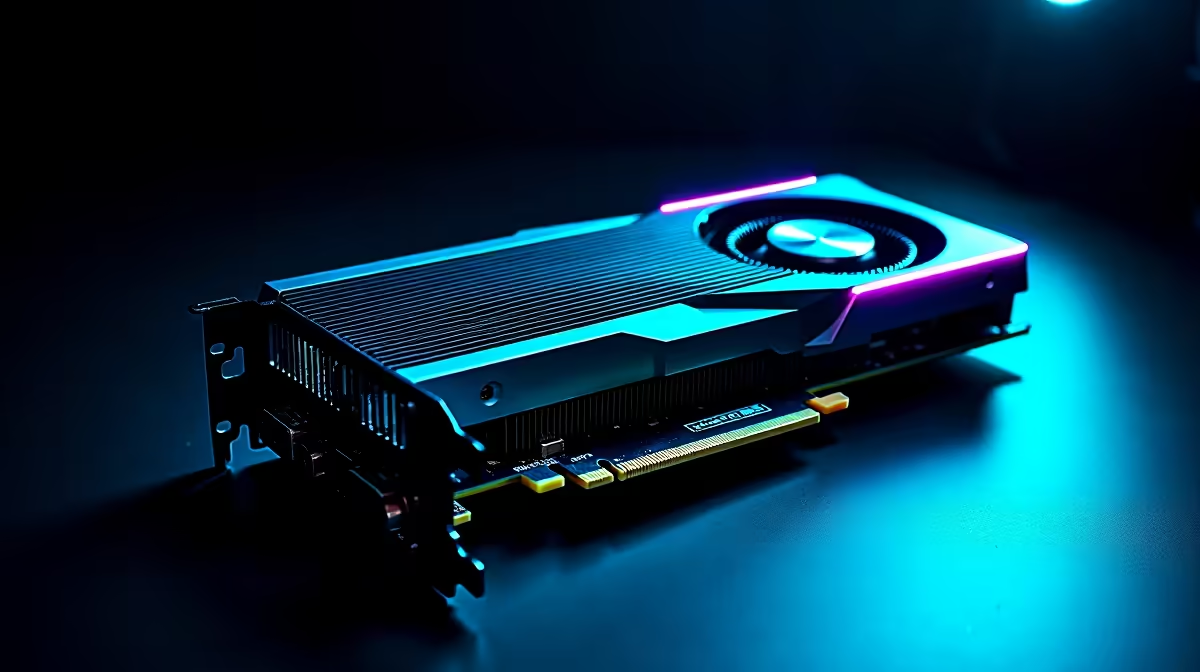
You finally dropped your hard-earned ZAR on a beastly new GPU. You boot up Cyberpunk, crank the settings, and then... panic sets in. You check your overlay and see your RX 7800 XT hot spot temperature running alarmingly high. Before you stress about a melted rig in the middle of a scorching South African summer, let us run a proper RX 7800 XT hot spot temperature high diagnosis.
Is Your RX 7800 XT Hot Spot Temperature Actually High?
First, we need to understand how modern AMD graphics cards report heat. Your GPU has multiple thermal sensors scattered across the silicon. The "edge" temperature is the average heat across the die. The "hot spot" or junction temperature is simply the single hottest sensor reading at any given moment.
AMD officially states that an RDNA 3 junction temperature can safely reach up to 110°C under heavy load. If you are hitting 90°C to 100°C while gaming, your card is technically operating within normal parameters. However, lower is always better for longevity. If you are currently shopping for new graphics cards, understanding these thermal limits helps you make a confident, informed choice.
Step-by-Step Diagnosis for Thermal Issues 🔧
A high hot spot alone is not always a red flag. The true diagnostic metric is the "delta"... the temperature difference between your edge and your hot spot. If your delta is larger than 25°C to 30°C, you might have a mechanical cooling problem.
The most common culprit is poor factory thermal paste application. Over time, a phenomenon called "pump-out" occurs where thermal expansion pushes the paste away from the GPU die.
Another major factor is your chassis airflow. South African heatwaves are brutal on high-end hardware. If your case lacks enough intake fans, your GPU will choke on its own recycled exhaust heat. This is exactly why our expertly assembled pre-built PC deals always prioritise optimal airflow configurations to survive local summers.
Cooling Pro Tip ⚡
Open AMD Adrenalin software and try a slight undervolt. Dropping the voltage by just 50mV to 100mV can drastically lower your hot spot temperatures without losing a single frame of gaming performance.
Practical Fixes to Tame the Heat 🚀
Start with the easiest diagnostic test. Remove your case side panel while gaming. If your temperatures drop massively, your case airflow is restricting the card. You will need to add more fans or upgrade to a high-airflow chassis.
Next, set a custom fan curve in your AMD driver settings. The default curve is often tuned for silence rather than performance. Ramping up your fan speeds earlier will keep the heat from soaking into the heatsink. If you want a fresh start with guaranteed cooling performance, you can browse our best gaming PC deals for rigs designed specifically to handle extreme climates.
Sometimes desktop heat management feels like a constant, frustrating battle. Some gamers prefer the portability and strictly engineered thermal solutions of mobile gaming. If you are tired of tweaking desktop fans and airflow paths, exploring high-performance laptops might be your next best hardware move.
If you are confident in your DIY skills, repasting the GPU die with high-quality thermal paste can completely fix a severe hot spot delta. Just remember that opening your card might void the manufacturer warranty. Always check for weekly hardware specials if you need to upgrade your cooling setup, buy case fans, or grab some premium thermal compound.
Ready to Upgrade Your Cooling or Your Rig?
Do not let thermal throttling ruin your gaming sessions. Whether you need a better airflow chassis, premium cooling gear, or a completely new system, Evetech has you covered. Explore our latest PC component specials and keep your framerates high while your temperatures stay low.