


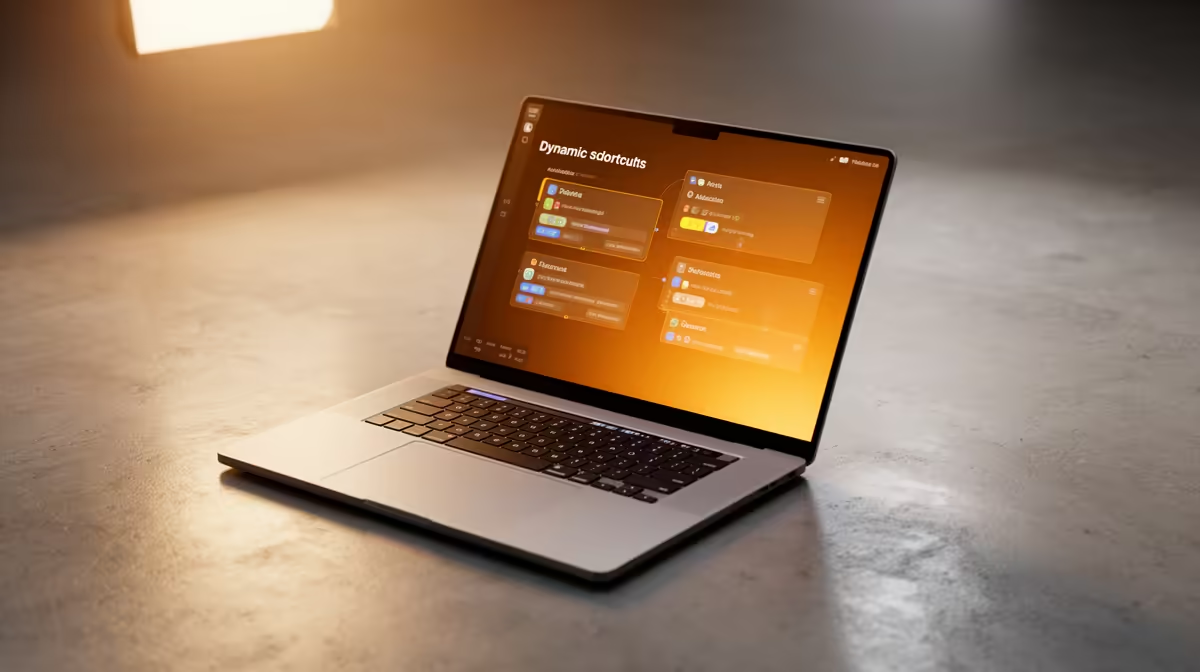
Apple quietly turned the Shortcuts app into something far more capable with macOS Tahoe 26.5. The update folds Apple Intelligence directly into Shortcuts, so the automations you build can now read plain-language instructions and act on what is actually on your screen, rather than just chaining rigid pre-set steps. For anyone who lives on a MacBook, that shifts Shortcuts from a tidy convenience into a genuine time-saver.
Quick Answer
macOS Tahoe 26.5 adds Apple Intelligence-powered actions to Shortcuts, meaning your automations can now understand natural-language prompts and interact with on-screen content. In practice you can summarise documents, rewrite text, extract information from what is visible, and build workflows that adapt instead of following a fixed script. It runs on Apple silicon MacBooks.
What the AI Actions Actually Do
The headline is that Shortcuts can now call on the same on-device intelligence that powers Apple's writing and summarising tools, and bake it into an automation. A few of the things that become possible:
A summarise action that takes a long article, email thread, or PDF you have open and hands back the key points, which you can then route into Notes or a reminder. A rewrite or tone-adjust action that reworks a block of text without you opening a separate app. And actions that read on-screen content, so a shortcut can pull a date, an address, or an order number out of what is in front of you and feed it into the next step.
The meaningful change is that these are no longer dumb steps. An older shortcut did exactly what you told it, in the same order, every time. These new actions interpret. You describe the outcome in natural language and the automation works out the detail, which makes Shortcuts useful for messier, more human tasks than before.
Practical Automations Worth Building First
Start small and the value shows quickly. A "clean up this draft" shortcut that polishes a selected paragraph and copies it back to the clipboard. A "summarise and save" shortcut that takes whatever document is open, extracts the essentials, and drops them into a dated note. A research helper that reads a webpage and pulls the figures or quotes you care about into a single list.
Because these run on Apple silicon, they lean on the Mac's own Neural Engine rather than sending everything to a server, which keeps them fast and keeps your content on the machine. The catch is hardware: Apple Intelligence features need an Apple silicon Mac, so an older Intel MacBook will see the Shortcuts update without the AI actions. If you are weighing an upgrade to get these tools, the current Apple silicon lineup is laid out across the MacBook range at Evetech, and the models South African buyers are choosing most often sit near the top of the best-selling laptop list.
Who Gets the Most Out of It
Students drowning in reading, professionals processing email and documents all day, and anyone who already keeps a few Shortcuts running. If automation has felt rigid until now, the natural-language layer is what makes it worth a second look. The learning curve is gentle because you describe what you want in ordinary words.
Frequently Asked Questions
What does macOS Tahoe 26.5 add to Shortcuts?
It adds Apple Intelligence-powered actions, letting your automations understand natural-language prompts and interact with on-screen content. That means summarising, rewriting, and extracting information can all happen inside a shortcut.
Do I need a specific Mac for the AI Shortcuts actions?
Yes, the Apple Intelligence actions require an Apple silicon Mac. Intel MacBooks receive the Shortcuts update but cannot run the new AI-powered actions.
Are these AI actions processed on my Mac or in the cloud?
The features lean on Apple's on-device intelligence and the Neural Engine in Apple silicon, which keeps them fast and keeps your content on the machine for most everyday tasks.
What is a good first automation to try?
A summarise-and-save shortcut is the easiest win: it takes whatever document is open, pulls out the key points, and drops them into a note. From there you can build rewrite and information-extraction flows.
Want the new AI Shortcuts actions on your next Mac? Browse the current Apple silicon MacBook lineup and find one that runs Apple Intelligence at https://www.evetech.co.za/macbooks/l/3284











