


HBADA Chairs Available in South Africa 2026: Range and Pricing
HBADA Chairs : Range and Pricing. Complete product range with SA pricing, key specs & recommendations for different budgets.
Read moreStarfield Low FPS: CPU Bottleneck. Real-world benchmark data, FPS numbers & performance analysis. What SA gamers can actually expect.
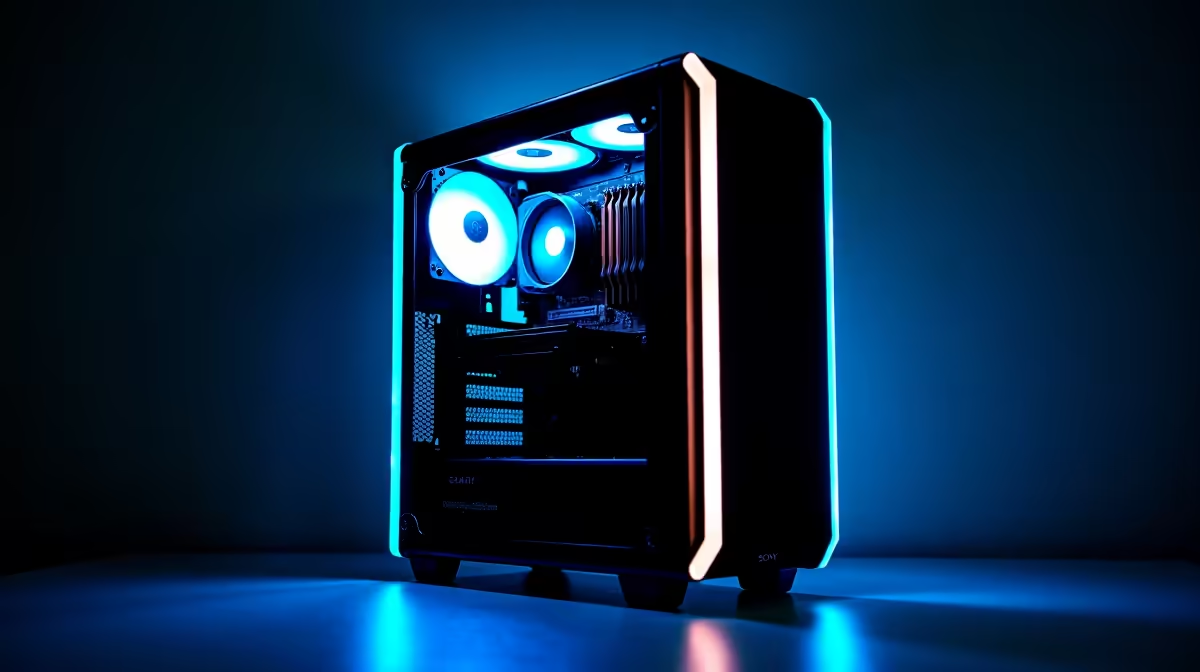
You've fired up Starfield, expecting a smooth space odyssey — but instead, your frames per second (FPS) are crashing like a meteor strike. If you're grinding through the cosmos with a shaky framerate, it’s worth asking: could a CPU bottleneck be holding your experience back? In South Africa, where budget-conscious gamers hunt for that sweet spot between performance and price, identifying CPU bottlenecks can unlock smoother gameplay and reduce frustrating lag.
A CPU bottleneck happens when your processor can't keep up with the demands of Starfield’s expansive universe. Unlike GPU-heavy titles, Starfield leans heavily on your CPU to handle AI, physics calculations, and world streaming. If your processor is outdated or hitting 100% usage while your GPU sits idle, you’re likely facing a CPU bottleneck.
It's important to check your CPU’s core count and clock speed. Starfield benefits from higher clock speeds rather than just punching in more cores. For example, older quad-core CPUs might struggle against Starfield’s optimized requirements. Upgrading your CPU can unleash better performance.
Supporting this, the right processor can transform your game’s fluidity—you might want to explore the latest range of affordable processors available at Evetech to optimise your setup without breaking the bank.
Start by monitoring your CPU and GPU utilisation while running Starfield. Tools like MSI Afterburner or Windows Task Manager can highlight if your CPU climbs to 100% while the GPU lags behind. If so, the CPU is the likely bottleneck.
Adjusting in-game settings that stress the CPU—such as reducing NPC density, shadows, or background simulation quality—can provide temporary relief. But to fully fix low FPS, investment in hardware often makes the biggest difference.
If you’re building from scratch or upgrading, consider checking out Evetech’s best gaming PC deals. These pre-configured rigs come with balanced specs, ensuring no component severely lags behind.
Try closing background apps before playing Starfield to free CPU resources and gain smoother gameplay instantly.
Not all gamers want the hassle of picking individual parts. Many turn to pre-built PC deals from Evetech for peace of mind. These builds are tested for compatibility and often feature well-balanced CPUs and GPUs suited for Starfield’s demands.
Alternatively, South African laptop gamers might be curious about portable Starfield sessions. While laptops generally face more intense thermal constraints (potentially throttling performance), powerful gaming notebooks offer decent options. Browse Evetech’s selection of notebooks optimised for South African gamers if portability is key.
Also, keep an eye on Evetech specials for timely discounts on CPUs and gaming PCs. Smart timing can mean better hardware at a fraction of the usual price. Every frame saved adds to your immersive galactic journey!
Starfield is an ambitious game, and low FPS can feel like a launch pad failure. But by understanding the CPU’s role and diagnosing bottlenecks, South African gamers can reignite their journey across the stars.
Whether upgrading your processor, grabbing a new gaming PC, or adjusting settings, each step brings you closer to smooth, immersive gameplay. The right choice depends on your budget and setup goals — but power upgrades pay off far quicker than you think.
Boost Your Starfield Experience Today Don’t let a CPU bottleneck slow you down—Shop now at Evetech for processors that deliver stellar FPS and fluid gameplay.
Starfield Low FPS: CPU Bottleneck available at Evetech.co.za with local warranty and fast delivery.
Starfield Low FPS: CPU Bottleneck - check Evetech for latest stock and SA pricing.
Depends on your use case. Starfield Low FPS: CPU Bottlen offers good value at current Rand pricing.
HBADA Chairs : Range and Pricing. Complete product range with SA pricing, key specs & recommendations for different budgets.
Read more
Ryzen 7 9800X3D for Music Production: Performance. Real-world benchmark data, FPS numbers & performance analysis. What SA gamers can actually expect.
Read more
Winter Cooling Management: Headsets. SA-focused analysis with local pricing data, real-world insights & actionable buying advice.
Read more
AKRacing Gaming Chair Range: Which Model Is Right. Complete product range with SA pricing, key specs & recommendations for different budgets.
Read more
Tax & Customs on Imported Cases. Practical breakdown of costs, regulations & whether it makes financial sense for SA buyers.
Read more
AMD CPU Prices Across : Q3. Current stock data & price tracking for SA buyers. See what is available and where prices are heading.
Read more
MacBook Pro for Machine Learning in 2026: Can Apple Silicon Compete Detailed answer with SA data, expert analysis & practical recommendations for local buyers.

Choose the Right SATA SSD for machine learning. Step-by-step instructions with SA-specific tips, common pitfalls to avoid & expert recommendations.

Overwatch 2 Competitive Settings Servers. Tested & verified settings for best FPS and visual quality on SA hardware budgets.

League of Legends Settings for 144Hz Gaming. Tested & verified settings for best FPS and visual quality on SA hardware budgets.

Every AMD CPU Ranked for Gaming: Tier List. SA-focused analysis with local pricing data, real-world insights & actionable buying advice.

Easter Family Bundles: Monitors. Hand-picked gift ideas at every budget tier. SA pricing & Evetech availability included.

Ryzen 7 9800X3D Running 100 Degrees: Cooler. Diagnosis steps, proven fixes & when to seek professional help. SA-specific support info included.

Most Affordable Laptops : Starting from R8,000. Full parts list, Rand pricing & expected performance. Build confidently with SA-available components.

Storage Stock Levels in Port Elizabeth: December. Current stock data & price tracking for SA buyers. See what is available and where prices are heading.

Ryzen 7 10800X3D Apex Legends Gaming Performance. Real-world benchmark data, FPS numbers & performance analysis. What SA gamers can actually expect.

Mouse Technology: 2023- Evolution in Gaming. Technology trajectory, what it means for SA buyers & how to future-proof your next purchase.

FAQ: Is my hard drive failing Detailed answer with SA data, expert analysis & practical recommendations for local buyers.