


Headset Stock Levels in Bloemfontein: January 2026 Report
Headset Stock Levels in Bloemfontein: January. Current stock data & price tracking for SA buyers. See what is available and where prices are heading.
Read moreStreaming Setup for Women Creators. Clear setup instructions with SA-specific considerations, troubleshooting tips & recommended components.
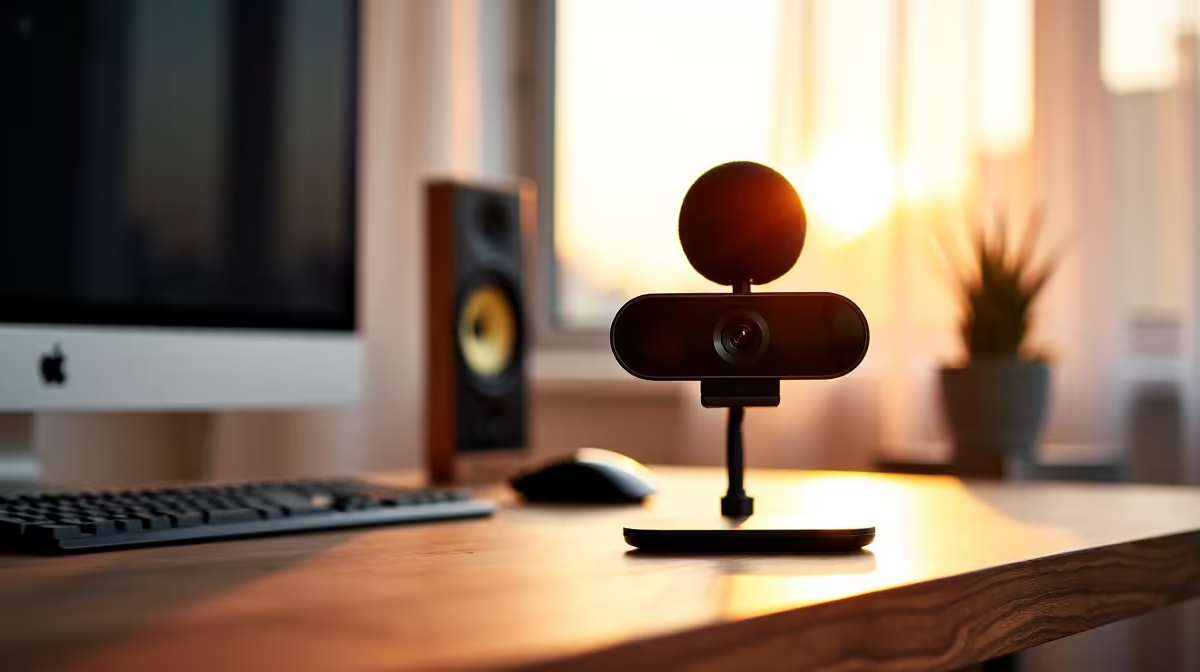
A solid streaming setup for women creators in SA starts at around R28,000 for the PC, plus R5,000 to R8,000 for camera, mic, lighting, and a quality chair. Focus on a Ryzen 7 plus RTX 4060 base, a Logitech Brio or Sony ZV-1 webcam, a Shure MV7 mic, and dual-monitor real estate for chat and OBS.
For Twitch, Kick, and YouTube Live at 1080p60, target a Ryzen 7 7700 with an RTX 4060. The RTX cards bring NVENC encoding so your CPU doesn't choke during action games. 32GB DDR5 keeps OBS, Discord, browser, and Spotify stable through long sessions. A 2TB NVMe holds your VOD scratch space without filling up mid-stream.
A Logitech Brio 4K (around R3,500) handles webcam duty without faff for most starting creators. Stepping up, the Sony ZV-1 with a capture card runs around R12,000 and gives you that creator-grade depth of field. For audio, the Shure MV7 USB/XLR (around R4,800) is the go-to: forgiving on untreated rooms, clean voice pickup, and works straight into your PC.
A pair of Elgato Key Lights or Neewer LED panels (R1,500 to R3,500 each) sorts your face lighting properly. Add a soft fabric backdrop or an acoustic foam panel for visual interest behind you. Loadshedding tip: a 1500VA UPS on the PC and lights keeps your stream alive through Stage 2-4 hits, which can save subscriber growth on a regular schedule.
An Elgato Stream Deck Mini (around R2,200) cleans up scene switching, mute toggles, and chat alerts during fast-paced gameplay. Pair it with a second monitor (1080p IPS, R2,500) for OBS preview, chat window, and music control. SA fibre at 50Mbps upstream handles 1080p60 streams comfortably with bitrate to spare.
Not for PC games. NVENC on RTX 4060 and up handles encoding while you play without taxing the CPU. Capture cards matter when you want a dual-PC setup or to stream a console like a PS5 or Switch.
Audio. A great camera with bad mic audio kills viewer retention faster than anything else. Spend on the mic before you spend on the camera, even if it feels backwards when you're starting out.
A UPS for the PC, router, and ONT (fibre box) buys you 20 to 40 minutes per blackout. Combine with a mobile hotspot fallback and your stream survives Stage 4 schedules without missed episodes.
Ready to Find Your Perfect Match? Build a streaming PC tuned for content creators. See streaming-ready gaming PCs
Streaming Setup for Women Creators in So available at Evetech.co.za with local warranty and fast delivery.
Streaming Setup for Women Creators in So - check Evetech for latest stock and SA pricing.
Depends on your use case. Streaming Setup for Women Crea offers good value at current Rand pricing.
Headset Stock Levels in Bloemfontein: January. Current stock data & price tracking for SA buyers. See what is available and where prices are heading.
Read more
iMac for Medical Practice: Patient Management. SA-focused analysis with local pricing data, real-world insights & actionable buying advice.
Read more
RTX 5060 Fortnite Ultra Settings at 1080p: FPS. Real-world benchmark data, FPS numbers & performance analysis. What SA gamers can actually expect.
Read more
Headset Stock Levels in Cape Town: August Report. Current stock data & price tracking for SA buyers. See what is available and where prices are heading.
Read more
Eskom Load Shedding During Video Call: Solutions. SA-focused analysis with local pricing data, real-world insights & actionable buying advice.
Read more
LoL Performance on Extreme Gaming PC. Real-world benchmark data, FPS numbers & performance analysis. What SA gamers can actually expect.
Read more
Is a Ultra Short Throw Projector Good for Gaming?. Diagnosis steps, proven fixes & when to seek professional help. SA-specific support info included.

Is a Short Throw Projector Good for Gaming? Input. Diagnosis steps, proven fixes & when to seek professional help. SA-specific support info included.

Top Mouse Settings for Competitive FPS: Sensitivity picks evaluated on performance, value & SA availability with current Rand pricing from Evetech.

Top Speakers for MacBook Desk Setup picks evaluated on performance, value & SA availability with current Rand pricing from Evetech.

Is a Ergonomic Chair Better Than a Standard Office Chair for Gaming Detailed answer with SA data, expert analysis & practical recommendations for local buyers.

Use Spotlight Search Like a Pro on macOS. Step-by-step instructions with SA-specific tips, common pitfalls to avoid & expert recommendations.

wireless keyboard Fan Noise Too Loud: Quiet. Everything you need to know with SA pricing, step-by-step instructions & expert recommendations.

Connection Timeout: Troubleshooting Guide #2. Diagnosis steps, proven fixes & when to seek professional help. SA-specific support info included.
Headset Stock Levels in Bloemfontein: January. Current stock data & price tracking for SA buyers. See what is available and where prices are heading.
iMac for Medical Practice: Patient Management. SA-focused analysis with local pricing data, real-world insights & actionable buying advice.
RTX 5060 Fortnite Ultra Settings at 1080p: FPS. Real-world benchmark data, FPS numbers & performance analysis. What SA gamers can actually expect.
Headset Stock Levels in Cape Town: August Report. Current stock data & price tracking for SA buyers. See what is available and where prices are heading.