


Headset Stock Levels in Bloemfontein: January 2026 Report
Headset Stock Levels in Bloemfontein: January. Current stock data & price tracking for SA buyers. See what is available and where prices are heading.
Read moreSurge Protection: Protecting Gaming PCs. SA-focused analysis with local pricing data, real-world insights & actionable buying advice.
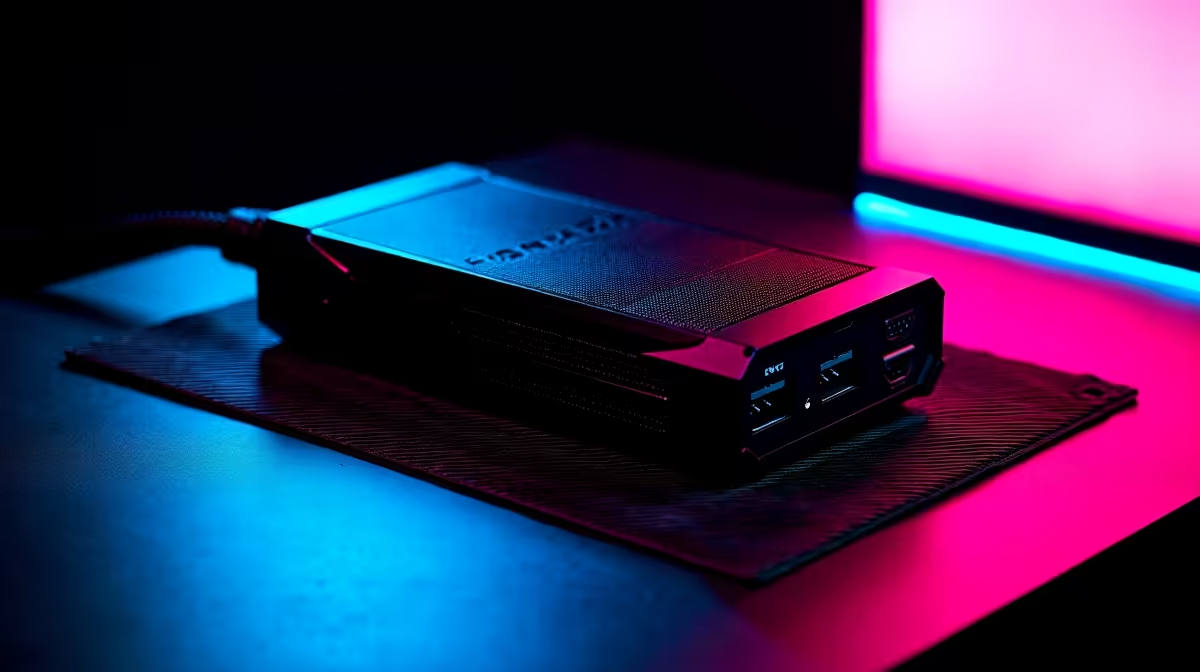
South African gaming PCs face unique risks from loadshedding-related power surges, unstable grid voltage, and lightning strikes during summer storms. A quality surge protector or UPS with AVR is the most effective first line of defence for protecting your investment.
South Africa's power grid experiences conditions that gamers in most countries never have to consider. Loadshedding creates repeated power cycling, and the restoration surge when Eskom reconnects a suburb can push voltage spikes that travel directly into unprotected equipment. Lightning storms - particularly in Gauteng and KwaZulu-Natal from October to March - add a second surge vector through both the power line and telephone or fibre connections. A gaming PC represents R15,000 to R50,000+ in hardware. A GPU alone can cost R8,000 to R20,000. A R400 surge protector or R2,500 UPS can prevent total loss from a single spike event. The maths favour protection. ## Choosing the Right Surge Protection Device
Basic surge protectors (R200 to R500): Multi-plug units with metal oxide varistors (MOVs) absorb voltage spikes above a threshold (typically 250V on SA models rated for 230V grid). These handle moderate surges and loadshedding restoration spikes. Look for a unit with a Joule rating above 1,500 for meaningful protection. Check for a suppressed indicator LED that shows whether the MOV is still functional after absorbing surges - MOVs degrade with use and need replacement eventually. UPS with AVR (R1,500 to R3,500): A line-interactive UPS with Automatic Voltage Regulation provides protection in both directions. AVR boosts voltage when the grid drops low (brownout) and bucks it when voltage rises too high (overvoltage). This handles the power quality problems associated with SA's grid better than passive surge protectors alone. Battery backup provides 15 to 40 minutes of runtime, enough to save your game and shut down cleanly during loadshedding. Online (double-conversion) UPS (R5,000+): These always power your equipment from the battery, which is continuously charged from the mains. The PC never directly draws from the grid. This provides the cleanest power possible and near-instantaneous switchover during outages. Overkill for most gaming setups but appropriate for high-value workstations. ## What to Protect Beyond the PC
Your gaming setup has multiple surge vulnerability points. Protect all of them:
Ready to Find Your Perfect Match? Protect your full gaming setup with the right components and builds available at Evetech. View Gaming PC Deals
Surge Protection: Protecting Gaming PCs available at Evetech.co.za with local warranty and fast delivery.
Surge Protection: Protecting Gaming PCs - check Evetech for latest stock and SA pricing.
Depends on your use case. Surge Protection: Protecting G offers good value at current Rand pricing.
Headset Stock Levels in Bloemfontein: January. Current stock data & price tracking for SA buyers. See what is available and where prices are heading.
Read more
iMac for Medical Practice: Patient Management. SA-focused analysis with local pricing data, real-world insights & actionable buying advice.
Read more
RTX 5060 Fortnite Ultra Settings at 1080p: FPS. Real-world benchmark data, FPS numbers & performance analysis. What SA gamers can actually expect.
Read more
Headset Stock Levels in Cape Town: August Report. Current stock data & price tracking for SA buyers. See what is available and where prices are heading.
Read more
Eskom Load Shedding During Video Call: Solutions. SA-focused analysis with local pricing data, real-world insights & actionable buying advice.
Read more
LoL Performance on Extreme Gaming PC. Real-world benchmark data, FPS numbers & performance analysis. What SA gamers can actually expect.
Read more
MacBook Pro for Machine Learning in 2026: Can Apple Silicon Compete Detailed answer with SA data, expert analysis & practical recommendations for local buyers.

Choose the Right SATA SSD for machine learning. Step-by-step instructions with SA-specific tips, common pitfalls to avoid & expert recommendations.

Overwatch 2 Competitive Settings Servers. Tested & verified settings for best FPS and visual quality on SA hardware budgets.

League of Legends Settings for 144Hz Gaming. Tested & verified settings for best FPS and visual quality on SA hardware budgets.

Every AMD CPU Ranked for Gaming: Tier List. SA-focused analysis with local pricing data, real-world insights & actionable buying advice.

Easter Family Bundles: Monitors. Hand-picked gift ideas at every budget tier. SA pricing & Evetech availability included.

Ryzen 7 9800X3D Running 100 Degrees: Cooler. Diagnosis steps, proven fixes & when to seek professional help. SA-specific support info included.

Most Affordable Laptops : Starting from R8,000. Full parts list, Rand pricing & expected performance. Build confidently with SA-available components.

HBADA Chairs : Range and Pricing. Complete product range with SA pricing, key specs & recommendations for different budgets.

Ryzen 7 9800X3D for Music Production: Performance. Real-world benchmark data, FPS numbers & performance analysis. What SA gamers can actually expect.

Winter Cooling Management: Headsets. SA-focused analysis with local pricing data, real-world insights & actionable buying advice.

AKRacing Gaming Chair Range: Which Model Is Right. Complete product range with SA pricing, key specs & recommendations for different budgets.