


Core Ultra 5 245K Gaming Performance: Full Optimization
Core Ultra 5 245K Gaming Performance: Full. Real-world benchmark data, FPS numbers & performance analysis. What SA gamers can actually expect.
Read moreThermal Paste on Metal: Short Circuit Risk. Comprehensive coverage with SA insights, Rand pricing & practical recommendations for local buyers.
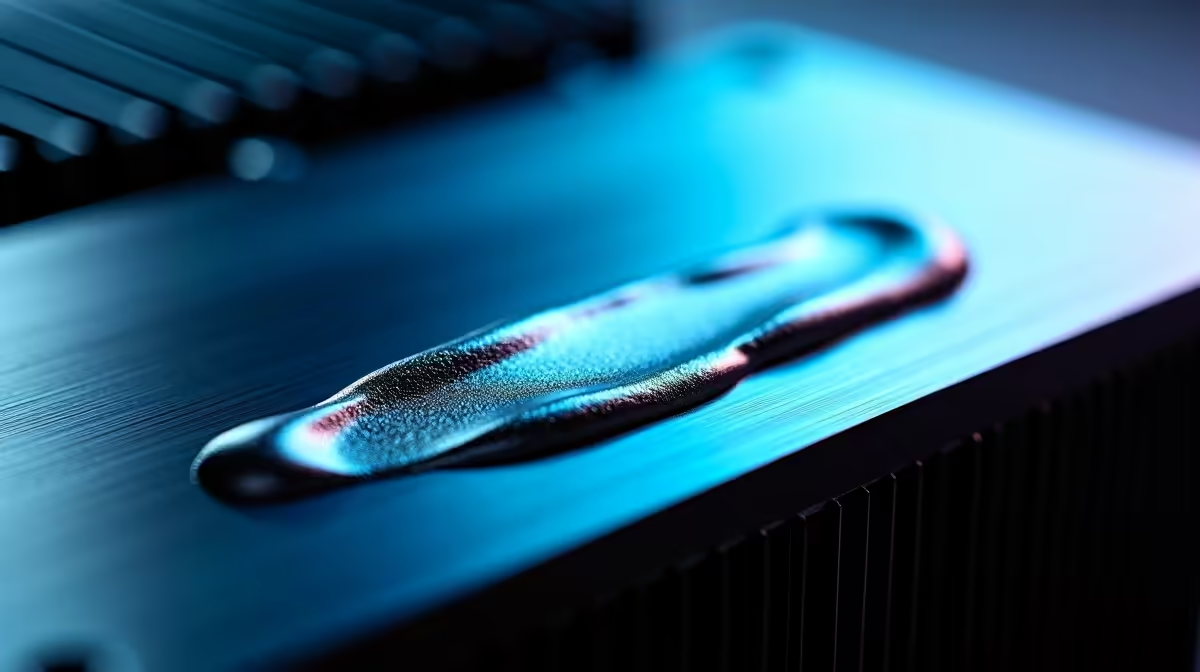
Thermal paste is not electrically conductive in standard formulations, so incidental contact with a metal heatsink or bracket does not create a short circuit risk. However, some silver-based or high-metal-content thermal pastes can be mildly conductive and should not contact exposed electrical contacts, capacitors, or PCB traces. Applying standard non-conductive thermal paste to metal surfaces is safe, but keeping it off PCB components is still best practice.
A pea-sized application in the centre of the CPU heat spreader is sufficient for most coolers. The mounting pressure of the heatsink spreads the paste across the contact area. Using too much paste is the most common beginner mistake and increases the chance of overflow onto surrounding areas, but even then, standard paste reaching the metal housing of a cooler or the socket bracket creates no electrical risk. For SA builders dealing with warm ambient temperatures in summer or working in dusty environments, replacing thermal paste every 12 to 24 months maintains optimal thermal transfer. Dried or cracked paste loses contact efficiency and raises temperatures over time, which in a loadshedding context where UPS fans may not match a full PSU fan, can cause thermal throttling faster than expected. ## Frequently Asked Questions
What happens if thermal paste touches the motherboard PCB? With standard non-conductive paste, it is unlikely to cause an electrical fault, but it should be cleaned off carefully with 90% or higher isopropyl alcohol. Liquid metal on a PCB is a serious risk and requires immediate and thorough cleaning before powering on. Can I use too much thermal paste? What are the risks? Using too much paste can cause overflow onto the CPU socket area or surrounding components. It will not cause a short with standard non-conductive compounds, but it is messy and wasteful. Excess paste on socket pins can prevent proper CPU seating. Use a pea-sized amount and let mounting pressure distribute it. Is liquid metal thermal paste safe for everyday builders in South Africa? Liquid metal is recommended only for experienced builders who understand the risks. It delivers the best thermal performance but is electrically conductive, can corrode aluminium heatsink surfaces, and is difficult to clean up. For most SA builders, a high-quality standard paste like Thermal Grizzly Kryonaut or Noctua NT-H2 is safer and more than adequate.
Ready to Find Your Perfect Match? Browse CPU coolers and thermal solutions at Evetech for your South African PC build.
Thermal Paste on Metal: Short Circuit Ri available at Evetech.co.za with local warranty and fast delivery.
Thermal Paste on Metal: Short Circuit Ri - check Evetech for latest stock and SA pricing.
Depends on your use case. Thermal Paste on Metal: Short offers good value at current Rand pricing.
Core Ultra 5 245K Gaming Performance: Full. Real-world benchmark data, FPS numbers & performance analysis. What SA gamers can actually expect.
Read more
Huawei MatePad Range : Which Model Should You Buy. Complete product range with SA pricing, key specs & recommendations for different budgets.
Read more
Are Wireless Gaming Peripherals as Good as Wired in 2026 Detailed answer with SA data, expert analysis & practical recommendations for local buyers.
Read more
Are Big And Tall Gaming Chairs Good for Long Gaming Sessions Detailed answer with SA data, expert analysis & practical recommendations for local buyers.
Read more
PCIe Bandwidth Saturation: Multiple GPU Issue. Diagnosis steps, proven fixes & when to seek professional help. SA-specific support info included.
Read more
Intel Keyboard: Value. SA-focused analysis with local pricing data, real-world insights & actionable buying advice.
Read more
MacBook Pro for Machine Learning in 2026: Can Apple Silicon Compete Detailed answer with SA data, expert analysis & practical recommendations for local buyers.

Choose the Right SATA SSD for machine learning. Step-by-step instructions with SA-specific tips, common pitfalls to avoid & expert recommendations.

Overwatch 2 Competitive Settings Servers. Tested & verified settings for best FPS and visual quality on SA hardware budgets.

League of Legends Settings for 144Hz Gaming. Tested & verified settings for best FPS and visual quality on SA hardware budgets.

Every AMD CPU Ranked for Gaming: Tier List. SA-focused analysis with local pricing data, real-world insights & actionable buying advice.

Easter Family Bundles: Monitors. Hand-picked gift ideas at every budget tier. SA pricing & Evetech availability included.

Ryzen 7 9800X3D Running 100 Degrees: Cooler. Diagnosis steps, proven fixes & when to seek professional help. SA-specific support info included.

Most Affordable Laptops : Starting from R8,000. Full parts list, Rand pricing & expected performance. Build confidently with SA-available components.

HBADA Chairs : Range and Pricing. Complete product range with SA pricing, key specs & recommendations for different budgets.

Ryzen 7 9800X3D for Music Production: Performance. Real-world benchmark data, FPS numbers & performance analysis. What SA gamers can actually expect.

Winter Cooling Management: Headsets. SA-focused analysis with local pricing data, real-world insights & actionable buying advice.

AKRacing Gaming Chair Range: Which Model Is Right. Complete product range with SA pricing, key specs & recommendations for different budgets.