

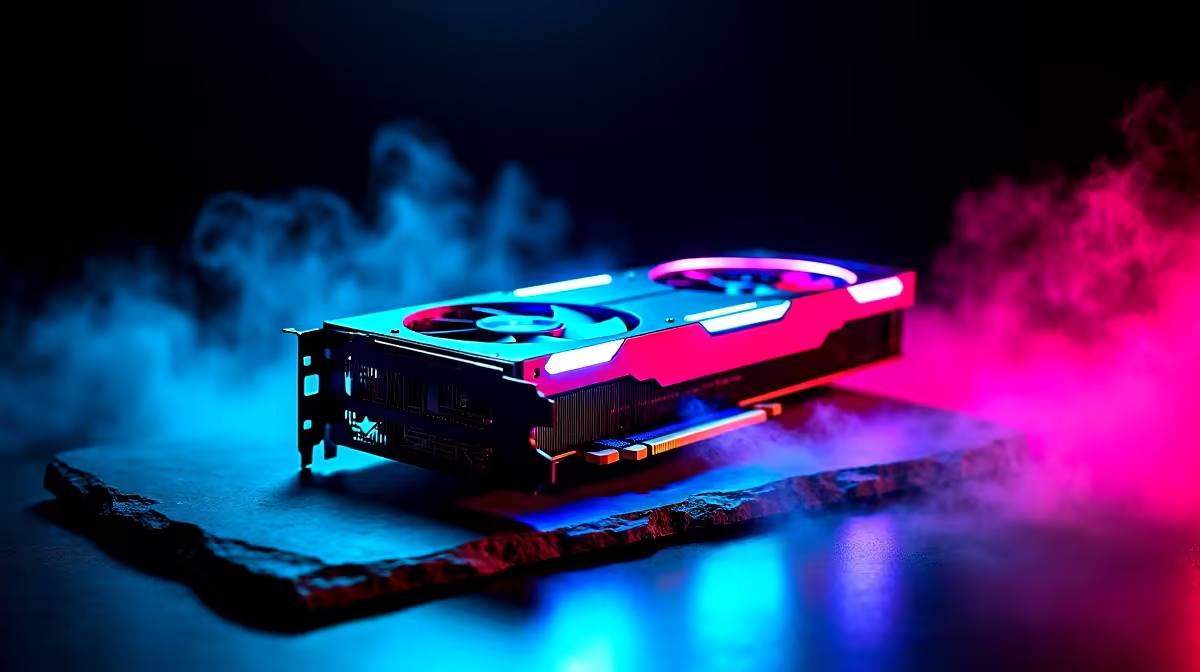
You are deep into a ranked match when suddenly... neon pink squares explode across your screen. Your frame rate tanks. Panic sets in. Seeing visual artifacts mid-game is a terrifying experience for any South African gamer. With the cost of hardware these days, nobody wants to face a massive ZAR replacement bill. But before you assume the worst, let us break down this possible GPU issue.
Identifying Visual Artifacts on Your Screen 👾
Visual artifacts are strange graphical glitches that completely ruin your image quality. They often look like stretching textures, random flashing colours, or checkerboard patterns covering your display. You might even notice weird geometry spikes shooting out of character models. If you game on one of the latest gaming laptops or a desktop rig, these glitches usually point straight to your graphics processing unit struggling to render frames correctly.
Diagnosing a Possible GPU Issue 🔧
Before you panic and open your wallet, rule out the absolute basics. Sometimes, a faulty HDMI or DisplayPort cable is the real culprit. Swap your display cable out and check if those annoying visual artifacts disappear.
Next, look at your software environment. Outdated or corrupted drivers can cause massive system instability. Use a tool like Display Driver Uninstaller to wipe your old drivers clean before installing the latest version. If you are shopping around for new graphics cards, remember that maintaining updated software is just as crucial as buying powerful hardware.
Temperature Check Pro Tip ⚡
Download a free monitoring tool like MSI Afterburner or HWMonitor. If your GPU hotspot hits above 90°C, thermal throttling might be causing your visual artifacts. A good clean and fresh thermal paste can save you thousands of Rands!
When Hardware Failure Strikes
In South Africa, sudden power cuts and unexpected load shedding surges can damage sensitive PC components over time. If your temperatures are fine and your drivers are fresh... you might be facing a genuine hardware failure. Dying VRAM is a notorious cause of screen tearing and checkerboard patterns. Sadly, once the physical memory chips start degrading, the damage is usually permanent.
If your current rig is on its last legs, it might be more cost-effective to upgrade the entire system rather than replacing a single expensive component. We highly recommend browsing the best gaming PC deals available right now. Upgrading means you get a fresh warranty and absolute peace of mind.
Finding the Right Replacement 🚀
If your graphics card is officially dead, you have options. You could build a new system from scratch, or you can take the hassle-free route. Exploring our pre-built PC deals ensures you get a perfectly balanced machine, tested and ready for modern gaming without the stress of compatibility checks.
Always keep a close eye on your budget. Tech upgrades do not have to break the bank if you shop smart. Checking out our daily specials can help you score premium hardware at incredibly competitive ZAR prices. Do not let a possible GPU issue keep you offline for long.
Ready to Banish Those Glitches? Dealing with visual artifacts is frustrating, but upgrading your setup does not have to be. Whether you need a fresh graphics card or a whole new rig, Evetech has the best hardware at unbeatable prices in South Africa. Explore our massive range of PC components and get back in the game today.











