

You line up the perfect headshot in Counter-Strike 2. You pull the trigger... and teleport straight into a wall. If you play online in South Africa, you know the absolute pain of packet loss. Finding out which SA ISP has the lowest ping for gaming is crucial. But your connection is only half the battle.
Understanding Fibre Routing and Latency
Local servers in Johannesburg or Cape Town usually offer pings under 20ms. But when connecting to European servers for games like EA FC, your latency jumps to 160ms or worse. The secret lies in how your Internet Service Provider routes traffic. They rely on undersea cables like WACS and Seacom.
Networks like Cool Ideas and Afrihost consistently rank high for gamers. They actively optimise their international routing... keeping your connection incredibly stable. Even the absolute best gaming PC struggles if your ISP sends your data on a scenic route. Good routing means fewer hops between your house and the game server. Every millisecond counts when you are trying to clutch a round.
Which SA ISP Has the Lowest Ping for Gaming?
When testing which SA ISP has the lowest ping for gaming, a dedicated fibre line is mandatory. LTE and 5G networks suffer from severe jitter and signal drops. Cool Ideas is famous for its direct peering with major gaming servers. Afrihost and Webafrica also deliver fantastic results for both local and international play.
Another factor to consider is the contention ratio. This is how many users share the same network infrastructure in your neighbourhood. Premium ISPs offer lower contention ratios... meaning your speeds stay fast during peak evening hours. A stable line is always better than a fast but unstable one.
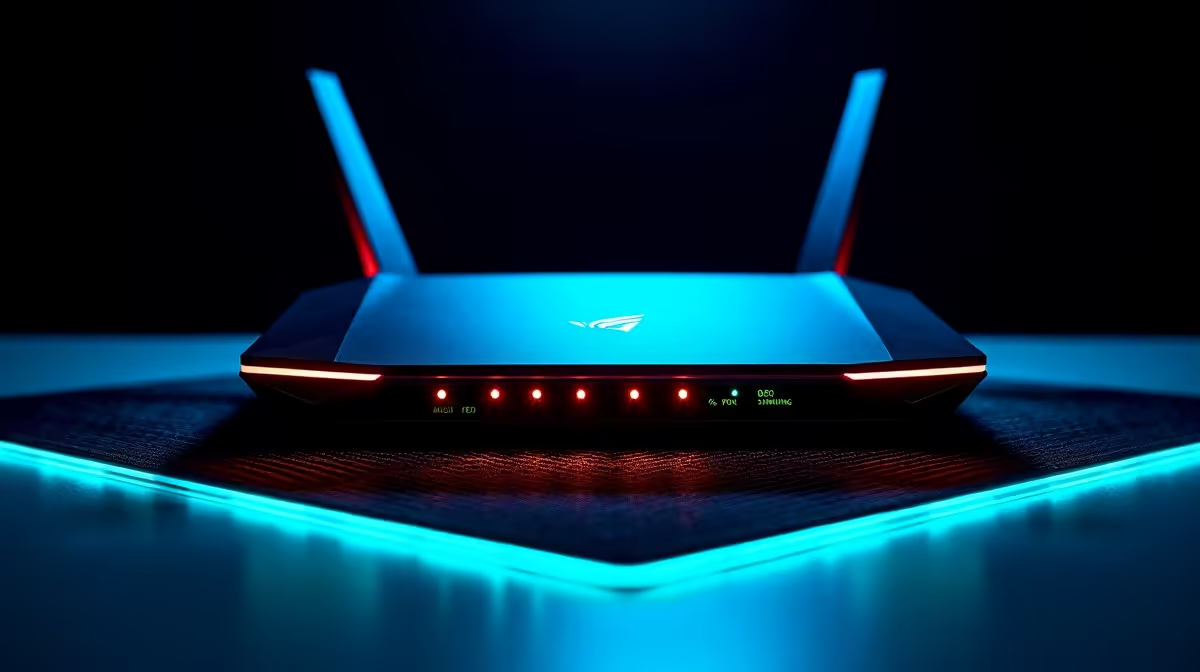
But remember that your local home network hardware plays a massive role. Your ISP handles the outside world, but you control your home network. If you're running a high-end pre-built PC on a cheap router, you're bottlenecking your performance. The router simply can't handle heavy traffic.
The same rule applies to portable gaming setups. Gamers using high-performance laptops often rely on Wi-Fi... which introduces unnecessary lag spikes through walls.
Network Pro Tip ⚡
Never game on Wi-Fi if you play competitive shooters. Always use a high-quality Cat6 ethernet cable to connect your rig directly to your fibre router. It's the cheapest way to eliminate packet loss and stabilise your latency.
Hardware Upgrades for Better Stability
A premium, unshaped fibre line deserves premium hardware to match. If your frames drop during intense team fights, it might not actually be your internet connection. Hardware stuttering looks exactly like network lag to the untrained eye. Many players forget that background applications also consume precious system resources.
Keeping a close watch on our daily specials is a smart way to upgrade your rig. Save your hard-earned ZAR while boosting your overall performance. Sometimes pushing higher frame rates directly reduces your input delay... making your gameplay feel much more responsive.
If you want to push your system to the absolute limit, upgrading your graphics cards is vital. This ensures you never miss a crucial frame. When your ping is sitting perfectly at 10ms, your hardware needs to keep up. 🚀 🎮
Ready to Dominate the Server? A low-ping ISP is essential, but pairing it with the right hardware is how you truly win. Explore our massive range of gaming specials and find the perfect machine to conquer your world.











