


Headset Stock Levels in Bloemfontein: January 2026 Report
Headset Stock Levels in Bloemfontein: January. Current stock data & price tracking for SA buyers. See what is available and where prices are heading.
Read moreWireless Mouse Latency During Gaming: Fix. SA-focused analysis with local pricing data, real-world insights & actionable buying advice.
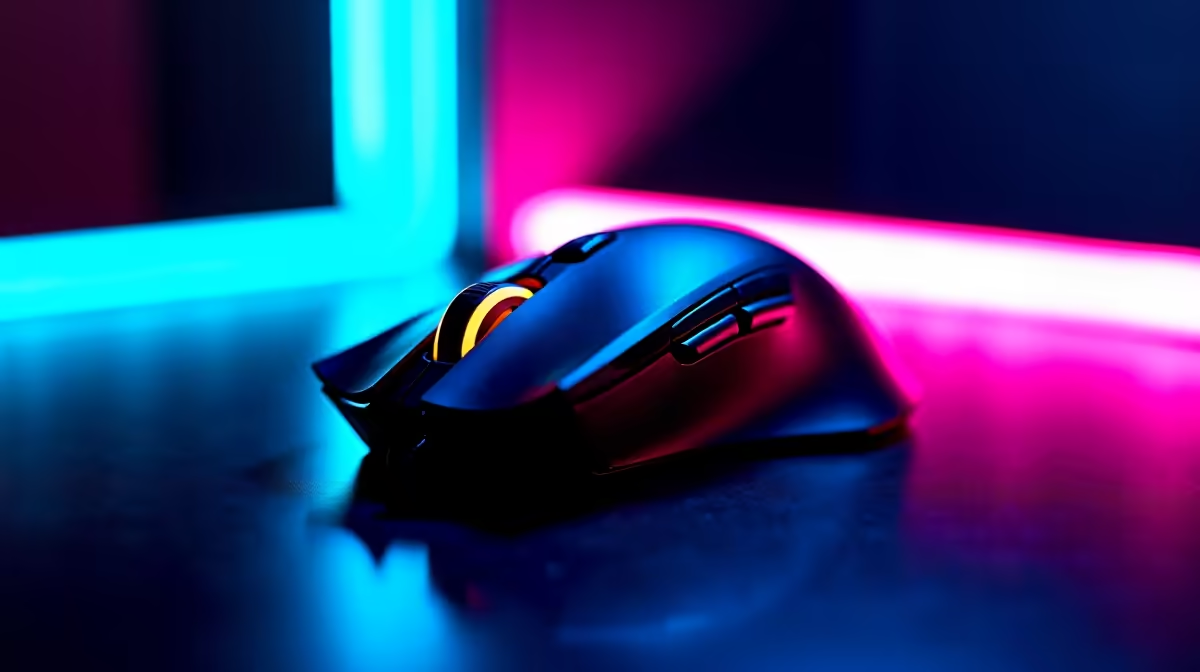
Nothing kills your focus like a laggy wireless mouse, especially during intense gaming sessions here in South Africa. Whether you’re strafing in a shooter or managing fast clicks in MOBAs, wireless mouse latency can cost you crucial milliseconds—meaning lost kills or missed objectives. If you’re fed up with input delay ruining your gameplay, you’re in the right spot. Let’s dive deep into wireless mouse latency during gaming, and how you can fix it for smoother, more responsive action.
Wireless mouse latency often comes down to a few common factors: signal interference, low battery levels, poor receiver placement, or settings that prioritise power saving over performance. South African gamers in densely populated areas might face extra challenges from Wi-Fi and Bluetooth congestion. The “ping” you feel between moving the mouse and seeing the cursor respond can be maddening during competitive play.
Hardware also matters. Choosing the right gaming mouse designed for low latency is key. Check out Evetech’s collection of gaming mice — many offer advanced sensor technology and adjustable polling rates to reduce lag.
You can measure latency using free tools like “Mouse Tester” or online tests. Ideally, latency should stay under 10ms for competitive gaming. If it spikes beyond this consistently, it’s time to troubleshoot.
Keep your wireless receiver as close as possible and avoid USB hubs or ports with multiple devices attached. This reduces signal interference. Try swapping to a front USB port if you’ve been using the back ones on your PC.
Weak battery power is a common latency culprit. Keep spare batteries handy or invest in rechargeable ones to maintain consistent performance.
Windows and some gaming laptops will throttle USB devices to save battery, increasing input lag. Head to ‘Device Manager’ > ‘USB Root Hub’ and disable power management for your mouse receiver.
Gaming laptops are popular here in South Africa, combining portability and power — explore your options in notebooks for sale for a reliable setup.
Manufacturers often fix bugs or optimise performance with updates. Check your mouse brand’s website for firmware updates. Don’t forget to update your PC drivers at Evetech’s trusted pre-built rigs too — shop gaming PCs with reliable pre-loaded drivers.
If your mouse supports a 2.4 GHz USB receiver, use it instead of Bluetooth. It’s faster and experiences less interference in busy areas. This simple switch can drastically reduce latency during heated battles.
If latency still bugs you after tweaks, consider switching to higher-end gaming mice with ultra-low latency modes. For a complete gaming upgrade, check out Evetech’s curated pre-built PC deals. These rigs optimise hardware and software performance, making lag less likely overall.
Also, invest in a high-quality mouse pad designed for smooth, consistent tracking—small adjustments like these help reduce input errors and improve precision.
Before you invest, explore the latest specials at Evetech to grab gaming gear at unbeatable prices.
Level Up Your Gaming Experience Today Don’t let wireless mouse latency hold you back in your next match. Shop now at Evetech for top-tier gaming mice and gear designed to keep your FPS sharp and response times lightning fast.
Wireless Mouse Latency During Gaming: Fi available at Evetech.co.za with local warranty and fast delivery.
Wireless Mouse Latency During Gaming: Fi - check Evetech for latest stock and SA pricing.
Depends on your use case. Wireless Mouse Latency During offers good value at current Rand pricing.
Headset Stock Levels in Bloemfontein: January. Current stock data & price tracking for SA buyers. See what is available and where prices are heading.
Read more
iMac for Medical Practice: Patient Management. SA-focused analysis with local pricing data, real-world insights & actionable buying advice.
Read more
RTX 5060 Fortnite Ultra Settings at 1080p: FPS. Real-world benchmark data, FPS numbers & performance analysis. What SA gamers can actually expect.
Read more
Headset Stock Levels in Cape Town: August Report. Current stock data & price tracking for SA buyers. See what is available and where prices are heading.
Read more
Eskom Load Shedding During Video Call: Solutions. SA-focused analysis with local pricing data, real-world insights & actionable buying advice.
Read more
LoL Performance on Extreme Gaming PC. Real-world benchmark data, FPS numbers & performance analysis. What SA gamers can actually expect.
Read more
Is a Ultra Short Throw Projector Good for Gaming?. Diagnosis steps, proven fixes & when to seek professional help. SA-specific support info included.

Is a Short Throw Projector Good for Gaming? Input. Diagnosis steps, proven fixes & when to seek professional help. SA-specific support info included.

Top Mouse Settings for Competitive FPS: Sensitivity picks evaluated on performance, value & SA availability with current Rand pricing from Evetech.

Top Speakers for MacBook Desk Setup picks evaluated on performance, value & SA availability with current Rand pricing from Evetech.

Is a Ergonomic Chair Better Than a Standard Office Chair for Gaming Detailed answer with SA data, expert analysis & practical recommendations for local buyers.

Use Spotlight Search Like a Pro on macOS. Step-by-step instructions with SA-specific tips, common pitfalls to avoid & expert recommendations.

wireless keyboard Fan Noise Too Loud: Quiet. Everything you need to know with SA pricing, step-by-step instructions & expert recommendations.

Connection Timeout: Troubleshooting Guide #2. Diagnosis steps, proven fixes & when to seek professional help. SA-specific support info included.
Headset Stock Levels in Bloemfontein: January. Current stock data & price tracking for SA buyers. See what is available and where prices are heading.
iMac for Medical Practice: Patient Management. SA-focused analysis with local pricing data, real-world insights & actionable buying advice.
RTX 5060 Fortnite Ultra Settings at 1080p: FPS. Real-world benchmark data, FPS numbers & performance analysis. What SA gamers can actually expect.
Headset Stock Levels in Cape Town: August Report. Current stock data & price tracking for SA buyers. See what is available and where prices are heading.