

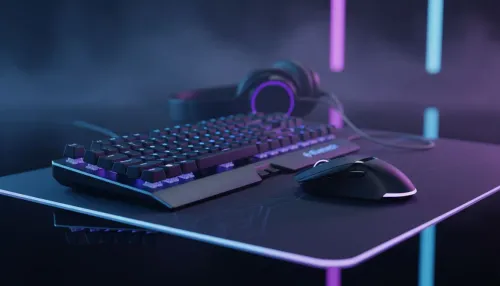
Best Budget Gaming Peripherals to Start Your Setup
Best budget gaming peripherals: Shop affordable keyboards, mice, headsets and mousepads at Evetech to kickstart your PC setup with solid performance and value. 🛒🎮
Read more1440p monitors under R8000: Find budget-friendly 1440p displays that run Resident Evil smoothly — refresh rate, response time, and HDR tips to pick the best value. 🕹️💡
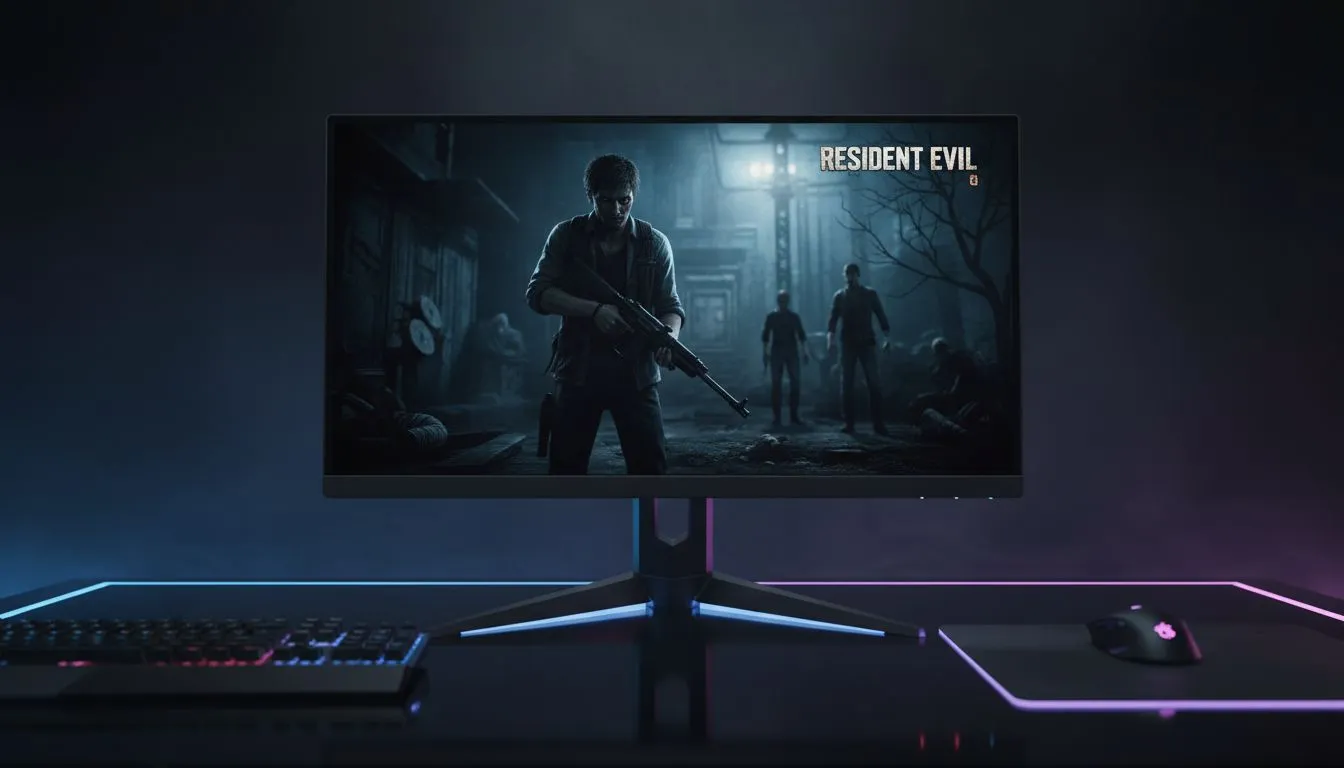
Stepping into the Raccoon City Police Department or exploring the fog-drenched village of Resident Evil requires more than just guts... you need clarity. For South African gamers, finding 1440p monitors under R8000 is the ultimate sweet spot for balancing performance and price. It’s the resolution where shadows become terrifyingly detailed and every jump-scare looks crisp without breaking the bank on a top-tier GPU.
Resident Evil titles thrive on atmosphere and tension. When you play at 1440p (QHD), you get 77% more screen real estate than standard 1080p. This extra pixel density makes a massive difference when you are squinting into a dark corner for a lurking Ganado or admiring the grotesque textures on a Boss. Checking out the latest best PC monitor deals reveals that you no longer need to spend five figures to get a high-refresh-rate display that does these visuals justice.
Survival horror relies heavily on deep blacks and high contrast. While many PC monitors use IPS panels for superior colour accuracy, some gamers prefer VA panels for Resident Evil because of their better native contrast ratios. If you want that extra layer of immersion, looking at curved monitors can help wrap the horror around your field of view, making those narrow corridors feel even more claustrophobic. 🔦
When playing Resident Evil Village or RE4 Remake, ensure you calibrate your HDR settings within the game menu. If your monitor supports it, adjusting the 'Max Brightness' and 'Black Level' can prevent the shadows from looking washed out, keeping the experience as eerie as the developers intended.
Finding 1440p monitors under R8000 means you can allocate more of your budget towards a better GPU or even some monitor accessories like a desk mount to clear up space for your mouse movements. While some enthusiasts might hunt for high-end 4K monitors, 1440p remains the "Goldilocks" zone for most mid-range builds in SA, providing a sharp image without requiring a flagship graphics card to maintain 60 FPS.
If you are a mobile gamer or need a secondary screen for your walkthroughs and maps, even portable monitors have seen massive improvements lately. However, for the main event, sticking to the core range of gaming monitors ensures you get the low response times needed to parry a chainsaw-wielding maniac in the heat of the moment. ✨
Ready to Find Your Perfect Match? Resident Evil deserves to be seen in stunning detail, and a QHD display is the best way to do it. Explore our massive range of 1440p monitor specials and find the perfect screen to survive the night.
Look for 1440p monitors under R8000 with 144Hz, 1–4 ms response, and IPS or fast VA panels for deep contrast and smooth Resident Evil gameplay.
Yes—some models hit 144Hz within R8000 during sales; search budget 1440p monitors r8000 and watch Deals Watch for discounts.
An IPS 1440p monitor under R8000 delivers better colors and viewing angles, ideal if you value image quality for horror titles like Resident Evil.
Curved 1440p monitors under R8000 can boost immersion, but flat IPS models typically offer sharper text and wider viewing angles.
Check Evetech, local retailers, and Deals Watch pages for stock and promotions on 1440p gaming monitor under r8000 in South Africa.
Adaptive sync like FreeSync or G-Sync Compatible smooths gameplay; many budget 1440p monitors under R8000 support FreeSync.
Prioritize refresh rate, response time, panel type, and adaptive sync when choosing a budget 1440p monitor for gaming and Resident Evil.
Best budget gaming peripherals: Shop affordable keyboards, mice, headsets and mousepads at Evetech to kickstart your PC setup with solid performance and value. 🛒🎮
Read more
Discover the best smartwatch specials South Africa has to offer, right here at Evetech! We’ve curated the top deals on leading brands like Apple, Samsung, and Garmin. Track your fitness, stay connected, and elevate your style without breaking the bank. Shop now for unbeatable prices! ⌚️🔥
Read more
3-in-1 gaming combos deliver huge savings and streamlined setups for South African gamers. Explore cost breakdowns, top pack types, and where to buy smart in SA 🇿🇦🎮
Read more
Sonic gifts for Xbox Series X/S roundup: 20+ fan-approved controllers, headsets, décor, and limited merch to buy now — picks for budgets and collectors 🎮💙
Read more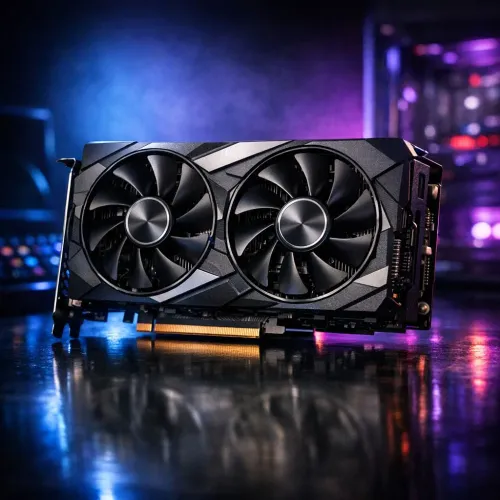
Budget GPUs for PUBG: Compare the top 5 graphics cards under R15,000 in South Africa to get smooth 1080p gameplay, solid FPS, and the best value. ✅ Quick buying tips and local deals to help you pick fast.
Read more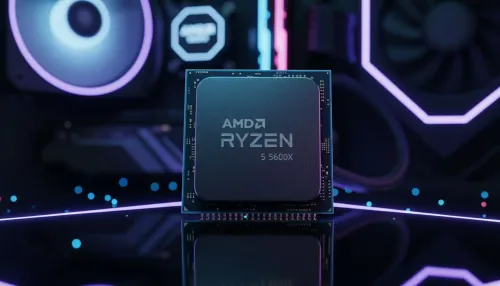
- Best budget CPUs for PUBG under R6,000: shortlist top picks - Compare FPS, price and compatibility - Local SA pricing and where to buy - Upgrade tips and best value choices Find the best budget CPUs for PUBG under R6,000 and boost FPS with affordable, SA-aware recommendations 🎯💸
Read more
Discover webcams that automatically adjust light and color for crystal-clear video calls 🎥✨. Boost your streaming quality today!

Discover webcams that blend into your workflow 🎯 Capture moments while you work, stream, or create. Upgrade your setup with smart, multitasking tech!

Dedicated media keys give streamers one-touch control to mute, switch scenes, clip highlights, and adjust audio — cutting task time and boosting consistency 🎛️⚡

PBT vs ABS keycaps: Clear, local guide for South African gamers—compare feel, sound, durability and where to buy. Find the best material for your budget and playstyle 🎮🇿🇦

- Multi-Function Digital Dial: define benefits - Show gamer setups and macros - Offer buying and setup tips Multi-Function Digital Dial puts programmable control at your fingertips for faster actions and smoother streaming. 🎮⚙️

- Explain benefits; - Show the science; - Compare options; - Recommend picks. Magnetic wrist rest for gaming cuts wrist strain and boosts comfort during long sessions 🕹️✨