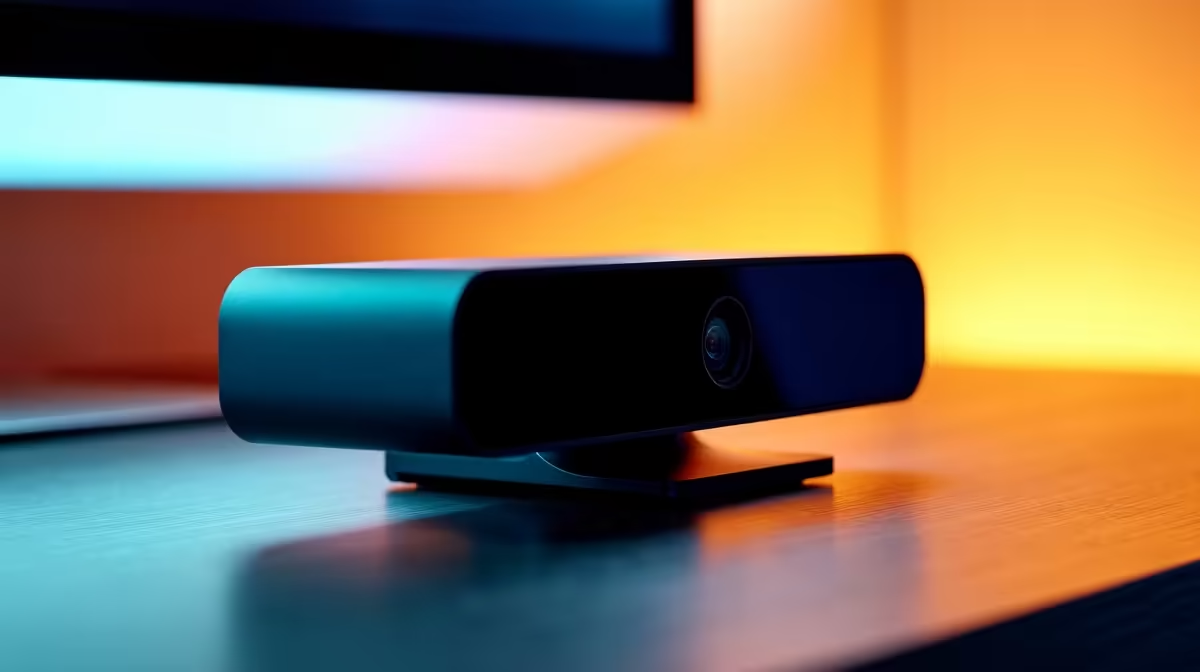
Webcams That Work as Hard as You Do ⚡💼
Trying to juggle virtual meetings, content creation, and remote work with a grainy built-in camera? Time to upgrade. The best multitasking webcams don’t just show your face—they sharpen your image, smooth your stream, and support your daily grind. Whether you’re leading a pitch or recording a quick tutorial, productivity starts with clarity.
What Makes a Webcam “Multitasking”?
A multitasking webcam isn’t just about pixels—it’s about performance. Look for these features:
- Fast autofocus for crisp video even while moving
- Dual mics to cut out echo and background noise
- Flexible mounting for laptops, monitors, or tripods
- Wide field of view to capture your setup or team
Start strong with affordable webcams under R1999—ideal for students, solo entrepreneurs, or remote workers needing reliable visuals.
Advanced Features for Power Users
Need something smarter? Premium webcams often include:
- 1080p or 4K resolution
- Light correction that adapts to your room
- Background blur for a pro look
- USB-C or plug-and-play options for rapid setup
Explore the high-end range if you’re streaming, running a hybrid team, or jumping between platforms like Zoom, Teams, and OBS.
Get the Most Out of Your Cam
Use natural light when possible. Position windows behind your screen—not behind you—to reduce harsh contrast.
The South African Edge
Multitasking means different things here. From an unexpected outage workarounds to fluctuating Wi-Fi, local pros need reliable gear that adapts. That’s why many webcams come with bandwidth-saving compression and auto light tuning—built for our conditions.
Need a one-stop overview? Check out Evetech’s full webcam lineup to find your multitasker-in-chief.
Focus Better, Work Smarter
Step up your setup with a webcam that keeps up… Shop now at Evetech and boost your productivity the smart way.