A working browser can sit beside a failed game download showing Steam content servers unreachable. That combination does not immediately identify a broken router or a missing game installation. Narrow the problem to the client, the affected download and the connection path before taking actions that would create a large replacement download.
Quick Answer
Restart Steam, inspect Downloads settings and note whether one title or every download is affected. Follow the official download-cache procedure if appropriate; it requires signing in again but does not delete installed games. These checks cost R0. The R699 CUDY router read on 9 October is a separate hardware option, not a guaranteed fix.
🎮 Establish the smallest useful comparison
Record the exact message and the download that produced it. Compare another small download when practical rather than repeatedly restarting a huge game transfer. If one title fails and another works, that is useful information. If everything fails, the next comparison can focus more broadly on the client and connection. A store page opening in the browser is not the same test as retrieving game content.
Restart the client and check whether the same failure returns. Avoid deleting the library or reinstalling every game as the first move. Those actions can consume substantial data without explaining the original error. Preserve working installations while you gather a repeatable description of the problem.
🔧 Use the download controls deliberately
Inspect the download settings, including the selected region, and follow the documented update troubleshooting sequence. Change one relevant option at a time and test again. The cache-clearing procedure is a separate action from removing games. Make sure you can sign back into the account before using it, and do not confuse a new sign-in prompt with lost ownership of the library.
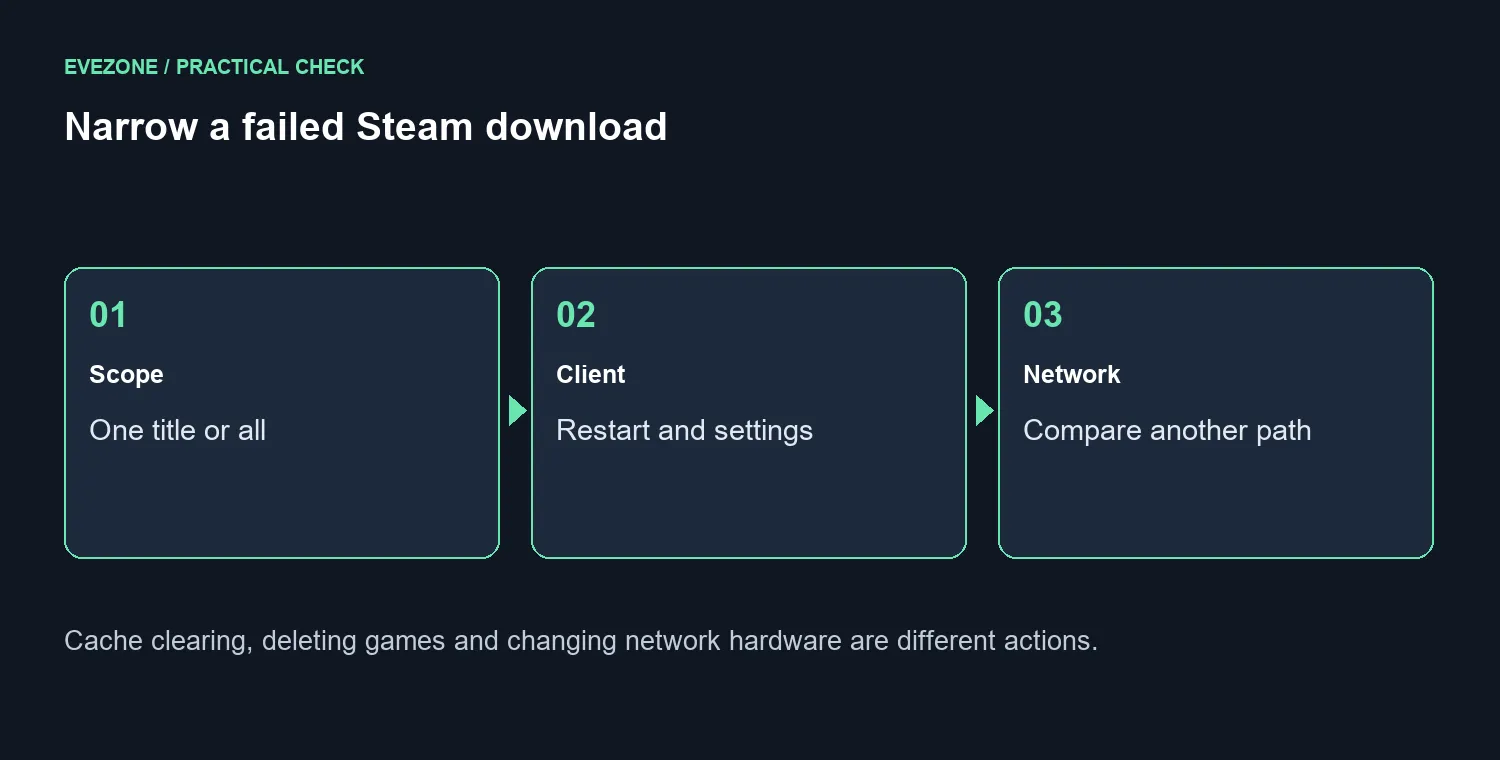
If a household connection comparison is practical, keep it brief. Mobile data can be expensive for game-sized transfers, so a short diagnostic test should not become a surprise full download. Note whether the error changes on another path and return to the normal connection afterwards. This gives you evidence about routing without turning the troubleshooting session into another purchase decision.
🌐 Buy network hardware only for an identified need
If the error remains after client checks, describe the scope and connection comparison when asking for support. A general statement that the internet works misses the distinction between browsing and the affected download. The most useful report says which content fails, when it fails and what changed during a controlled test.
Compare wireless routers if the remaining problem points to a real network hardware limitation. Gaming PC options address a different need and will not automatically repair a content-delivery path. The CUDY AC1200 travel router was R699 on the 9 October catalogue read, but it is not a universal home-network recommendation. Resolve the download cause first, then choose hardware only when the tests show what it must improve.
Frequently Asked Questions
Does the message prove the whole internet is down?
No. A working browser and a failed game download can coexist. Test the download path separately.
What should I try first?
Restart Steam and inspect Downloads settings. Record whether all games or only one download is affected.
Can clearing cache remove my games?
The official cache procedure does not remove installed games. Be ready to sign in again afterwards.
Should I delete the game library?
Do not start by deleting working installations. Use the documented download checks before destructive changes.
Is another connection useful?
A brief comparison can help distinguish the home network path. Consider mobile data cost before testing large downloads.
Will a new router guarantee a fix?
No. A CUDY AC1200 travel router was R699 on 9 October, but purchase only after isolating a hardware limitation.
Find the weak link before replacing it. Compare Evetech network hardware after the Steam download tests identify a specific connection need.