The copy has finished, but Windows still refuses to let the drive go. Windows USB device in use is a reason to check what remains open, not to pull harder or erase the contents. A document, a transfer or another storage task can keep the current drive involved in work even after its folder looks quiet.
Quick Answer
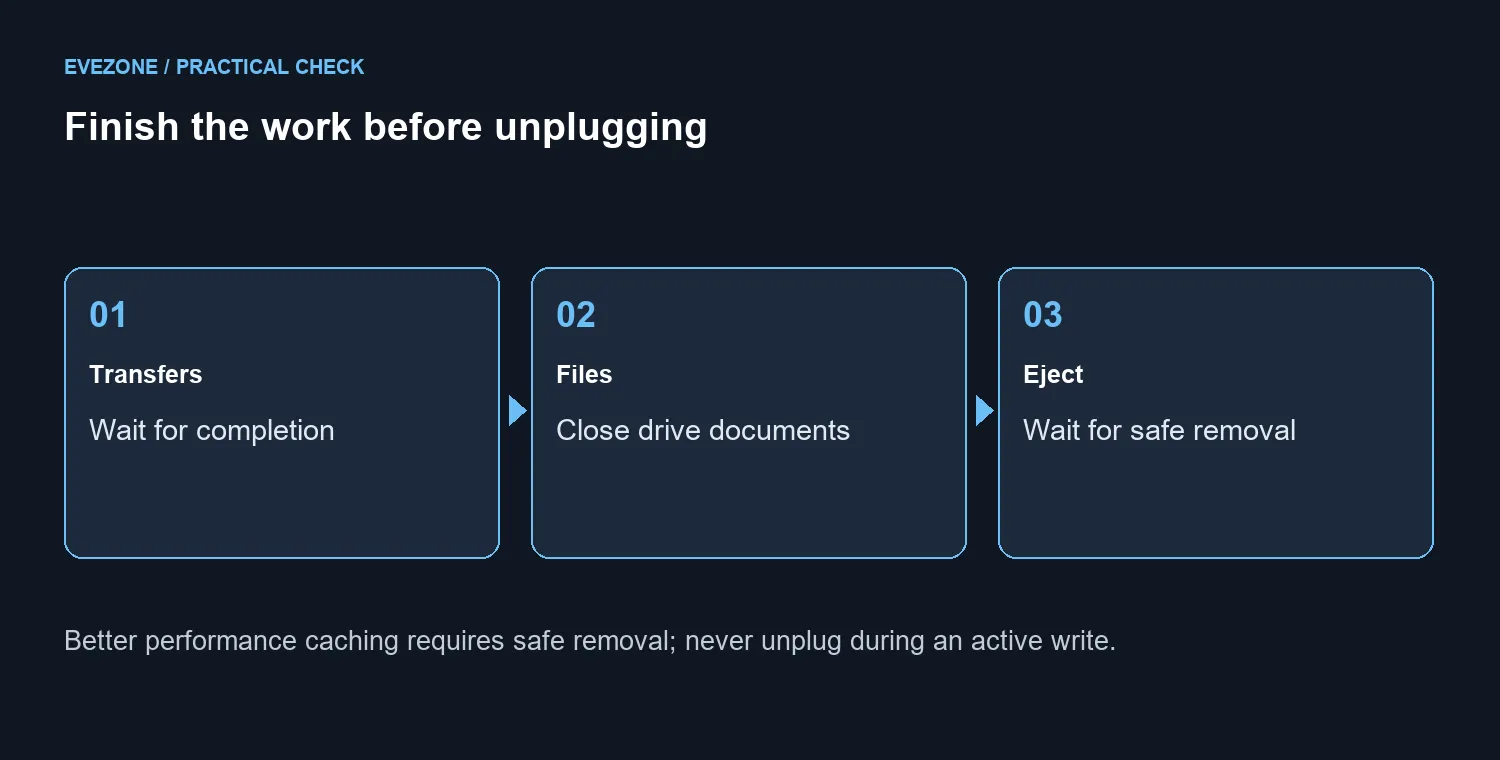
Finish file transfers, close documents on the USB drive and retry safe removal. Better performance write caching requires the safe removal process; do not interrupt a write. Start with R0 in replacement hardware. A Hiksemi T100 Pocket 512GB external SSD showed available stock at R899 on the 7 October 2026 catalogue read, but this warning alone does not diagnose failed storage.
🔧 Finish the job before closing the connection
Check the copy window and any application that opened a file from the drive. Save the document to the intended location, close it and give the application time to finish. A preview of a file and an actual editing session are different things, so inspect the programs you used rather than assuming the folder window tells the whole story.
If you are unsure which file is still active, stop and organise the work first. For important files, confirm a readable copy exists on another device before troubleshooting further. Consider external SSDs for an additional storage role only after separating that need from the current eject warning.
📌 Understand why the removal policy matters
Windows has Quick removal and Better performance policies for external storage. Better performance permits write caching and requires safe removal to finish those cached operations. Quick removal changes that caching behaviour, but it does not make an unfinished file copy a completed one.
Use the safe removal control and wait for the confirmation. Changing a policy is not the first response to an unexplained busy warning. The aim is to remove the device after its work is complete, rather than to hide the message. Formatting also fails that aim: it discards content without identifying the open operation.
💰 Escalate with the files preserved
When closing the relevant applications does not help, note what was running and whether the warning happens repeatedly with the same device. Finish work, save your other documents and use a normal complete Windows shutdown before disconnecting a stubborn drive. Avoid forced shutdowns during an active transfer.
If the device also drops out, shows read errors or cannot keep files intact, that is additional evidence to investigate separately. Compare storage options only when you have a real capacity or reliability need. A successful safe eject followed by a normal reconnection is a better check than repeatedly unplugging a busy drive to see whether anything breaks.
Frequently Asked Questions
What should I do first?
Let copies finish and close documents stored on the drive. Retry ejection only once the drive is no longer being used.
Can I unplug during a copy?
Do not disconnect during a write or transfer. Protect the original files and wait for the operation to finish.
Does Quick removal mean every unplug is safe?
It changes write caching, but it is not permission to interrupt an active file operation. The practical safe choice is to finish work first.
Why does Better performance matter?
Windows can cache writes under that policy. Safe removal makes sure cached operations complete before disconnection.
Should I format to clear the warning?
No. Formatting destroys stored content and does not establish which application has the drive open.
What storage price was checked?
Hiksemi T100 Pocket 512GB was R899 (stock available, catalogue read 7 October, 2026). An eject warning alone does not prove you need to buy it.
Need a separate place for a safe file copy?
Review Evetech external storage once the current work has finished and the files are protected.