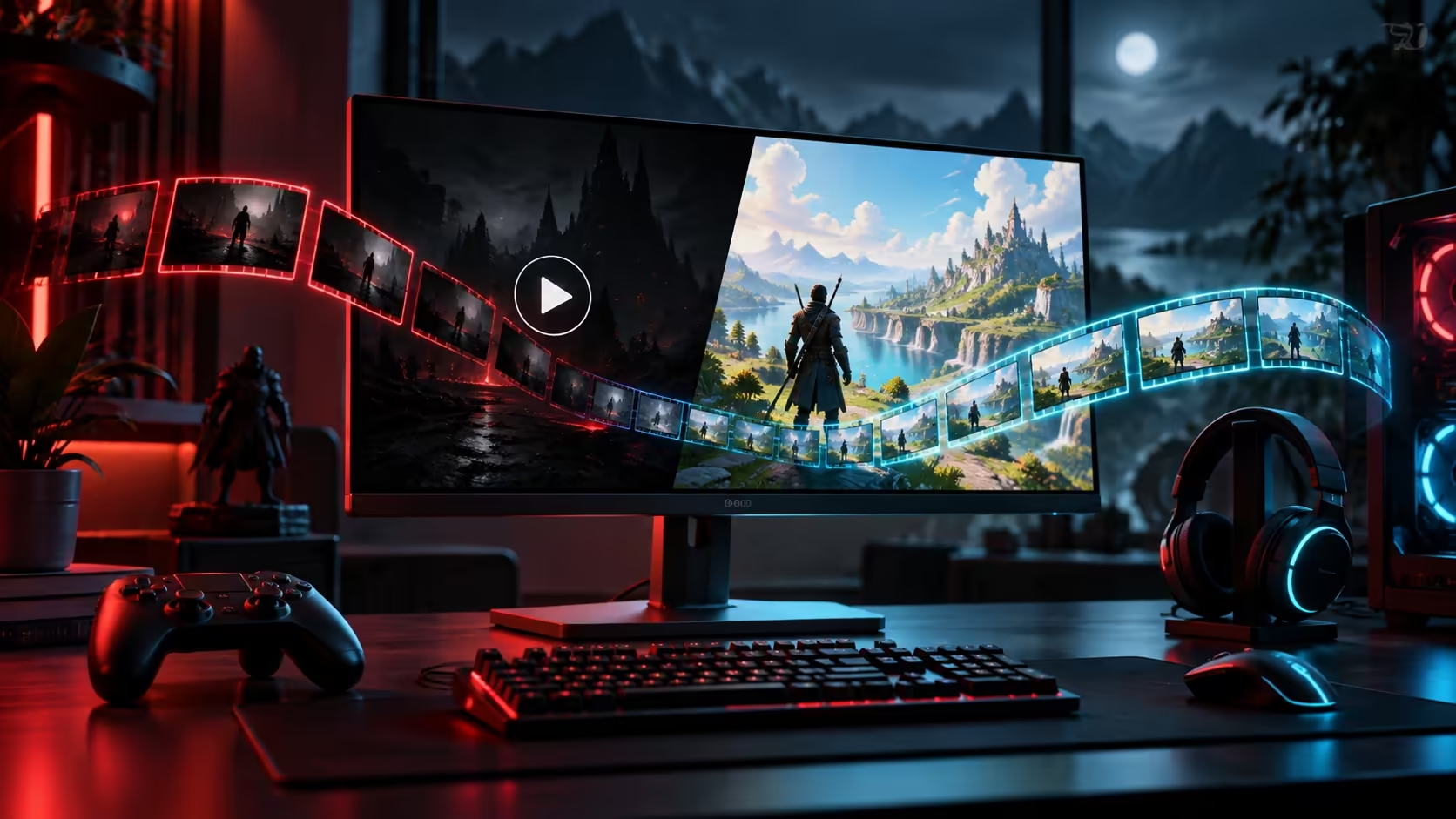
A playable game and a black saved video point to different parts of the same session. Steam game recording black screen should be tested with a new short capture and an exported clip before you replace graphics hardware. Preserve the footage that matters, then separate recording, playback and storage checks.
Quick Answer
Inspect Steam's Game Recording settings, record a fresh clip and compare playback inside Steam with an exported file. Check free space and test another game. Community broadcasting-setting reports are a possible comparison test, not a guaranteed fix. If capacity is genuinely the limitation, Hiksemi T100 Pocket 512GB portable SSD was R899 and in stock at Evetech on 4 October 2026; more storage alone does not cure every black capture.
🎥 Make the capture test reproducible
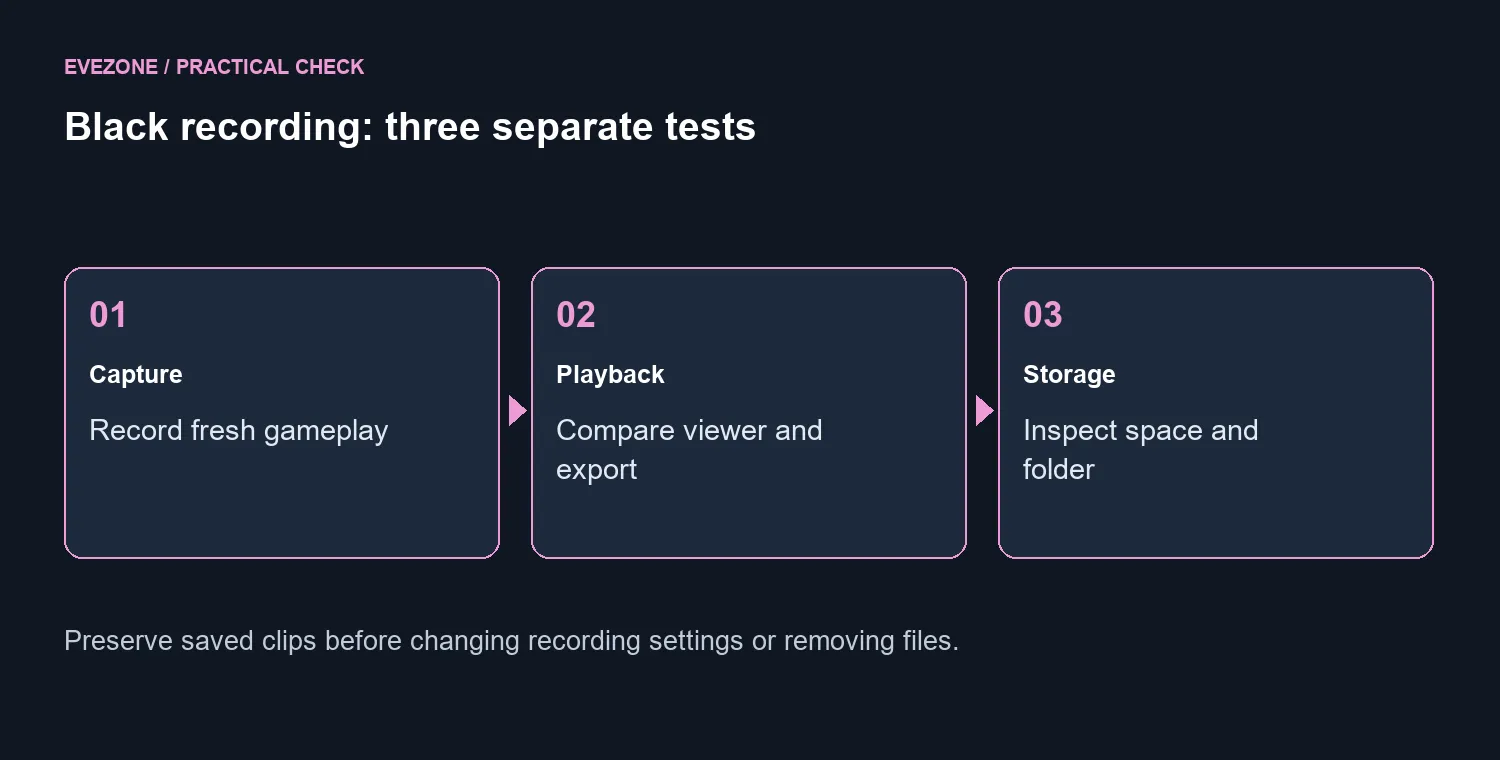
Open Steam, Settings, Game Recording and note the selected recording mode and folder. Start a short session containing obvious gameplay rather than a loading screen. End it, save a clip and inspect it through View, Recordings & Screenshots.
Export the clip and compare it with playback outside Steam. If only one viewer has a problem, that is different from the file being black in both. Repeat with another game so you know whether the symptom follows one title or several. Keep the original result and the test result clearly named.
🗂️ Protect clips while checking storage
Valve documents a limited background-recording space in which older footage can be overwritten. Save important clips permanently before producing more test recordings. A background timeline is not a dependable archive simply because you can still see it today.
Check free space and the actual recording folder. If a storage warning appears, review recording duration, quality and folder choices before removing files. Confirm that exported clips you want to keep are safely stored; do not clear a folder just to see whether the symptom changes.
Browse external SSDs if the measured issue is insufficient capacity. The R899 portable drive is a specific local comparison point. It is not evidence that the current storage caused a black picture, so make that purchase conditional on the space check.
🧪 Treat community fixes as tests
First-person support reports describe success after changing broadcasting permissions. Record the previous value before trying that comparison, then capture new gameplay. An anecdote may give you a useful variable to test; it cannot promise the same outcome on a different game or system.
Note other recording software running during the session and include it in a support report. Valve asks for GPU details and information about other recording programmes when investigating problems. Supply the game, recording mode, fresh capture result and exported playback result together so the report describes a repeatable symptom.
Compare SSD specials only after the recording-folder check. If there is ample space and a black file persists across games, preserve the evidence and seek client or device support. Replacing hardware without that separation can leave the same capture problem on a more expensive setup.
Frequently Asked Questions
Is a black recording proof that the GPU is broken?
No. Capture, storage and playback can fail separately. Test a new short recording and exported clip before considering replacement.
Where are Steam recording settings?
Open Steam, Settings, Game Recording. Confirm whether recording is off, background or on demand, plus the selected storage folder.
Where can I inspect saved recordings?
Use View, Recordings & Screenshots in the desktop client. Create and export a short clip to compare playback outside that viewer.
Does changing broadcasting always fix it?
No. Users have reported success with that test, but it is not a guaranteed Valve fix. Record the old setting and compare a new capture.
Can old background footage disappear?
Yes. Background recording space is limited and older footage can be overwritten. Save important clips permanently before more testing.
What storage price was verified?
Hiksemi T100 Pocket 512GB portable SSD was R899 and in stock on 4 October. More capacity helps a proven space shortage, not every black screen.
Ready to troubleshoot the black clip?
Preserve saved footage and compare fresh capture, export and available space.