




Windows printer offline: Check the connection and queue first
Windows printer offline: Cancel a queued document only after confirming it is safe to discard.
Read moreWindows touchpad scroll not working: A settings or driver issue is not proof that the touchpad has failed.
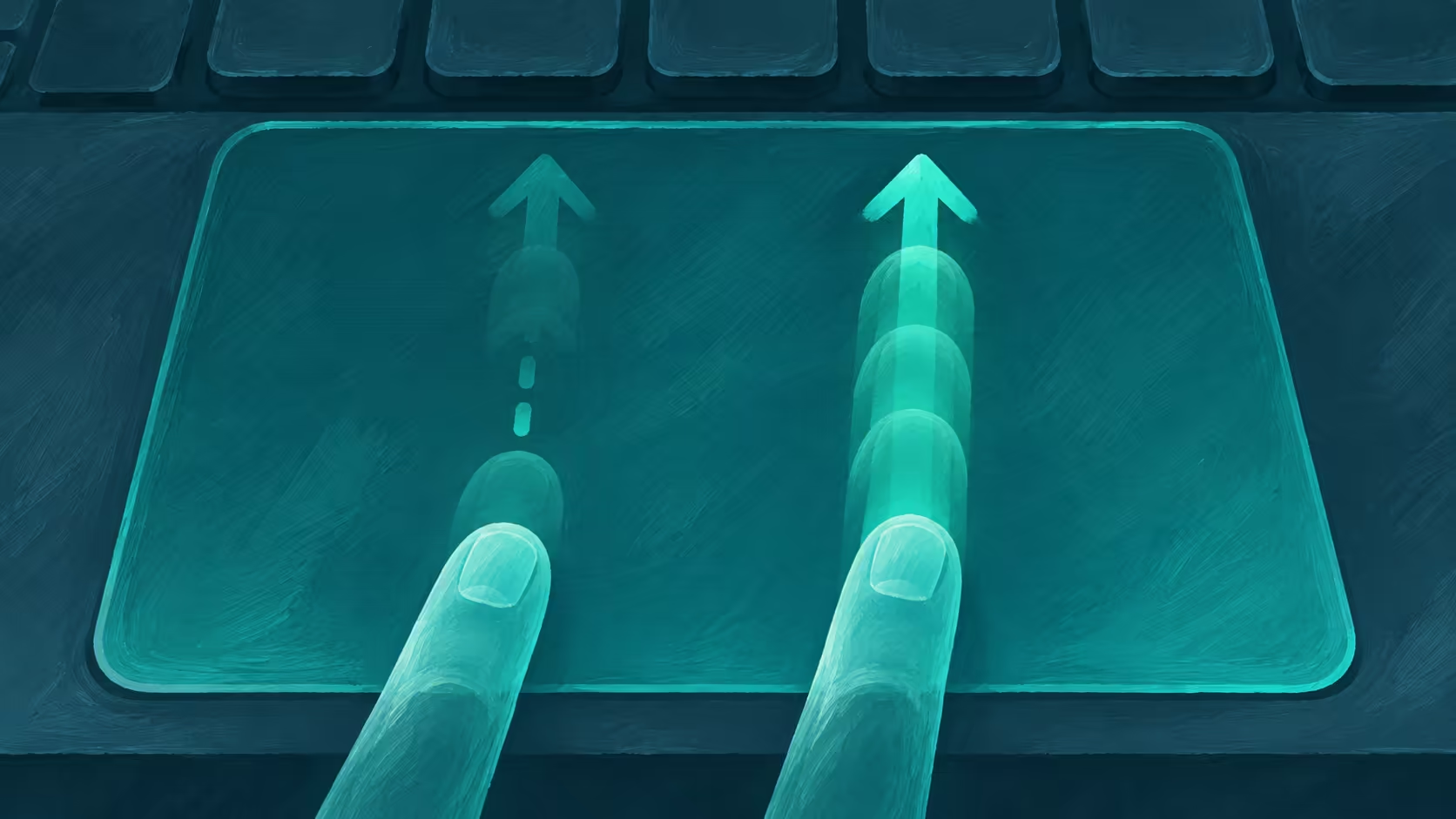
A Windows touchpad scroll not working problem can be limited to a gesture even when the pointer still moves. Try the two-finger movement in a page long enough to scroll, check the touchpad settings and then consider the driver. Those checks distinguish an input setting from a reason to replace the laptop.
For Windows touchpad scroll not working, place two fingers on the touchpad and slide them vertically on a page with more content below. Check Settings, Bluetooth & devices, Touchpad for the available scrolling controls. If the gesture remains unavailable, use Windows Update or the laptop maker's guidance for the appropriate touchpad driver.
Open a document or page with enough content to move. Place two fingers on the touchpad and slide in the same direction. A short page will not scroll even when the gesture works. Test whether the pointer moves and whether a single tap works, because a gesture-only issue is different from a touchpad that does not respond at all.
Microsoft notes that some touchpad gestures require a precision touchpad. The settings offered on one laptop may therefore differ from those on another. Do not assume that a missing option proves that every touchpad supports the same gesture in the same way.
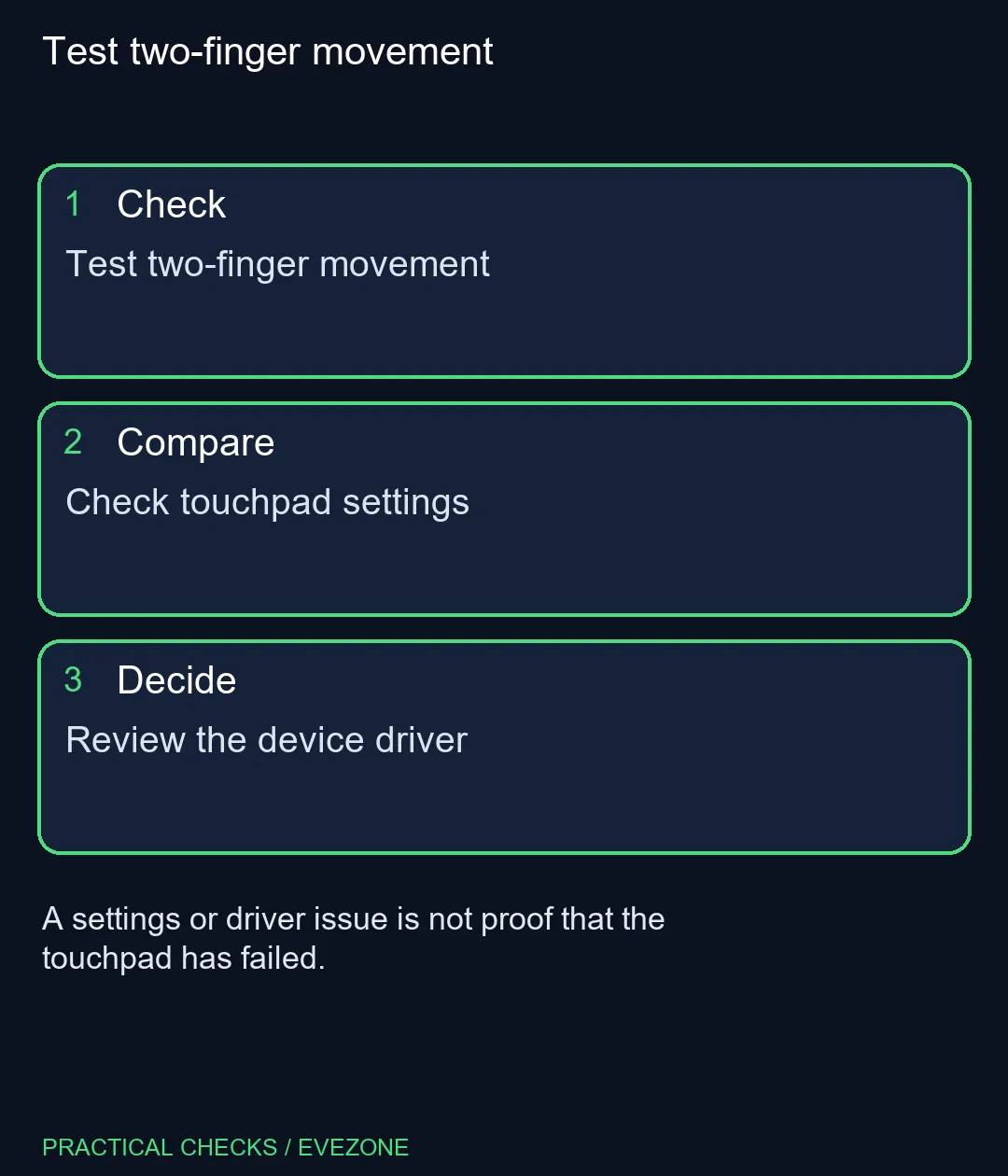
Open the touchpad page in Windows Settings and inspect the scrolling options available on the device. If a setting was changed, note the original value before testing a correction. A direction setting changes which way the page moves; it is a separate question from whether two-finger scrolling works at all.
Try the same motion in another application. If scrolling fails in only one program, record that difference rather than treating it as a system-wide hardware fault. An external mouse can be a useful temporary input device while you investigate, particularly if a driver change requires a restart.
Microsoft recommends Windows Update for touchpad driver updates and documents Device Manager as another route. Save work first and follow the laptop maker's instructions for the exact model if the standard update does not resolve the issue. Reinstalling a device driver is a broader action; on a managed computer, involve the administrator before changing it.
The catalogue snapshot included an ASUS Vivobook Go 15 at R8,499. That is a different laptop, not the cost of repairing a touchpad. Browse asus laptops and hp laptops if the computer has broader limitations, but give the existing gesture and settings a fair test first.
Place two fingers on the touchpad and slide vertically or horizontally.
There may be no additional content to scroll into view.
No. Microsoft notes that some gestures need a precision touchpad.
Open Settings, Bluetooth & devices, Touchpad.
No. Pointer movement and two-finger scrolling are different functions.
No. Test the gesture, settings and supported driver route first.
Test two-finger movement A settings or driver issue is not proof that the touchpad has failed.
Place two fingers on the touchpad and slide vertically or horizontally.
There may be no additional content to scroll into view.
No. Microsoft notes that some gestures need a precision touchpad.
Open Settings, Bluetooth & devices, Touchpad.
No. Pointer movement and two-finger scrolling are different functions.
No. Test the gesture, settings and supported driver route first.
Windows printer offline: Cancel a queued document only after confirming it is safe to discard.
Read more
Outlook notifications not working: A notification problem does not necessarily mean that mail is missing.
Read more
Windows screen saver not working: A screen saver and display sleep are separate idle behaviours.
Read more
Windows File Explorer tabs not showing: Tabs depend on the Windows version and installed feature updates.
Read more
Why some apps are not working on my iPhone: Deleting an app can remove data stored inside it.
Read more
Windows screen brightness not working: An external monitor may use its own physical brightness controls.
Read more
Chrome secure DNS: Encrypted DNS is not a VPN and does not guarantee a working connection. Check browser DNS mode.
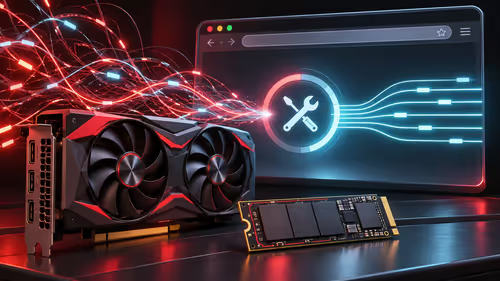
AMD Adrenalin 26.11.1: A fixed-issue entry is not proof that every system has the same cause. Record GPU and driver version.
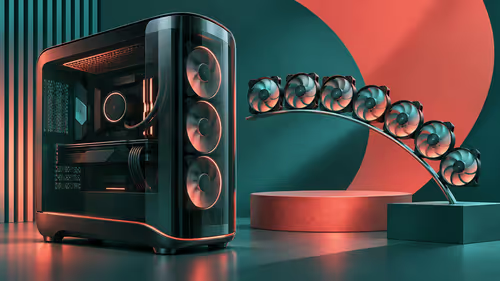
Montech KING 95 3D: Standard and PRO are different packages; fan positions are not included fans. Identify standard or PRO.

Chrome Safety Check reviews browser warnings for updates, saved passwords, extensions and permissions. Act on the precise finding while keeping connection security separate from claims about a website being trustworthy.
Chrome secure DNS: Encrypted DNS is not a VPN and does not guarantee a working connection. Check browser DNS mode.
Chrome Safety Check reviews browser warnings for updates, saved passwords, extensions and permissions. Act on the precise finding while keeping connection security separate from claims about a website being trustworthy.
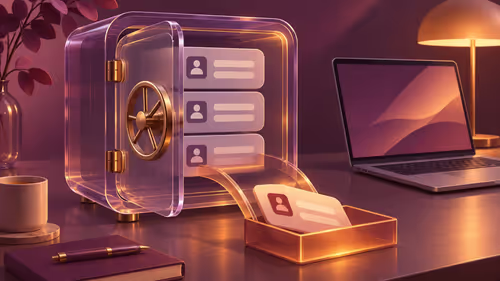
Chrome delete saved passwords removes a stored login through Google Password Manager. Match the site and username, confirm another working sign-in method and use the individual action instead of deleting every saved credential.
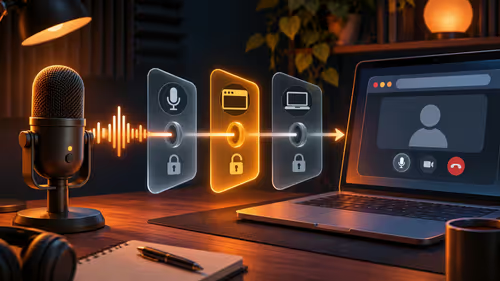
Chrome microphone not working needs separate checks for the selected input, site permission and operating system access. Test the trusted call site after one change before replacing a microphone or granting broader recording permissions.

A dynamic mic uses a moving coil and needs no power, while an electret is a condenser type with a built-in polarised element and a small preamp. Dynamics handle loud sources and noisy rooms. Electrets are small, cheap and common in headsets and laptops.

A Shure MV7 needs a stand or arm that fits its yoke thread and carries its weight. Match the thread, then pick a low-profile arm if you want the mic above a monitor. Check Shure's manual for the exact thread before you buy.
To go live on TikTok, tap the plus button, swipe to LIVE and start, once your account is eligible. TikTok sets its own follower and age rules. A phone mount and mic help most, and a PC needs TikTok's LIVE Studio.
If Windows cannot see a USB microphone, try another port and cable, check Settings, Privacy and security, Microphone, then open Sound settings and make sure it is enabled as the input. A Blue Yeti should appear without extra drivers. Avoid unpowered hubs.