



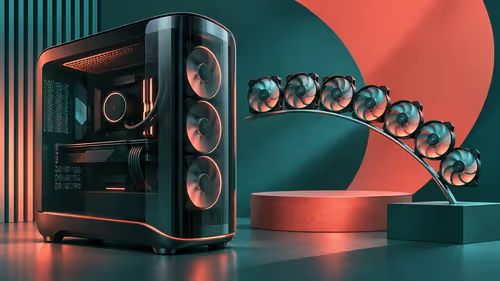
Montech KING 95 3D: Compare the base case with the seven-fan PRO
Montech KING 95 3D: Standard and PRO are different packages; fan positions are not included fans. Identify standard or PRO.
Read moreAMD Adrenalin 26.11.1: A fixed-issue entry is not proof that every system has the same cause. Record GPU and driver version.
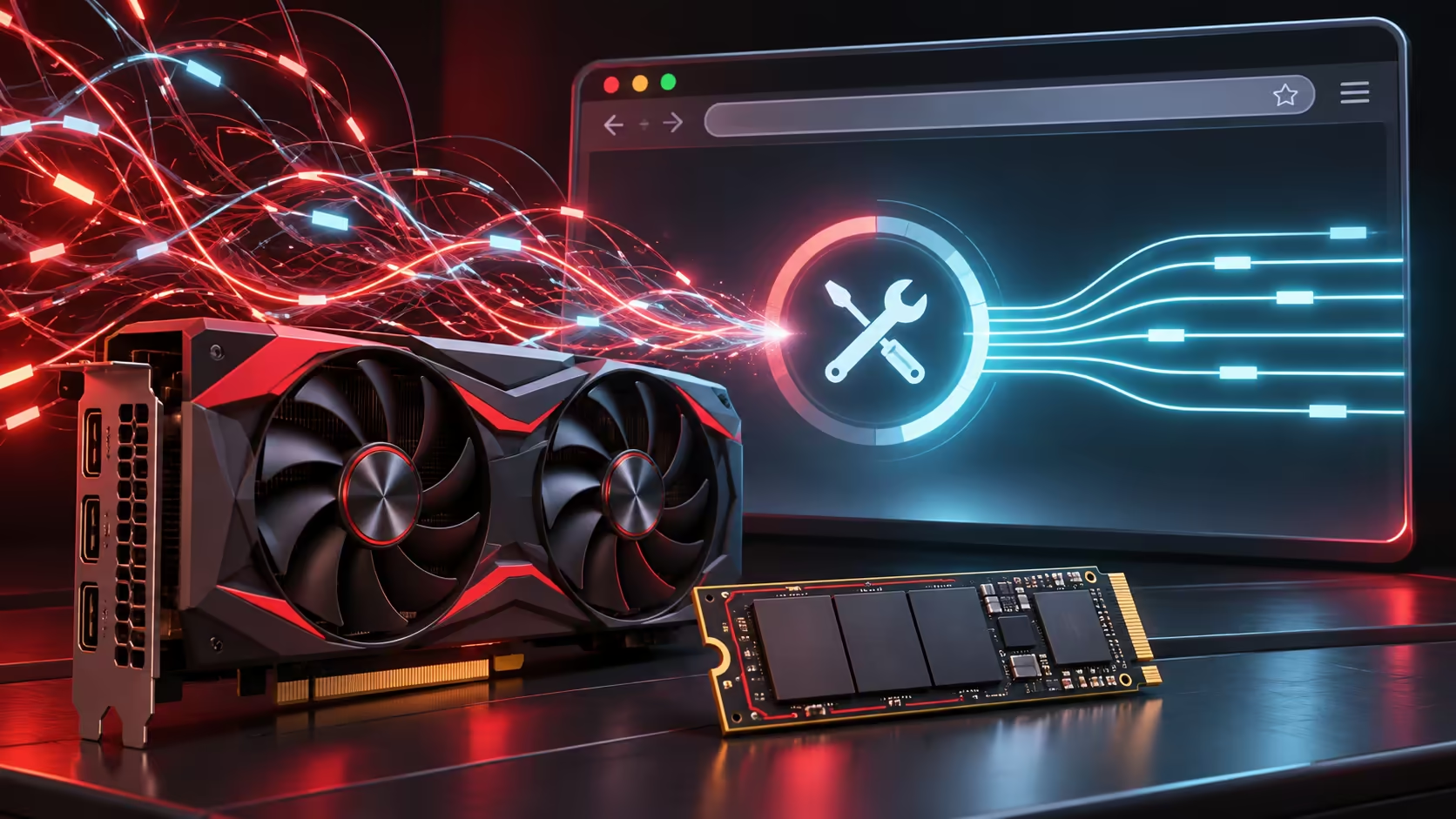
The AMD Adrenalin 26.11.1 optional release addresses excessive system-drive writes before they become a reason to replace an SSD. The November 12 notes describe two fixed issues, including idle writes on Radeon RX 7000 series and newer. Identify your own hardware and driver, because a release-note entry is not a diagnosis of every busy disk.
Adrenalin 26.11.1 lists fixes for excessive system-drive writes while idle on RX 7000 series and newer, and while moving or resizing application windows. Checking your version and comparing disk activity costs R0. Use AMD's supported driver route and check known issues before installing; laptops and handhelds need their device maker's guidance rather than an assumed desktop-driver match.
Note the graphics model, current driver version and when the behaviour occurs. A copy operation, game update or another application can also keep a disk busy. Observe the system at rest separately from the moment you move windows, so the reported situations are not mixed into a vague claim that the entire PC is failing.
Record a short before-and-after comparison under similar conditions. That is more useful than watching a single lifetime counter or repeating an alarming figure from somebody else's machine. The release notes do not establish a universal percentage of SSD life lost per month or prove that every Radeon owner experienced the same writing.
The update is labelled optional. Read the compatible-product and operating-system sections, then the known issues, before assuming a newer number is automatically best for every installation. AMD directs laptop and all-in-one owners towards OEM-provided drivers and tells handheld users to check their device maker's drivers.
For a supported desktop, obtain the installer from the official support route rather than a mirror or unsolicited download link. Close valuable work before starting. If you have applied a workaround, note it so that the final comparison reflects what changed. Avoid layering a driver update, BIOS change and service tweaks into one untraceable experiment.
AMD's installation guidance distinguishes Default, Minimal and Driver Only installations. It warns that the optional Factory Reset removes earlier software and prevents rollback to the previously installed driver. Read that consequence before selecting a box simply because its label sounds thorough. A targeted issue does not automatically require the broadest installation option.
After installation and any required restart, confirm the version and repeat the observation. Test the applications and display behaviour you use, rather than checking only that the desktop appears. If another problem surfaces, retain the error details and use official guidance for that symptom instead of assuming another instance of excessive writes.
The local catalogue captured an XFX SWIFT RX 9060 XT 16GB at R10,999. It is a separate hardware purchase, not the cost of this driver fix or a recommendation to replace a working card. Browse all amd radeon graphics cards and all ssds only if a hardware requirement remains after diagnosis. Software maintenance and a performance upgrade solve different problems.
Do not treat an update as a complete storage-health test. Important files still deserve a verified backup, and an independent storage warning deserves its own investigation. The practical win is narrower: a documented release to test against a particular write-activity issue allows the next decision to rest on evidence rather than unnecessary hardware spending.
AMD lists them in the November 12 Adrenalin 26.11.1 optional release notes.
The wording names RX 7000 series and newer. Do not broaden it into a claim about every GPU.
No. The driver check costs R0. Investigate a separate storage-health warning on its own merits.
Do not assume so. AMD directs handheld owners to their device maker for the appropriate driver.
AMD warns that it removes prior versions and prevents rollback to the previously installed driver.
No. It is an XFX RX 9060 XT catalogue example, unrelated to the cost of downloading the optional driver.
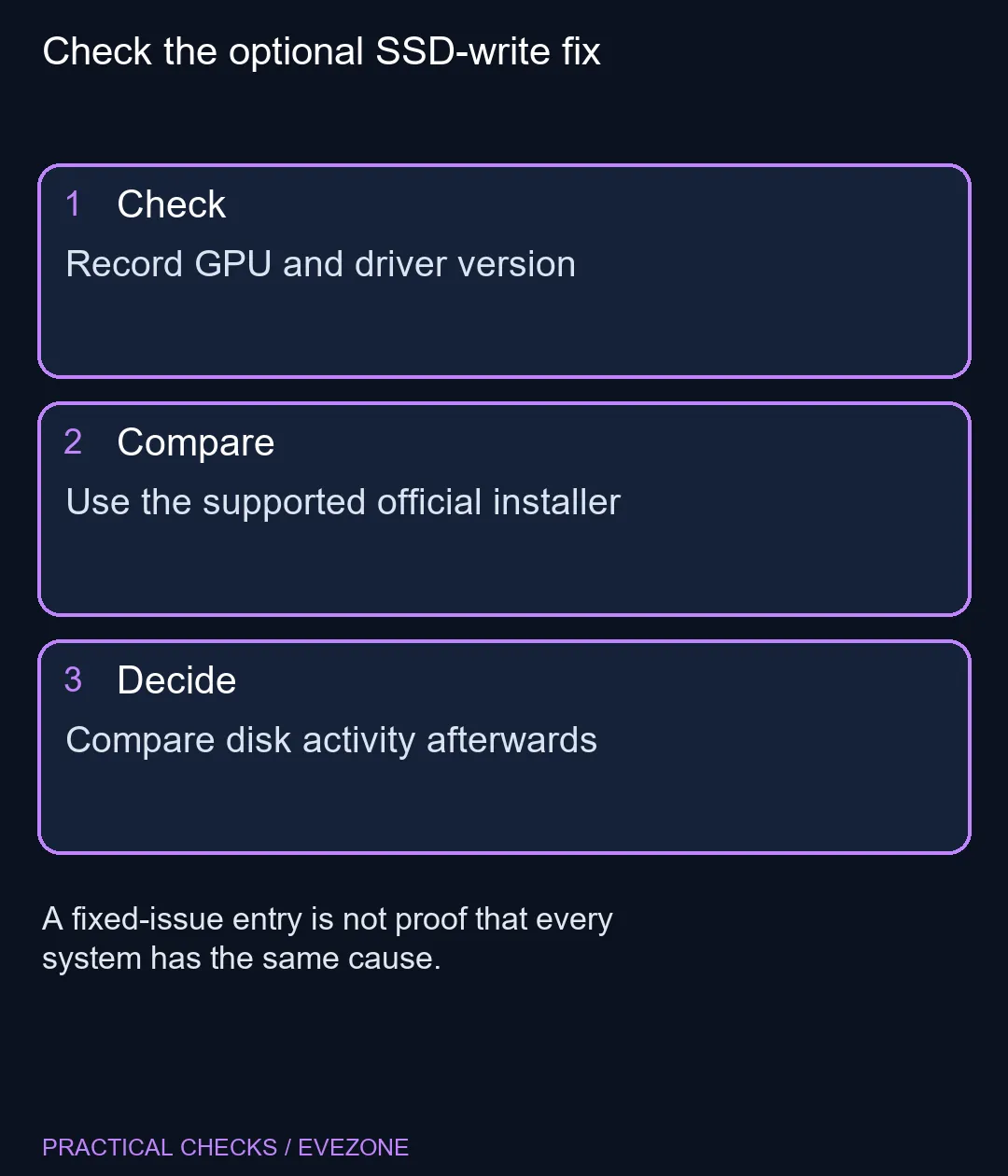
Check the optional SSD-write fix Record GPU and driver version.
AMD lists them in the November 12 Adrenalin 26.11.1 optional release notes.
The wording names RX 7000 series and newer. Do not broaden it into a claim about every GPU.
No. The driver check costs R0. Investigate a separate storage-health warning on its own merits.
Do not assume so. AMD directs handheld owners to their device maker for the appropriate driver.
AMD warns that it removes prior versions and prevents rollback to the previously installed driver.
No. It is an XFX RX 9060 XT catalogue example, unrelated to the cost of downloading the optional driver.
Montech KING 95 3D: Standard and PRO are different packages; fan positions are not included fans. Identify standard or PRO.
Read more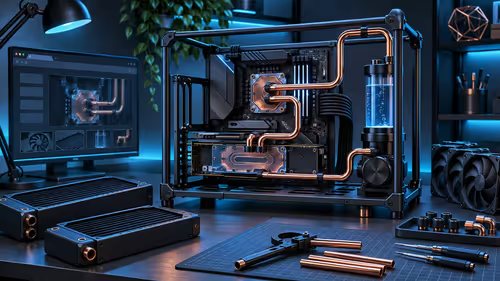
Alphacool Apex Benchtable: Radiator mounts describe support; they do not mean a complete loop is included. Choose open access deliberately.
Read more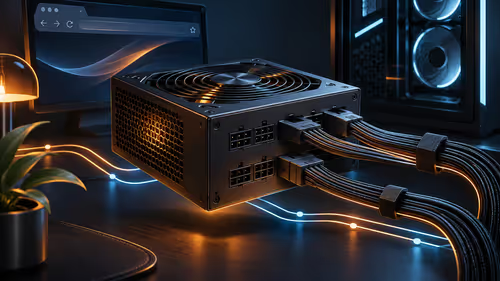
Corsair HX1000i SHIFT CRYSTAL: Transparent panels and monitoring do not replace correct connector seating. Measure side-connector access.
Read more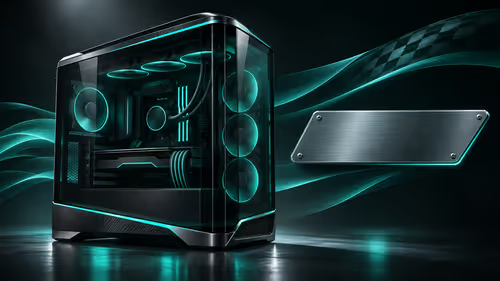
HAVN HS 420 Mercedes is a licensed black-and-teal special edition of the HS 420 platform. Separate the design preference from the complete cooling basket, and keep overseas pricing distinct from an unconfirmed South African offer.
Read more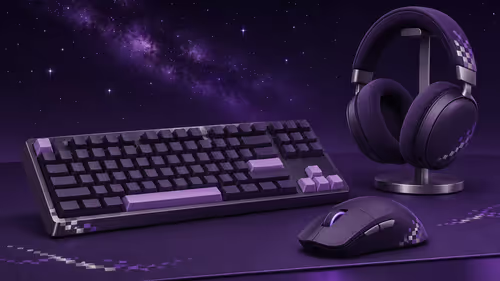
Razer Honkai Star Rail brings a Silver Wolf theme to a chair, keyboard, mouse and headset. Choose the exact device for its layout, fit and connections rather than treating a collection announcement as one four-item bundle.
Read more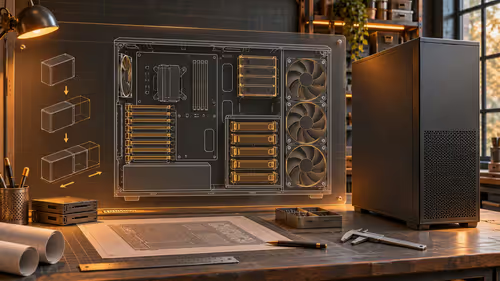
Chieftec ATLAS BA-30B-OP pairs workstation expansion with four supplied 140mm PWM fans. Plan motherboard dimensions, storage layout and combined GPU and radiator clearances before choosing a large chassis for an SA build.
Read more
Chrome Safety Check reviews browser warnings for updates, saved passwords, extensions and permissions. Act on the precise finding while keeping connection security separate from claims about a website being trustworthy.

Stalker 2 Heart of Chornobyl PC build under R50,000 should start with balance, not one headline part. Compare CPU, GPU, RAM, SSD, cooling, case airflow, and monitor target before buying in South Africa.

Best 240HZ setup for video editing 4K needs careful context before choosing parts. Use this guide to check parts, settings, compatibility, cooling, and upgrade timing for a South African gaming PC without relying on live stock, price, or benchmark promises.

Peripheral loadout for Kingdom Come Deliverance should be shortlisted around the job it must do. South African buyers should compare fit, performance, compatibility, and upgrade room, warranty path, and upgrade room before treating any pick as best.
Chrome Safety Check reviews browser warnings for updates, saved passwords, extensions and permissions. Act on the precise finding while keeping connection security separate from claims about a website being trustworthy.

Chrome delete saved passwords removes a stored login through Google Password Manager. Match the site and username, confirm another working sign-in method and use the individual action instead of deleting every saved credential.

Chrome microphone not working needs separate checks for the selected input, site permission and operating system access. Test the trusted call site after one change before replacing a microphone or granting broader recording permissions.

Chrome reopen closed tab starts with Ctrl+Shift+T on Windows or Linux. Recover the intended page, inspect its actual state and save valuable work separately before changing how the browser behaves at startup.

A fitness-class headset mic should stay put through jumping, resist sweat and connect to your sound system's input. Check the fit, the sweat protection and the receiver output, and make sure the battery covers a full session.
The Ryzen 5 5500U has six cores and twelve threads; the Ryzen 7 3700U has four and eight, so the 5500U is stronger. It is also a newer design. The laptop around the chip matters too, since cooling and single-channel RAM change what you feel.

svchost.exe is not one program but a host that runs Windows services, so the fix is finding which service is busy. Right-click it in Task Manager and use Go to services, then check Windows Update, Delivery Optimization and the file location.
The 12600K leads in games and includes integrated graphics, while the 5700X sits on cheaper AM4 boards. Neither ships with a cooler, so budget for one before you compare the final totals in Rand.