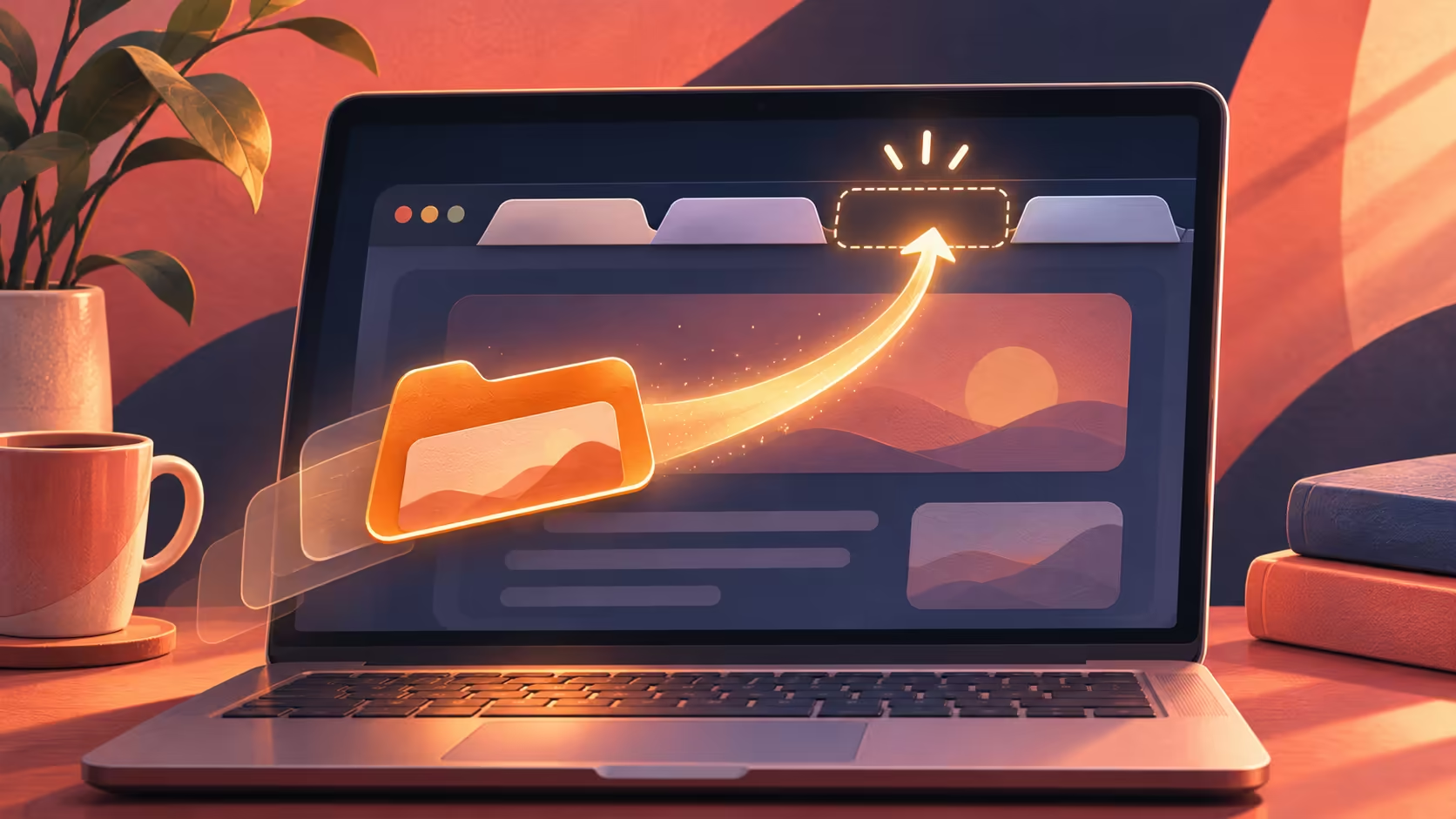
Use Chrome reopen closed tab when the wrong page disappears from the tab strip. Recovering that page is a different job from choosing what Chrome opens tomorrow. Start with the recent closure while its context is clear, then decide whether the address needs a more permanent place in your bookmarks.
Quick Answer
In Chrome on Windows or Linux, Ctrl+Shift+T reopens previously closed tabs in the order they were closed. The shortcut costs R0 and is the first thing to try after an accidental closure. It restores a page, but you should not assume that unsent forms or other unsubmitted work will return with it.
↩️ Recover the recent page in the right browser
Bring the intended Chrome window into focus before pressing the shortcut. If you use multiple profiles, choose the one where the page was closed. A shortcut sent to a different application will not recover the missing browser tab, and a different profile may not have the same browsing context.
Use the command once and check the restored address. If it brings back another page that was closed later, repeating the shortcut works back through previous closures. Stop when you have the page you need rather than reopening a large collection without checking what each tab contains.
Once the page returns, inspect its contents before continuing. A shopping basket, authenticated page or unfinished editor may behave differently when loaded again. Confirm the destination and the visible state rather than treating the restored tab title as proof that every previous action survived.
🗂️ Distinguish recovery from startup behaviour
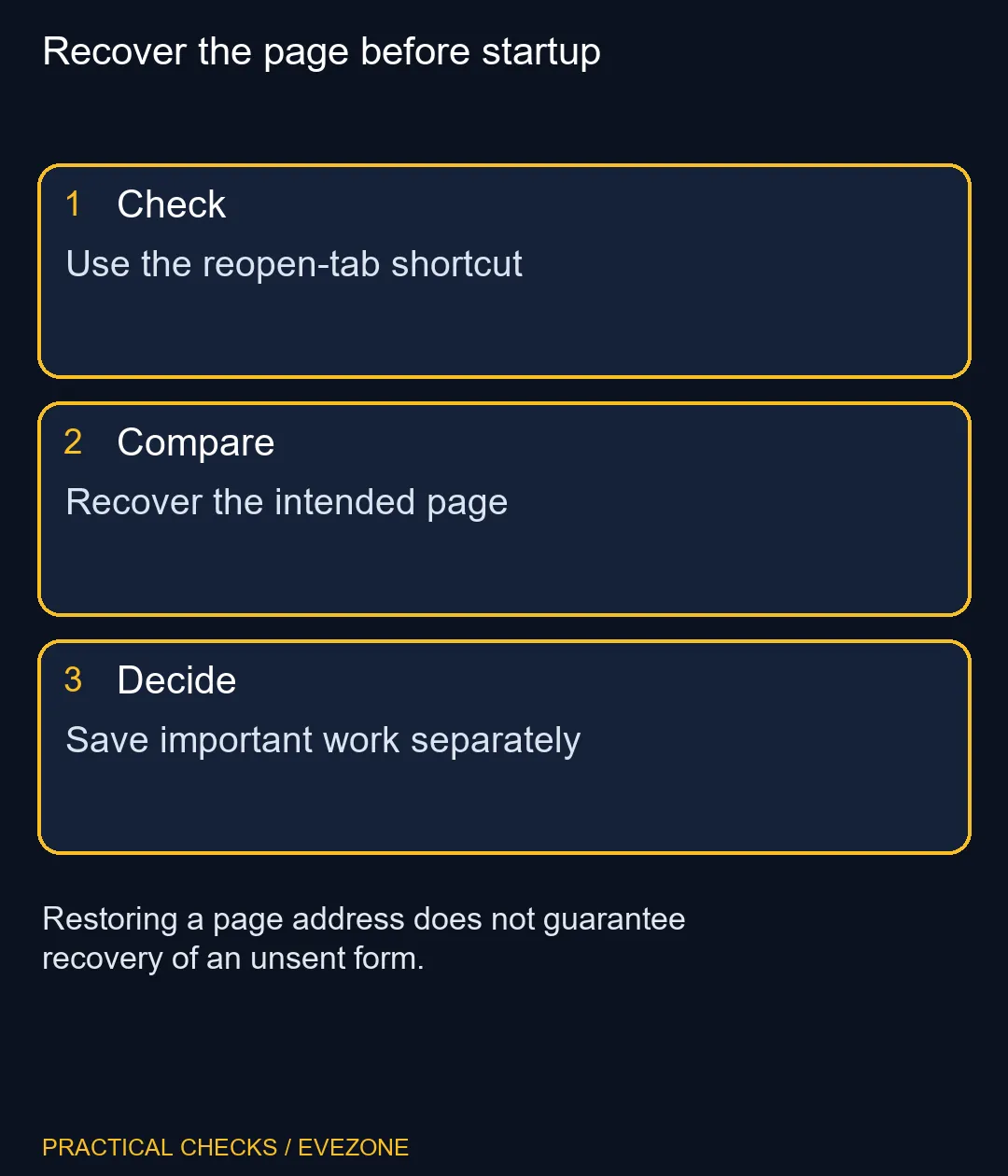
Chrome's Continue where you left off option belongs to the startup settings. It addresses what happens when the browser starts, while Ctrl+Shift+T addresses a closure you want to reverse now. Change startup behaviour only if that is also your goal; it is unnecessary merely to retrieve one page.
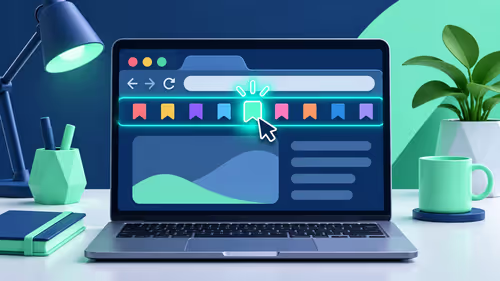
An important address should have a durable home. Add a bookmark when you will need the site later, and save document work using the application's own controls. Neither a bookmark nor a restored tab is a substitute for submitting a form or saving a file.
For a shared computer, avoid reopening pages from another person's browsing session. Use your own profile and sign out of sensitive sites when finished. The convenience of session recovery does not change who should have access to the account behind a page.
🧭 Test a small recovery before making larger changes
Practise with an unimportant public page if you want to learn the shortcut without risking work. Open the page, close its tab and recover it once. That gives you a clear expectation for the control while avoiding experiments inside a payment, booking or account-management form.
A catalogue read placed the HP Notebook 255R G10 8GB/512GB Ryzen 3 at R8,999. That whole-machine cost has no bearing on whether a closed tab can be reopened. Browse hp laptops or intel laptops on special for independent device needs, rather than using an accidental browser closure as evidence that your computer needs replacing.
The practical finish is a recovered address, a checked page state and a separate save for anything valuable. If the work itself is missing, use the website's own recovery or draft options instead of repeatedly reopening tabs and hoping the data will appear.
Frequently Asked Questions
What shortcut reopens a closed Chrome tab?
On Windows and Linux, use Ctrl+Shift+T in Chrome. Check the returned page before repeating it.
Will it reopen more than one closed tab?
Repeated use works through previously closed tabs in their closure order. Stop when the intended page returns.
Does reopening guarantee my form text survives?
No. Restoring the page does not guarantee recovery of unsent text or other unsubmitted work.
Is Continue where you left off the same control?
No. It changes startup behaviour, while the reopen shortcut retrieves a recently closed tab.
Should important work rely on open tabs?
Save documents and submissions through the relevant app. Keep bookmarks for addresses you need again.
Must I replace my laptop if I close a tab?
No. An accidental tab closure is a browser action, and the recovery shortcut costs R0.
Recover the page before startup
Use the reopen-tab shortcut.