The Chrome default browser choice matters when a link from mail or another desktop application opens in an unexpected app. It does not decide which search service Chrome uses after you type in its address bar. Identify the unwanted behaviour first, then change the setting that actually controls it.
Quick Answer
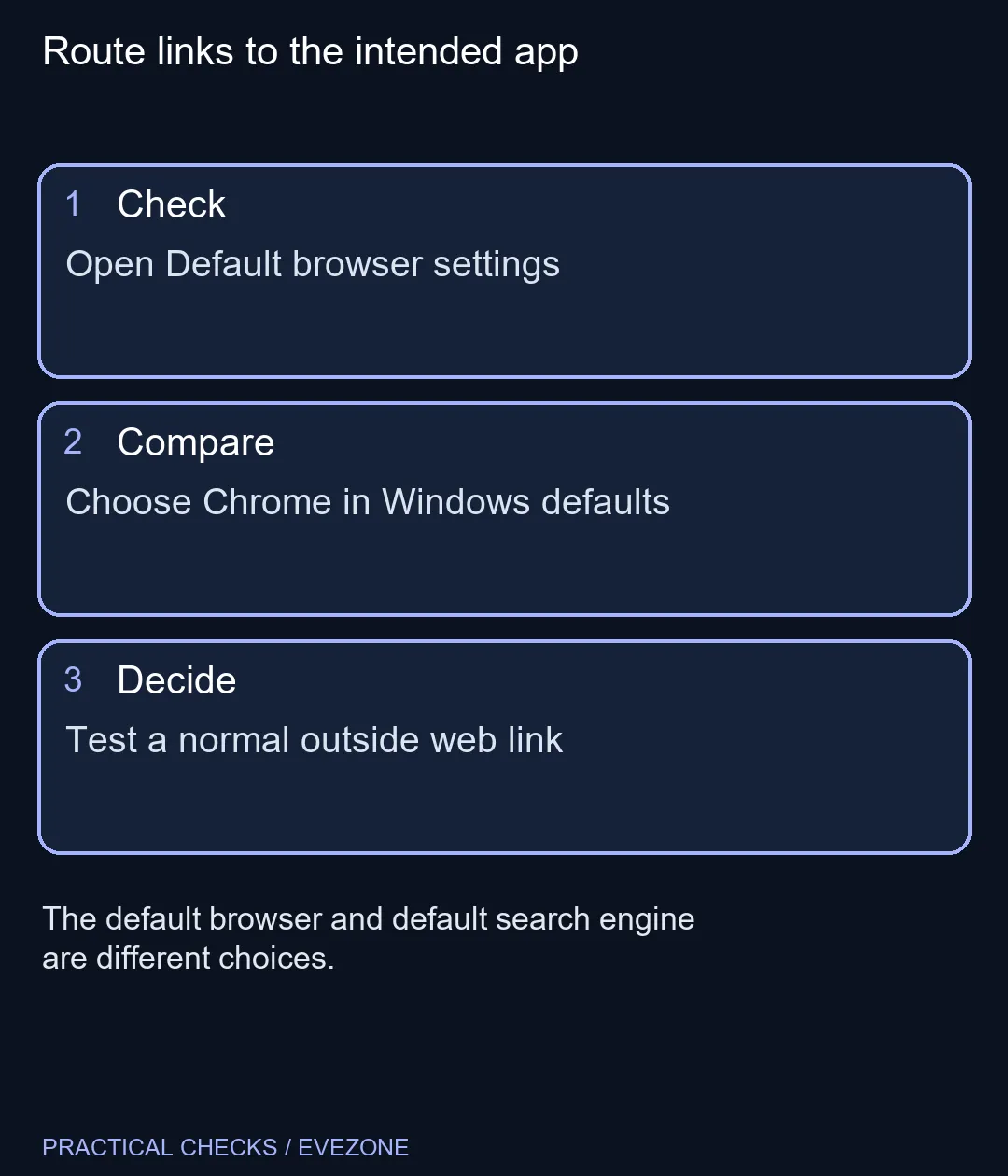
Open Chrome Settings, select Default browser and follow the option to make Chrome the default. On Windows, review the operating system's default-app controls and confirm Google Chrome for the intended web links. This costs R0; installing a second copy of the browser or buying another PC is not the starting fix.
🌐 Follow the handoff into Windows settings
Chrome can lead you to the system setting, but Windows controls the registered default application. Follow the prompt and check the app name before confirming the choice. The visible controls can vary by Windows version, so read the destination screen rather than expecting every machine to show an identical button.
On Windows 11, review the default file types and link types associated with Chrome after selecting Set default. A web-link test is more useful than judging success from a changed browser message alone. Open an ordinary public web link from the application where you noticed the problem and confirm which browser receives it.
Do not test by submitting a transaction or changing an account. A harmless link provides enough evidence for the app-routing check. If one particular program continues to open its own internal browser, examine that program's settings instead of repeatedly changing Windows defaults.
🔎 Keep browser choice separate from search and sign-in
The default search engine is a Chrome setting for address-bar searches. Changing it does not tell Windows which app should receive outside web links. Conversely, choosing Chrome as the system browser does not require you to change your preferred search engine or transfer every saved password.
Installing Chrome is also a separate step from choosing it as default. If it is already installed and opens normally, another installer is unlikely to resolve a mistaken app association. Use the existing installation's settings and check that you are selecting the intended application.
Profiles introduce another distinction. The system may launch Chrome successfully while the browser opens a profile you did not expect. Treat that as a profile or app-starting question, not proof that the default-browser choice failed. Inspect the active profile before signing into anything sensitive.
🧰 Know when a missing option needs help
On an organisation-managed computer, browser and default-app choices may be controlled by the administrator. If the option is unavailable or reverts, record the exact message and ask the device owner or IT team. Do not remove management settings or edit registry values from a generic fix guide.
The current ASUS Vivobook Go 15 Core i3 example was R8,499, which puts the free setting check in perspective. Compare asus laptops and hp laptops only when a separate hardware need justifies it. A link opening in the wrong app is not evidence of inadequate memory, CPU power or storage.
Finish with a repeatable result: a normal outside web link opens in Chrome, the desired profile is visible, and unrelated file types still use the apps you prefer. There is no benefit in changing every association when one web-link setting solves the problem.
Frequently Asked Questions
Where do I start in Chrome?
Open Settings and Default browser, then follow the prompt to the operating system's default-app setting.
Does this choose my search engine too?
No. The address-bar search engine and the system's default browser are separate settings.
Should I reinstall Chrome first?
If Chrome already opens normally, check the default-app choice before trying another installation.
Why does one app still use its own browser window?
Some applications use an internal viewer. Check that app's behaviour separately from ordinary system web links.
What if the setting is managed?
Ask the device owner or administrator. Do not remove management controls to force a personal default.
How can I test the result safely?
Open a harmless public web link from another application and confirm that it arrives in the intended browser.
Route links to the intended app
Open Default browser settings.